
How to Build a High-Converting Wix Online Store Example That Drives Sales
A true Wix online store example isn’t just a polished design; it’s a revenue engine.
Recent research into e-commerce platform adoption found that digital storefronts bring meaningful performance benefits for small businesses when properly configured.
Yet many businesses fall behind, not because their products lack quality, but because their online stores aren’t engineered to perform.
Like Thomas J. Watson said:
“Good design is good business.”
The same principle applies here: your store should do more than look good; it should guide every visitor toward action.
In this guide, we’ll go beyond surface-level design.
You’ll explore real Wix online store examples, uncover the strategic features that drive sales, and learn how to build your own store with purpose, precision, and measurable growth in mind.
Key Takeaways
|
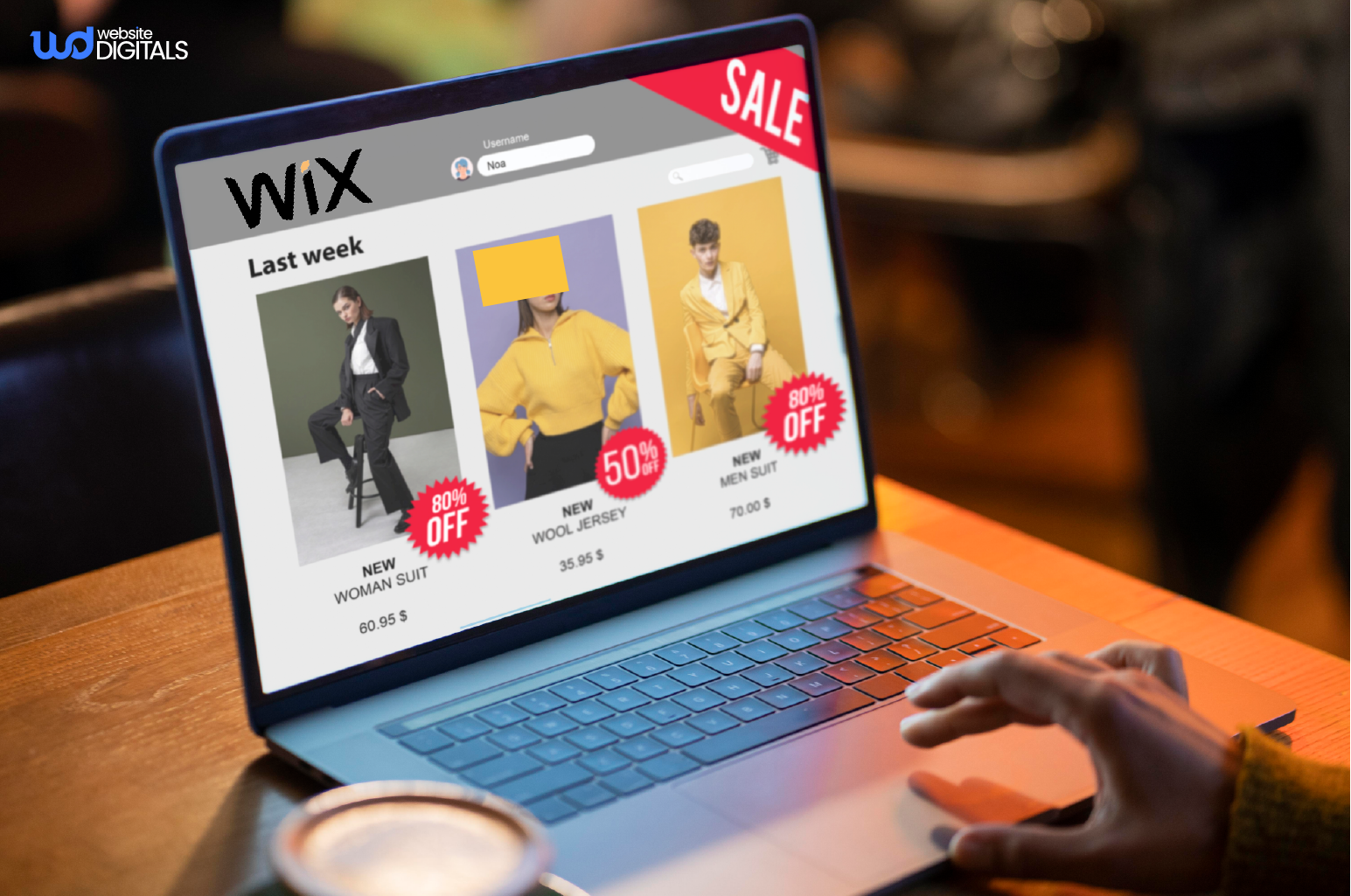
The Core Features Wix Offers for Building an Online Store
A well-structured ecommerce platform needs more than design; it must perform, scale, and remain secure.
Wix offers all of that under one roof, making it a strong contender for small and mid-sized businesses across the U.S.
Below are some of the key features that make Wix a powerful choice for building an online store.
-
Product and Inventory Management
Through its product catalog system, Wix lets you add, organize, and track unlimited products.
You can manage inventory, variants, and SKUs in real time, ideal for small teams juggling multiple product lines or even digital product sales.
-
Secure Payments and Checkout Experience
The checkout page supports secure payment gateways such as PayPal, Stripe, and Wix Payments.
All transactions are protected with SSL certificates and comply with PCI DSS standards.
This level of compliance builds buyer confidence and reduces cart abandonment, key metrics that impact conversion optimization.
-
Shipping and Tax Configuration
For U.S.-based merchants, Wix simplifies shipping settings and tax configuration, allowing state-by-state automation.
You can set order fulfillment preferences, offer free shipping thresholds, and integrate carriers directly for smoother logistics.
-
Marketing and SEO Integrations
Built-in marketing integrations allow you to connect with platforms like Facebook, Instagram, and Google Analytics.
Wix’s SEO optimization tools let you control meta titles, alt tags, and redirects, giving you flexibility similar to what marketers compare in seo wix vs WordPress discussions.
-
Comprehensive Analytics and Reporting
Wix Analytics offers insights into traffic, conversions, and revenue trends.
Combined with Google Analytics, this gives businesses full visibility into user behavior, which supports data-driven decisions around pricing, campaigns, and seasonal offers.
Essential Integrations to Boost Your Wix Ecommerce Operations
|
Integration Type |
Example Tools |
Purpose |
|
Email Automation |
Mailchimp, Klaviyo |
Automate post-purchase emails |
|
CRM |
HubSpot, Zoho |
Manage customer relationships |
|
Analytics |
Google Analytics, Hotjar |
Track user behavior |
|
Fulfillment |
Printful, Shippo |
Streamline order fulfillment |
The Strategy Behind Successful Wix Online Stores
Behind every high-performing Wix online store example, there’s a strategic foundation.
The most profitable stores don’t just rely on templates; they combine design, usability, and psychology to encourage conversions.
Let’s explore the core strategies that set successful Wix stores apart from the rest.
-
Consistent Branding and Design
Your store branding, colors, typography, and imagery should reflect your business identity.
Professional Wix sites use drag-and-drop website design tools to create clean, memorable layouts that stay visually cohesive across pages.
A mobile-friendly store isn’t optional anymore.
Mobile-optimized sites convert up to 27% more visitors, and Wix templates are designed to meet that standard through responsive design and fast loading speeds.
-
Conversion-Focused Checkout
The best stores simplify the purchase journey.
Checkout optimization, from displaying delivery costs early to offering one-click payment, is a consistent hallmark of top-performing Wix ecommerce sample stores.
-
Building Trust and Transparency
Visible SSL certificates, professional product descriptions, and transparent return policies help increase business branding credibility.
This aligns with Better Business Bureau (BBB) principles of consumer trust
How to Build a Professional Wix Online Store (Step-by-Step)
Building a professional Wix store doesn’t require coding, but it does demand structure and intent.
Here are the steps that you need to follow to build a professional Wix online store:
Step 1: Choose the Right Template
Begin with a Wix store template example suited to your niche.
From fashion to online retail websites, Wix provides industry-ready layouts that minimize design time.
Step 2: Customize Design and Branding
Tailor fonts, colors, and layouts for brand consistency.
A strong design enhances brand recall and positions your site competitively against other platforms like Weebly vs Wix or Shopify Inc.
Step 3: Add Products and Organize Categories
Upload product images, write optimized descriptions, and use product images and descriptions that reinforce search relevance.
Enable product filtering options to improve discoverability and customer satisfaction.
Step 4: Configure Payments and Taxes
Connect Wix Payments, PayPal, or Stripe for secure processing.
Automate tax configuration for compliance and reduce manual errors in checkout.
Step 5: Set Up Shipping Rules
Wix’s flexible shipping settings allow domestic and international configurations.
Add delivery estimates, order management notifications, and clear return terms to reduce disputes.
Step 6: Optimize for SEO
Incorporate your secondary keywords naturally in meta titles and alt tags.
Add structured data markup following Google Search Central guidelines to help search engines understand your content.
Step 7: Test and Launch
Test across devices to ensure a mobile commerce-ready experience.
Check checkout flow, page speed, and multichannel selling integrations to avoid performance issues post-launch.
Step 8: Analyze and Improve
Post-launch, use analytics to refine your content and pricing.
Track customer behavior, A/B test pages, and monitor conversion optimization metrics.
Real-World Wix Online Store Examples That Inspire.
|
The Spice Suite, founded by Angel Gregorio, used Wix to transform her local spice shop into a nationwide brand. With a vibrant design, seamless checkout, and mobile-optimized experience, her Wix store mirrors the in-store energy and sells out within minutes of restocking. |
|
Ballet Papier used Wix and Printful to transform from a small art brand into a global ecommerce store. With Wix’s design flexibility and Printful’s on-demand production, they scaled worldwide while keeping full creative control and zero inventory costs. |
Where Most Wix Stores Go Wrong (and How to Get It Right)
Even though Wix simplifies e-commerce, many businesses make avoidable mistakes that limit growth.
-
Overcomplicated Design
Heavy animations or large files affect speed.
Keep layouts light to meet Google’s Core Web Vitals standards and maintain user focus.
-
Ignoring SEO Setup
Many store owners skip foundational SEO.
Without optimization, your online business website won’t rank or attract qualified leads.
Comparing seo wix vs WordPress can help identify SEO gaps worth fixing.
-
Weak Mobile Experience
Neglecting mobile layout hurts conversions. Make sure buttons, images, and text scale seamlessly across devices.
-
Confusing Checkout Process
A simple, transparent checkout page with upfront pricing and visible payment gateway options boosts trust and completion rates.
-
Missing Trust Signals
Without SSL certificates, customer reviews, or social proof, even quality stores appear untrustworthy.
Linking to entities like the U.S. Small Business Administration (SBA) or the National Retail Federation (NRF) can strengthen your site’s credibility.
Note:
|
Success on Wix isn’t about using every feature, it’s about using the right ones strategically. Keep your store lightweight, data-driven, and user-centric. Each feature should serve a clear purpose: to enhance navigation, speed, or conversion flow. |
Turning a Good Wix Store into a Market-Leading One
Once your store is live, the real growth begins.
Focus on optimization and scaling to refine performance, boost conversions, and turn a good store into a great one.
Here’s what you need to do:
-
Use Data-Driven Insights
Monitor sales and engagement metrics through Wix Analytics. Identify which product listings perform best and adjust inventory or pricing accordingly.
- Leverage SEO and Marketing
Sustain growth through content optimization, backlinks, and local SEO.
- Enhance Customer Retention
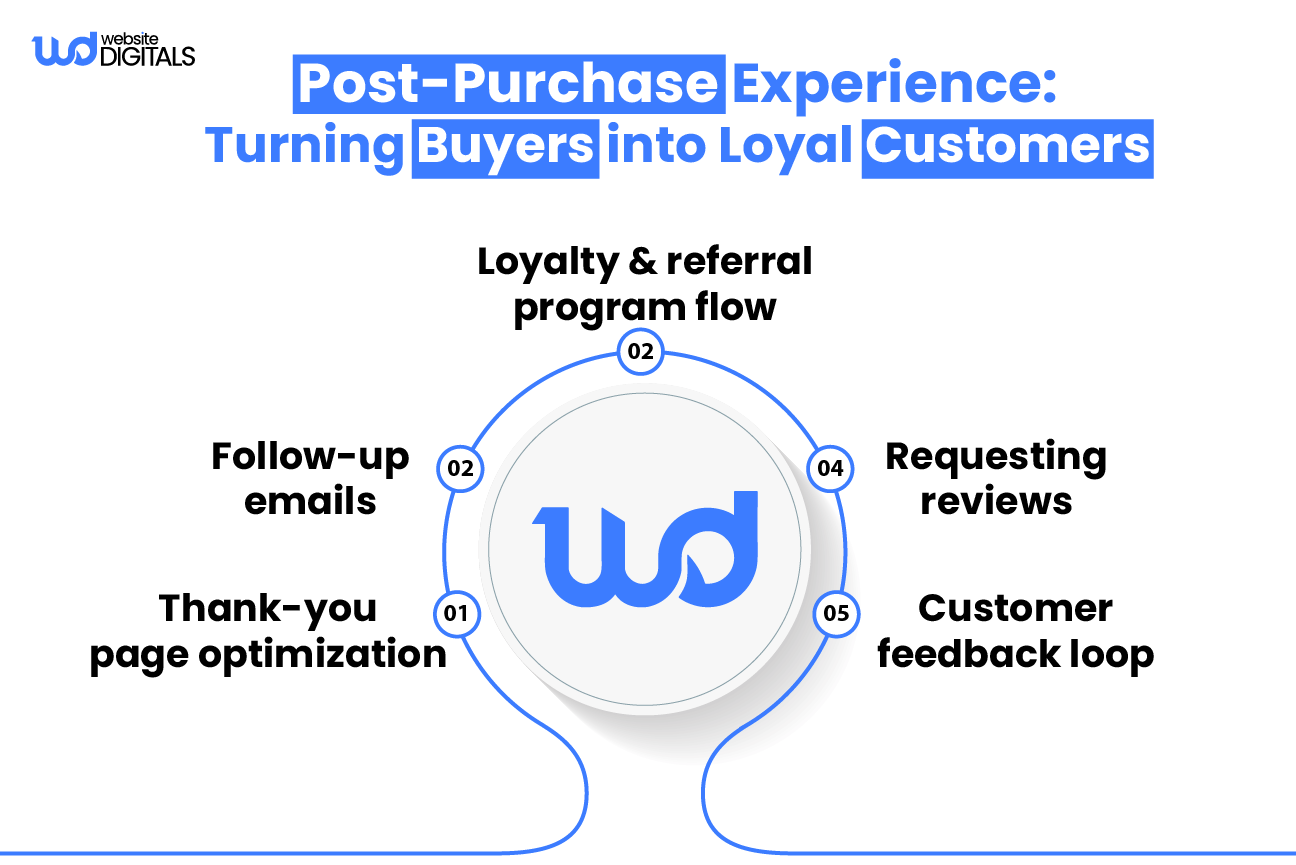
Add features like wishlists, loyalty programs, and automated email reminders.
Integrate Printful for print-on-demand products or add-on selling apps through Wix store apps.
- Build Authority and Social Proof
Showcase testimonials, trust badges, and reviews to increase conversions.
Highlight media mentions or certifications from recognized organizations.
- Audit and Maintain Performance
Conduct quarterly site audits for speed, UX, and SEO.
Ongoing maintenance ensures long-term success in a competitive ecommerce platform environment.
Bonus Point:
|
If you’re already generating consistent traffic, integrate upselling and cross-selling apps from the Wix App Market. Pair them with automated email campaigns to boost average order value. |
Partnering with Professionals: Building a Wix Store That Converts
While Wix empowers users with flexibility, scaling a store that consistently generates leads and sales requires expertise.
Partnering with professionals in web development, SEO, and design ensures your site performs at its best.
-
Why Professional Support Matters
Experts understand how to align branding, UX, and conversion strategy.
They manage complex tasks like business email setup, domain name configuration, and compliance with PCI DSS standards.
-
The Technical Advantage
Professional developers fine-tune web development, design automation workflows, and ensure that integrations with marketing integrations platforms function seamlessly.
They also handle analytics setup, helping you interpret data that drives smarter decisions.
-
Tailored Growth Planning
Partnering with a digital agency doesn’t just improve visuals; it helps you build scalable systems.
From checkout design to retention marketing, professionals ensure your store evolves with your business goals.
Ready to Build Your Own High-Converting Wix Store?
A great store doesn’t happen by chance; it’s built with strategy, design, and data.
Whether you’re starting fresh or want to revamp your existing site, Website Digitals can help you design, optimize, and scale a Wix ecommerce store that drives measurable growth.
Reach out now at (646) 222-3598 or info@websitedigitals.com, and let’s create your next Wix online store example that inspires and sells.






