
Expert WordPress Website Optimization Tips to Boost Your Site’s Speed and Conversion Rate
You’ve optimized your ads, your design, your content—but your conversions still lag. The problem isn’t strategy; it’s speed. Visitors expect instant results, and even a slight delay can cost you sales.
As Amazon’s Jeff Bezos once said,
“Speed matters in business; every millisecond counts.”
Research found that a 100-millisecond delay can lead to a 7% drop in conversions.
That’s why implementing the right WordPress website optimization tips is crucial.
A fast, secure, and search-optimized WordPress site doesn’t just improve performance but also improves your brand’s credibility.
Let’s explore how you can turn speed into sales and performance into profit.
Key Takeaways:
|

What You Can Achieve with a Faster WordPress Website
-
Better User Experience
A well-optimized website loads quickly, responds instantly, and keeps users engaged.
Faster pages encourage customers to explore products, read content, and complete purchases.
Slow websites, on the other hand, often push potential buyers away before they even see what you offer.
Optimized sites also perform better across devices.
With more users browsing on mobile, mobile optimization ensures your visitors get a consistent experience no matter how they access your site.
-
Higher Conversions
Studies show that a one-second delay in page load time can reduce conversion rates by 2.4–7.1%, a reminder that even small speed improvements can lead to measurable revenue gains.
For e-commerce brands, that difference often means fewer abandoned carts and more satisfied customers.
The faster your site responds, the smoother the user journey, and the easier it becomes to turn browsers into buyers.
-
SEO Advantages
Google has made it clear that Core Web Vitals, such as loading speed and interactivity, are ranking signals.
A fast, technically sound website gives search engines confidence that your business is reliable and trustworthy.
Implementing proper website optimization, structured data, and SEO performance practices ensures that both users and search engines can easily navigate and understand your site.
Note:
|
If you’re exploring how to improve SEO for your WordPress website, focus on clean coding, optimized plugins, and structured data to help search engines and users navigate smoothly. |
-
Long-Term Business Benefits
Speed optimization doesn’t just help with traffic; it improves your overall site performance.
Lower bounce rates, longer session durations, and repeat visitors all contribute to long-term ROI.
A faster site means lower bandwidth usage and better hosting efficiency, saving operational costs while enhancing brand credibility.
Real World Case Study:
|
One standout example is WPBeginner, which transformed its site speed by refining caching, compressing images, and adding a global CDN. The result? Pages now load in just 400–700 milliseconds, leading to faster browsing, stronger SEO, and higher user engagement. |
Expert Tips for Optimizing Your WordPress Website Speed
Tip 1: Optimize Images
Large, uncompressed images are among the biggest culprits behind slow websites.
Use image optimization tools like TinyPNG or ShortPixel to compress files without losing quality. Implement lazy loading so images load only when users scroll to them, reducing initial load times.
Pro Tip:
|
Before you start optimizing, record your current load speed using tools like Google PageSpeed Insights or GTmetrix. Testing before and after changes helps you measure real impact and avoid unnecessary tweaks that don’t move the needle. |
Tip 2: Choose the Right Hosting Provider
A quality hosting provider forms the foundation of website performance.
Avoid overcrowded shared servers and consider faster WordPress hosting options such as managed hosting or cloud servers.
Reliable hosting ensures stable uptime, improved caching, and better scalability.
Tip 3: Use Caching Effectively
Caching helps browsers temporarily store website data, so returning visitors experience faster load times.
Plugins like WP Rocket or W3 Total Cache can efficiently manage caching and Gzip compression, significantly improving response time.
For example:
|
WordPress.org and Yoast SEO recommend using caching as a first step to performance improvement. |
Tip 4: Minify CSS, JavaScript, and HTML
Unnecessary spaces and characters in code can slow down your site.
Tools for JavaScript and CSS minification help streamline code, reducing file sizes and speeding up page loads.
You can use optimization plugins or manual minification tools during your web development process.
Note:
|
Installing too many plugins might seem convenient, but it often slows your site. Always pick trusted, regularly updated plugins with solid support rather than stacking multiple tools that do the same job. |
Tip 5: Implement a Content Delivery Network (CDN)
A content delivery network (CDN) stores your site’s content on multiple servers across the world.
It ensures users access data from the nearest server, reducing latency and HTTP requests. Services like Cloudflare and StackPath integrate easily with WordPress and provide added security.
Tip 6: Database Optimization
Over time, WordPress databases become cluttered with unnecessary data.
Use tools like WP-Optimize to perform regular database optimization and cleanup.
This removes outdated revisions, spam comments, and other excess files that slow performance.
Tip 7: Reduce HTTP Requests
Each element on your page, images, CSS, and scripts, requires an HTTP request.
The more requests, the slower the site. Combine files, use fewer external scripts, and limit the number of plugins to keep your page load time fast.
Bonus: How to Secure Your WordPress Website
Performance is meaningless without security.
Use:
- SSL certificates,
- Update themes
- Update plugins regularly
- And install a reliable security plugin.
Following these security practices, you not only protect your data but also build customer trust.
Read More: How to Secure WordPress Website
Advanced Strategies for Higher Conversion Rates
-
Mobile Optimization
With the majority of traffic coming from smartphones, mobile optimization is non-negotiable.
Test your website on multiple devices using Google PageSpeed Insights or Google Lighthouse to ensure a seamless experience across screen sizes.
-
Improve UX Design
Smooth navigation and clear calls-to-action reduce friction and help users complete their goals faster.
Streamlined UX design also supports your broader marketing goals by creating a consistent brand experience.
Note:
|
A visually rich site doesn’t have to be slow. Use lightweight themes and optimized media to maintain design quality without sacrificing speed. |
-
A/B Testing for Conversions
Experimenting with headlines, images, and layouts using A/B testing tools can reveal what drives more conversions.
Test variations regularly to find combinations that lead to higher engagement and purchases.
-
Track & Analyze Performance
Use Google Webmasters (Google Search Central) and analytics tools to measure improvements.
Tracking speed, engagement, and conversion metrics helps identify areas that need fine-tuning. Continuous performance monitoring ensures your website remains fast and reliable.
-
SEO + Web Development Integration
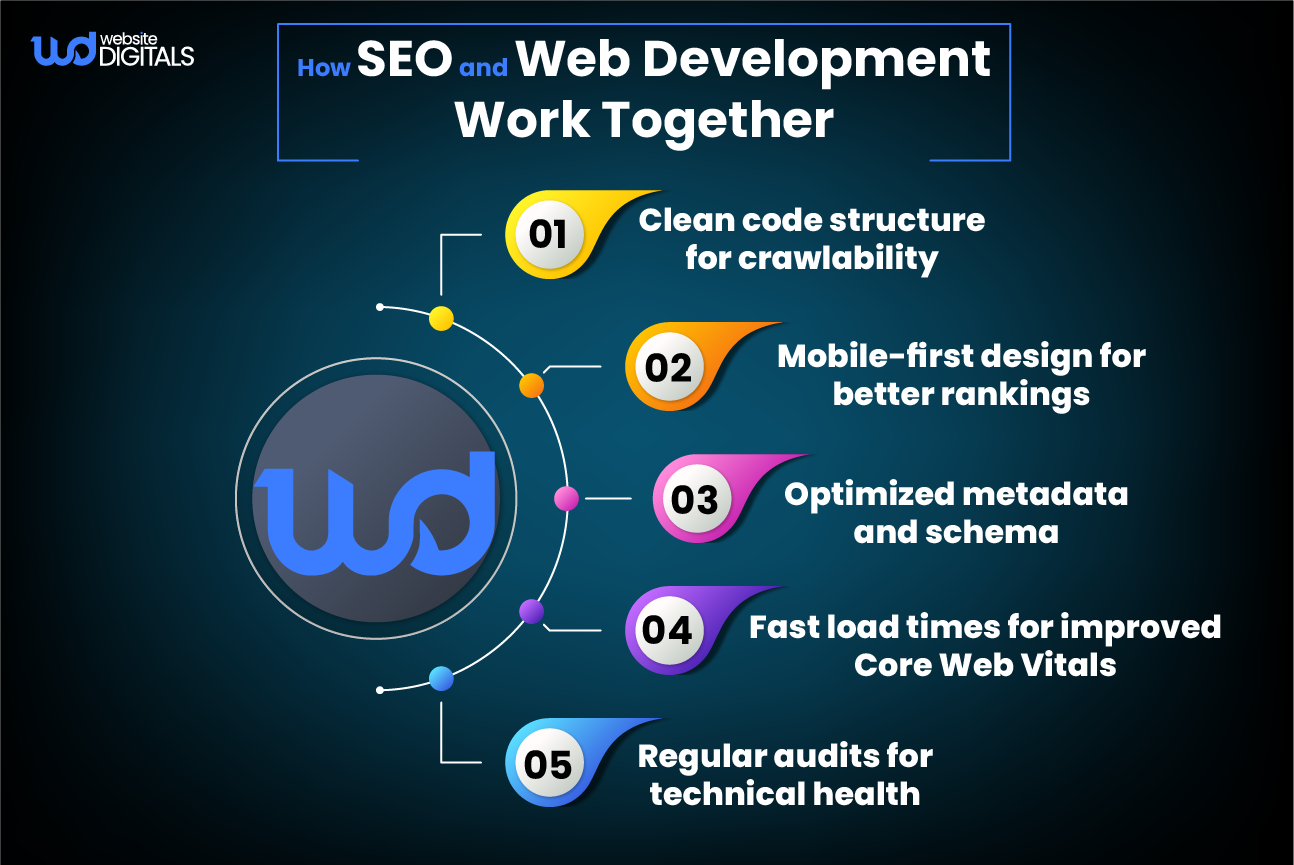
Strong web development practices go hand-in-hand with SEO.
From structured markup to clean coding and optimized plugins, integrating both disciplines ensures consistent technical health.
This is especially crucial for a WordPress B2B website development company serving clients that demand measurable performance results.
DIY vs. Professional WordPress Optimization: Which Delivers Real Results
|
Aspect |
DIY Approach |
Professional Services |
|
Expertise |
Relies on tutorials and limited technical knowledge. |
Managed by experts with proven WordPress performance experience. |
|
Speed & Efficiency |
Takes time and trial-and-error to implement changes. |
Quick, data-driven optimization with measurable improvements. |
|
Tools & Techniques |
Basic plugins and free tools. |
Advanced tools like Google Lighthouse, WP Rocket, and Core Web Vitals tracking. |
|
Results & Reliability |
Inconsistent performance gains; easy to miss key issues. |
Consistent load-time improvements, stronger SEO performance, and better uptime. |
|
Long-Term Value |
Lower upfront cost but limited impact on conversions. |
Sustainable ROI through faster pages, higher conversions, and better security. |
What You’ll Gain with Our WordPress Optimization Services
-
Custom Optimization Plans
We develop tailored strategies that address your site’s specific performance bottlenecks and goals.
-
Full Performance Audits
Using tools like Google Lighthouse and Google PageSpeed Insights, we perform in-depth audits to uncover what’s slowing your website and how to fix it efficiently.
-
Proven Speed Techniques
We apply trusted techniques, image compression, code cleanup, and site caching plugin configuration to achieve faster load times and a smoother experience for your users.
-
Real and Measurable Results
Clients typically experience a 30–50% improvement in site performance, higher conversions, and better SEO performance within weeks of implementation.
-
Ongoing Expert Support
Our continuous monitoring and proactive maintenance ensure your site stays optimized, secure, and aligned with search engine standards.
Wrapping It Up
Speed, security, and SEO are no longer optional; they define how customers perceive your brand online.
These WordPress website optimization tips help your business enhance performance, build credibility, and drive conversions.
If your site struggles with performance issues or inconsistent load times, our experts can help.
As a trusted WordPress B2B website development company, we deliver measurable results that improve your online visibility and user satisfaction.
Take the Next Step, Let’s Improve Your Website Performance
Ready to make your website faster, more secure, and conversion-focused?
Get your free website audit today. Let our specialists at Website Digitals analyze your current setup and recommend practical, result-driven improvements tailored to your business needs.
To get started, reach out to our team at info@websitedigitals.com or call us at (646)-222-3598. Our experts are ready to help you unlock your website’s full potential and turn performance into profit.
FAQs
Why should I choose Website Digitals for WordPress optimization?
At Website Digitals, we specialize in performance-driven WordPress solutions tailored for eCommerce and B2B sites. Our experts combine technical precision with proven SEO and UX strategies to make your website faster, more secure, and conversion-focused.
Does Website Digitals offer customized optimization plans?
Yes. Every website is unique, so our team provides personalized audits and custom optimization strategies that align with your specific goals, audience, and technology stack.
How to speed up a WordPress site?
You can improve speed by enabling caching, compressing images, using a Content Delivery Network (CDN), and choosing reliable hosting. These steps significantly reduce load time and enhance user experience.
How to make WordPress websites faster?
To make your WordPress website faster, optimize code, minimize plugins, and use performance tools like Google Lighthouse or WP Rocket for consistent improvements.
What are common mistakes in WordPress optimization?
Common mistakes include using too many plugins, ignoring database cleanup, skipping image optimization, and failing to update themes or plugins regularly.
What are the best WordPress optimization plugins?
Top-performing plugins include WP Rocket, W3 Total Cache, Autoptimize, and Smush. These help with caching, code minification, and image compression.
What are WordPress speed optimization services?
These services focus on improving your site’s performance through caching, CDN setup, code cleanup, and Core Web Vitals optimization to ensure faster load times and better SEO.
Why hire WordPress performance experts?
Hiring experts ensures deep technical analysis, hands-on implementation, and measurable improvements in site speed, SEO, and conversion rates, beyond what DIY methods can achieve.
What are the best WordPress site speed test tools?
Popular tools include Google PageSpeed Insights, GTmetrix, and Pingdom. They provide insights on load time, Core Web Vitals, and areas needing optimization.






