
This blog explains what a Content Management System (CMS) is and how it empowers e-commerce businesses to manage content efficiently, scale faster, and reduce reliance on technical teams. It highlights CMS types, core components, and best practices that improve SEO, security, and operational agility.
Understanding What is Content Management System CMS for E-commerce Success
You’ve built an online store and you’re getting traffic, but your content updates are sluggish, your product pages are inconsistent, and your team is reliant on IT due to rigid web development workflows.
That signals a deeper issue: not grasping what is Content Management System CMS and what it could do for you.
A recent study found that 61% of teams are using more than one CMS, resulting in fragmented content and slower time-to-market.
It’s clear the pain point isn’t just technology, it’s the mindset.
The lack of understanding about CMS benefits holds back your performance.
In this blog, we’ll lift the veil on CMS, explain how it supports seamless e-commerce workflows, and show you how to turn content into a competitive advantage.
Key Takeaways
|
The Role of CMS in E-Commerce: Streamlining Operations and Driving Growth
A robust CMS simplifies managing website content, allowing businesses to focus on strategy rather than technicalities.
With drag-and-drop functionality and user-friendly CMS interfaces, non-technical teams can easily update product catalogs and inventory, speeding up time-to-market and enhancing customer engagement.
For e-commerce, scalability is key.
Features like multi-site management, mobile CMS, and e-commerce CMS integrations help businesses adapt to market changes while ensuring brand consistency across all digital touchpoints.
Understanding the Key Components of a CMS: CMA and CDA
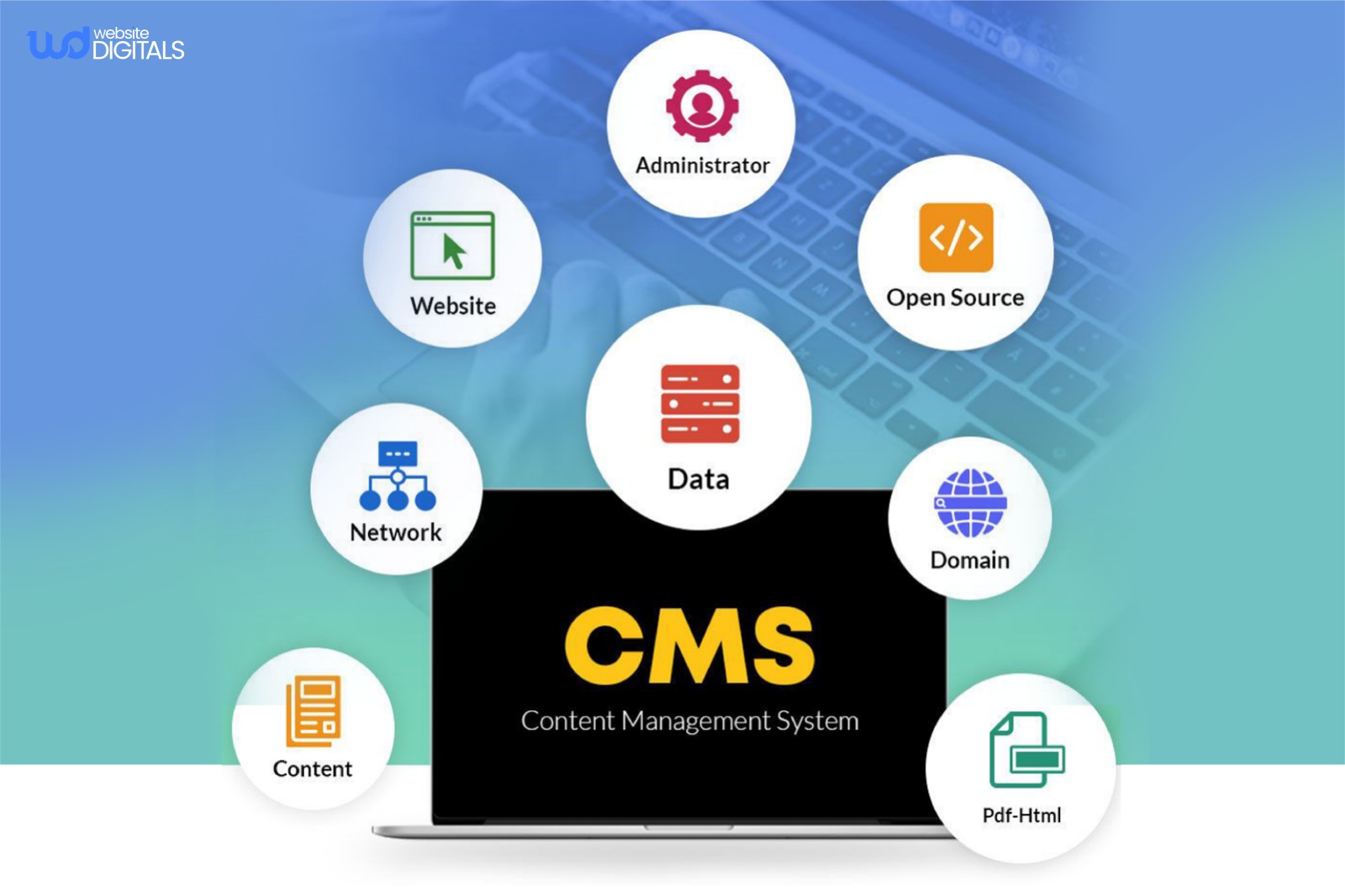
A modern CMS is typically composed of two main components:
- Content Management Application (CMA):
The front-end interface, where users create and manage content.
This WYSIWYG editor simplifies content creation, allowing non-technical users to add text, images, videos, and more without coding expertise.
- Content Delivery Application (CDA):
The back-end system that automates the delivery of content to users across devices.
It ensures high-speed content delivery, SEO optimization, and security, ensuring a seamless experience for site visitors.
Exploring Different Types of CMS Platforms
There are four main types of CMS solutions to consider when choosing a platform:
- Headless CMS: Focuses on content delivery through APIs, offering flexibility across multiple devices and platforms, often implemented using headless CMS React architectures for scalable, component-driven storefronts.
- Open-Source CMS: Platforms like WordPress and Drupal offer customization and flexibility but require ongoing maintenance.
- Hybrid CMS: Combines elements of traditional and headless CMS approaches, offering both flexibility and user-friendly operations.
- SaaS CMS: Hosted in the cloud, these platforms, like Squarespace and HubSpot CMS, are easy to deploy but may offer limited customization for growing businesses.
Key Best Practices for CMS Implementation
|
Best Practice |
Description |
|
Security |
Choose a platform with built-in security features like web application firewalls (WAF) and content delivery networks (CDNs), similar to those used in CMS development for healthcare, to protect against vulnerabilities and sensitive data exposure. |
|
Content Workflow Optimization |
Design an efficient workflow that streamlines content creation, approval, and publishing. Use staging environments to preview changes before going live, reducing the risk of errors. |
|
Training and Support |
Ongoing training ensures that your team is proficient in using the CMS and following governance policies. |
|
Collaboration Features |
Implement role-based access to allow secure and collaborative content management, ensuring teams can work efficiently while maintaining CMS security. |
|
Continuous Updates & Maintenance |
Ensure the platform receives regular updates to stay secure and scalable, with enhanced features to support business growth. |
Bonus Tip: Optimize Your CMS for SEO and Performance
|
Leverage built-in SEO tools and ensure fast loading times through optimized media and CDN integration, and modern front-end frameworks such as a Next.js CMS architecture. |
How CMS Platforms Boost E-Commerce Operations
In e-commerce, the right CMS can drive efficiency, consistency, and growth.
From inventory management to product catalog updates, a CMS enables businesses to update their website in real-time, improving the customer experience and accelerating time-to-market.
-
Increased Collaboration:
CMS platforms promote teamwork by offering role-based permissions and real-time collaboration features, allowing multiple stakeholders to work on content simultaneously without the risk of version conflicts.
-
Scalability:
As your business grows, your CMS should grow with it.
Ensure the platform can handle increased traffic, expanding product catalogs, and additional sites as your brand scales.
Real World Case Study:
|
WordPress, the most popular open-source CMS, powers over 43% of all websites worldwide (WPZOOM). A Forrester Research report reveals that 69% of B2C leaders increased CMS investments in 2024 (Forrester), proving that understanding what is Content Management System CMS and choosing the right one drives scalability, agility, and business growth. |
Comparing Manual Website Management vs. CMS Platform Approach
|
Manual Website Management |
CMS Platform Approach |
Business Impact |
|
Static HTML coding required |
Visual interface editing |
Faster content updates |
|
Individual file uploads |
Automated publishing |
Reduced technical overhead |
|
Technical expertise needed |
User-friendly operations |
Broader team accessibility |
|
Limited scalability |
Flexible growth capacity |
Future-proof investment |
Conclusion: Choosing the Right CMS for E-Commerce Success
Understanding what is Content Management System CMS goes beyond definitions but about taking advantage of its potential to grow your digital presence.
A strong and custom-built CMS enhances content efficiency, boosts SEO, and ensures seamless user experiences.
For growing e-commerce brands, investing in expert CMS development guarantees scalability, security, and long-term success.
At Website Digitals, we craft fast, secure, and tailored CMS solutions designed to help your business thrive. Contact us at websitedigitals@gmail.com or call (646)-222-3598 to start your CMS development journey today.
FAQs
Why choose Website Digitals for CMS development?
At Website Digitals, we specialize in custom CMS development that combines SEO-friendly design, scalability, and seamless integrations, helping your business grow faster online.
Does Website Digitals offer CMS support after project completion?
Yes, our experts provide post-launch maintenance, CMS security updates, and content management training to ensure your platform continues to perform at its best.
What is a Content Management System (CMS)?
A CMS is a software platform that allows users to create, manage, and publish website content without needing to code manually.
How does a CMS work?
A CMS works through two main components: the Content Management Application (CMA) for editing and the Content Delivery Application (CDA) for publishing content online.
What is the difference between CMS and a website builder?
A CMS offers more flexibility, scalability, and customization options, while a website builder is ideal for quick setups with limited design control.
How to choose the best CMS platform?
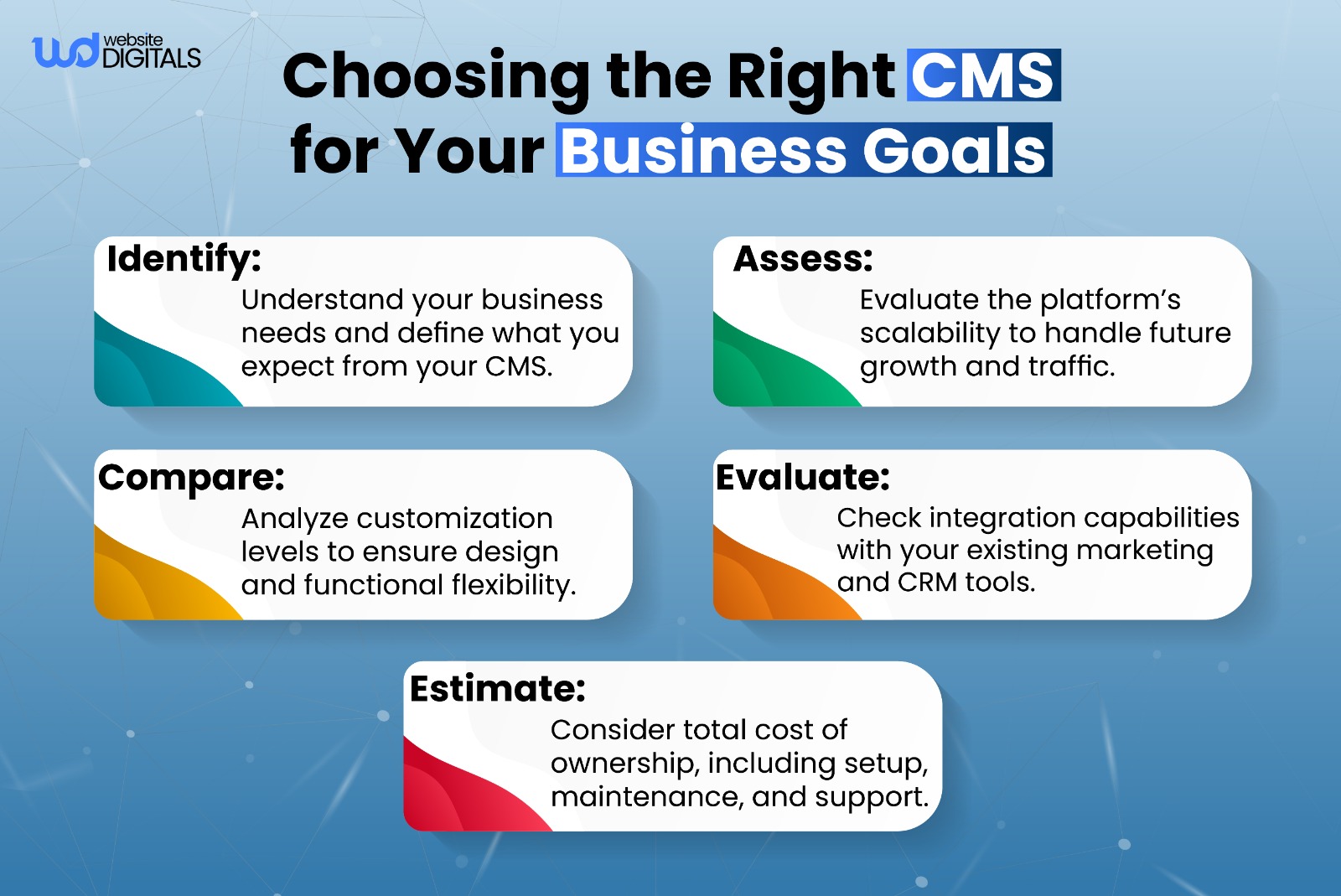
Choose a CMS that aligns with your business goals, supports SEO optimization, offers strong CMS security, and integrates easily with marketing tools.
Why do businesses use CMS?
Businesses use CMS platforms to streamline content creation, enhance team collaboration, and deliver consistent brand experiences across digital channels.






