
How to Choose the Right CMS for Complex Enterprise Workflows
When it comes to “how to choose the right CMS” for your enterprise, the decision is more crucial than ever.
For CIOs and Product Leads, selecting a CMS that aligns with complex workflows can be a real challenge. 84% of technology leaders say their CMS is preventing them from unlocking the full value of content. Issues like:
- Siloed data
- Integration struggles
- Disconnected workflows
These all are common barriers that prevent organizations from delivering seamless digital experiences.
Selecting the right CMS goes beyond content management. It’s about removing these obstacles, improving integration, and streamlining processes across departments.
Whether comparing headless CMS vs traditional CMS, the goal is to find a system that best supports your workflows and long-term scalability.
In this blog, we’ll explore the key factors you need to consider when choosing a CMS that aligns with your business needs and accelerates growth.
Key Takeaways
|
Factors to Consider When Choosing a CMS
-
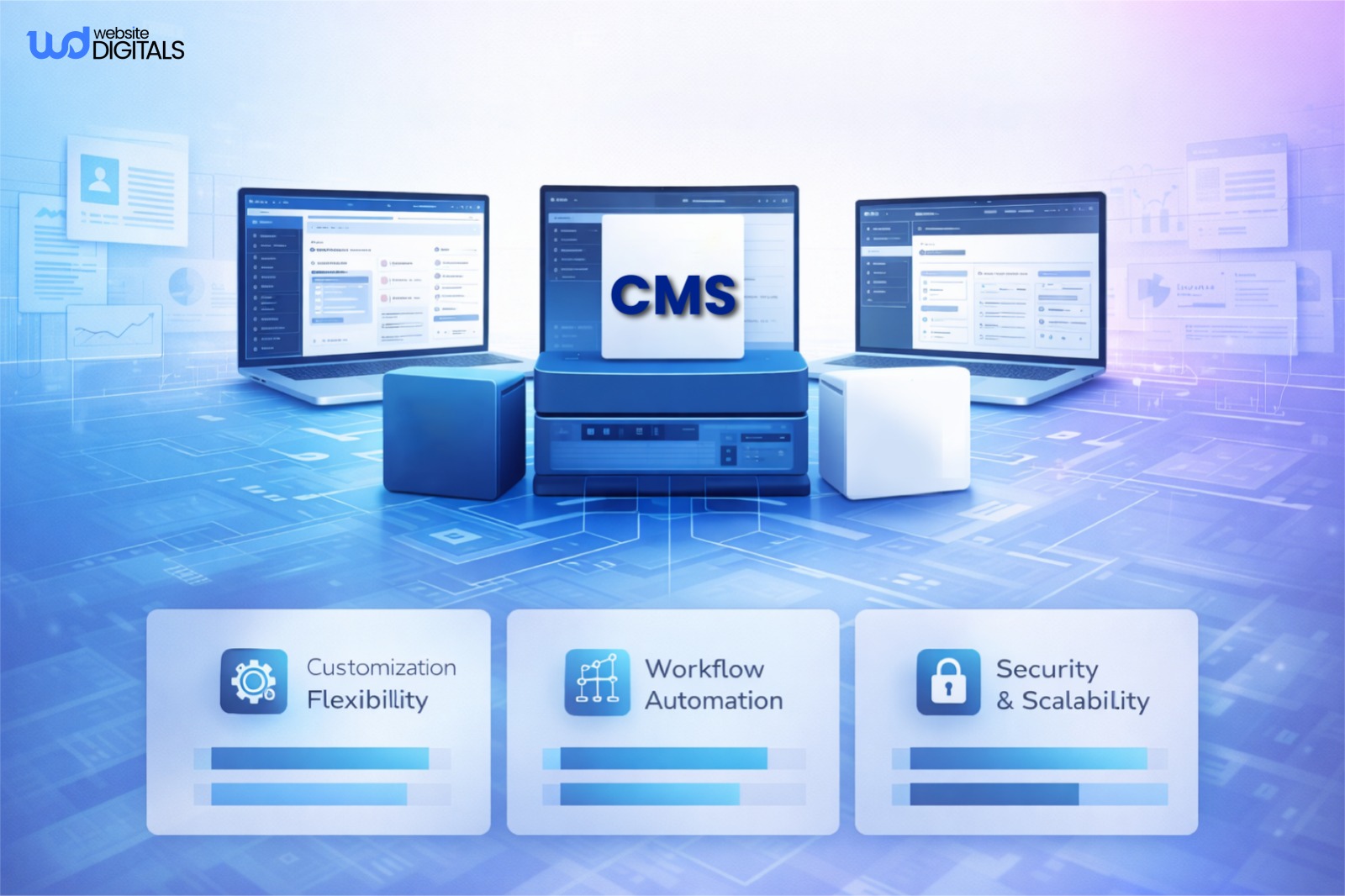
Workflow Customization and Automation
A good CMS must allow dynamic content workflow management with flexible user roles and permissions.
Customization options enable enterprises to adapt to evolving governance and approval structures.
Automation ensures faster publishing cycles and eliminates manual delays.
-
Integration with Existing Enterprise Systems
Complex enterprises rely on interconnected tools.
Your CMS should provide API integration for CRM, ERP, and analytics platforms.
Strong integration capabilities ensure smooth data exchange and efficient implementation without disrupting existing workflows.
This approach also applies to niche industries, for example, CMS development for restaurants often requires seamless POS, delivery, and reservation system integrations to ensure a connected digital experience.
-
Governance, Security, and Compliance
Prioritize security features like encryption, version control, and role-based access.
Compliance with GDPR, WCAG, and internal policies ensures trust and accountability.
Well-structured governance models keep content consistent across global teams.
-
Scalability and Performance Requirements
An enterprise website platform must deliver under pressure.
Look for cloud-based solutions that guarantee uptime, speed, and reliability.
Strong performance optimization tools, along with load balancing and content delivery network support, are key to scaling your digital presence.
Pro Tip:
|
Always test shortlisted CMS platforms through a live demo or trial phase. Real-time testing helps you assess user experience, workflow efficiency, and integration ease before making a final commitment. |
Evaluating CMS Options for Enterprise Needs
-
Technical Fit (Infrastructure, APIs, Compatibility)
Assess the infrastructure, APIs, and compatibility with your existing web development environment.
Consider open source or proprietary solutions depending on customization needs, internal resources, and long-term support.
-
Operational Fit (User Adoption, Maintenance)
The right user interface design, WYSIWYG editor, and drag-and-drop editor improve adoption across departments.
Look for solutions with intuitive dashboards and minimal training requirements.
-
Strategic Fit (Long-Term Scalability and ROI)
Evaluate total cost of ownership, ongoing maintenance, and upgrade process.
A strong ROI analysis includes reduced operational costs, faster workflows, and simplified content strategy execution.
Strategic fit ensures your CMS remains relevant as your enterprise grows.
Real World Case Study:
|
A global enterprise replaced its outdated monolithic CMS with a headless, API-first platform, boosting scalability, performance, and team collaboration. The new setup enabled seamless content delivery across web and mobile, reducing bottlenecks and accelerating digital growth. |
Traditional vs. Headless vs. Hybrid Models
Understanding the benefits of headless CMS helps decision-makers evaluate whether flexibility, omnichannel delivery, and scalability outweigh the simplicity of traditional system
|
Model |
Overview |
Pros |
Cons |
|
Traditional |
All-in-one system managing content and presentation together. |
Simple setup, low cost, user-friendly. |
Limited scalability, harder integrations. |
|
Headless |
Backend-only; delivers content via APIs to any front end. |
Flexible, scalable, omnichannel-ready. |
Developer-dependent, higher setup effort. |
|
Hybrid |
Mix of traditional and headless; supports APIs with visual editing. |
Balanced flexibility, editorial control. |
Higher cost, more complex to manage. |
Best Practices for Managing Complex Workflows with a CMS
-
Map Existing Workflows
Identify approval chains, localization paths, and departmental dependencies before CMS implementation.
Mapping existing content workflows ensures the new content management system aligns with enterprise processes and minimizes disruption during migration.
-
Automate Routine Tasks
Use automation to handle repetitive activities such as content approvals, publishing, and asset updates.
Streamlined workflow customization reduces manual input, enhances team efficiency, and shortens delivery cycles.
-
Centralized Governance
Maintain clear governance frameworks across departments.
Define user roles and permissions, enforce accessibility compliance, and ensure content consistency through standardized processes.
Strong governance prevents duplication and compliance risks.
-
Monitor and Optimize Continuously
Leverage analytics and reporting tools to evaluate publishing efficiency, track engagement, and identify bottlenecks.
Continuous performance optimization helps refine your content strategy and ensures sustainable productivity gains.
Conclusion: Making Your Final CMS Decision
After reviewing the factors discussed, it’s time to make your final CMS choice.
When deciding how to choose the right CMS, ensure it fits your enterprise’s goals, integrates with current systems, and meets security and compliance standards.
For expert guidance in CMS development and a seamless implementation, Website Digitals is here to help. Reach out today at info@websitedigitals.com or call us (646)-222-3598, let’s bring your digital vision to life!
FAQs
What is a Content Management System and how do I pick the right one?
A CMS allows you to manage and update content without needing coding skills. When selecting the right one, consider your team’s workflow, ease of use, and future scalability. At Website Digitals, we specialize in developing custom CMS solutions tailored to your specific needs, helping you streamline content management and achieve your business goals.
How can website digitals help me choose the right CMS?
We evaluate your unique needs and guide you through selecting a CMS that boosts efficiency, integrates with existing systems, and scales as your business grows.
How to pick the best cms for a small business website?
For a small business, you want a CMS that’s easy to use, affordable, and flexible. Platforms like WordPress or Wix are perfect for getting started, but the right choice depends on your specific goals. We can help you make the smart pick.
What should I look for when choosing a CMS?
Look for a CMS that’s easy to use, integrates well with your tools, scales as you grow, and provides solid security. Consider these essentials to ensure long-term success.
What key questions should I ask a cms vendor?
When evaluating CMS vendors, ask about their platform’s ease of integration, customization options, support services, and future scalability. It’s important to understand both upfront and ongoing costs.






