
Fix Website Issues Quickly: What to Do When Your Site Breaks
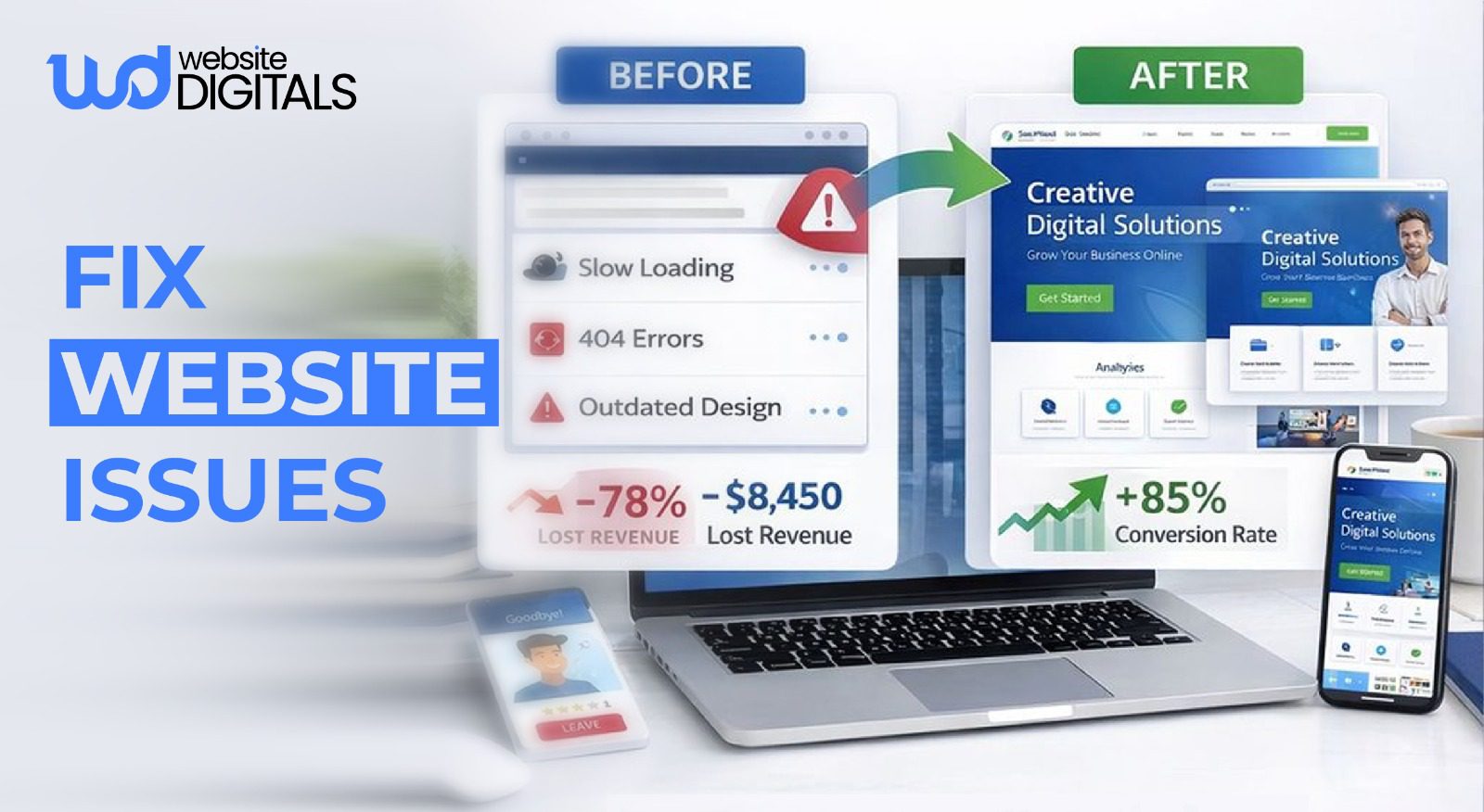
One broken page can undo weeks of marketing, paid traffic, and customer trust in seconds.
When checkouts fail, campaigns stall, and support tickets flood in, teams are forced to fix website issues under intense pressure, often while revenue is actively slipping away.
The damage doesn’t stop there. Research shows that 88% of users are less likely to return after a poor website experience, turning short-term technical failures into long-term losses.
This is why Benjamin Franklin’s reminder still matters:
“An ounce of prevention is worth a pound of cure.”
In a digital context, it means knowing how to respond quickly when things break, and putting preventive systems in place before issues escalate.
In this guide, we’ll explore both immediate response steps and the maintenance practices that help keep your website stable, secure, and dependable.
Key Takeaways
|
The 5 Most Common Causes of Website Failures
Before you can apply a solution, you must diagnose the cause. Most website errors fall into one of five categories.
Narrowing this down quickly prevents you from wasting hours on the wrong fix.
-
Plugin Conflicts
A plugin conflict occurs when two tools try to perform the same task or when a plugin is incompatible with your current software version.
This often results in JavaScript errors that can freeze your site’s functionality or break your layout.
-
Theme Or Core Cms Updates Gone Wrong
Software updates are vital for security, but they can occasionally cause frontend issues.
If your theme hasn’t been updated to match the latest version of your content management system (CMS), you might see CSS issues where your site looks “broken” or unstyled.
In worst-case scenarios, an update can cause a database connection error, preventing the site from loading any content at all.
Bonus Consideration: Staging Environments
|
Testing updates on a staging site before going live prevents most plugin conflicts and frontend issues. |
-
Server Or Hosting Issues
Sometimes, the problem isn’t your code; it’s where your code lives.
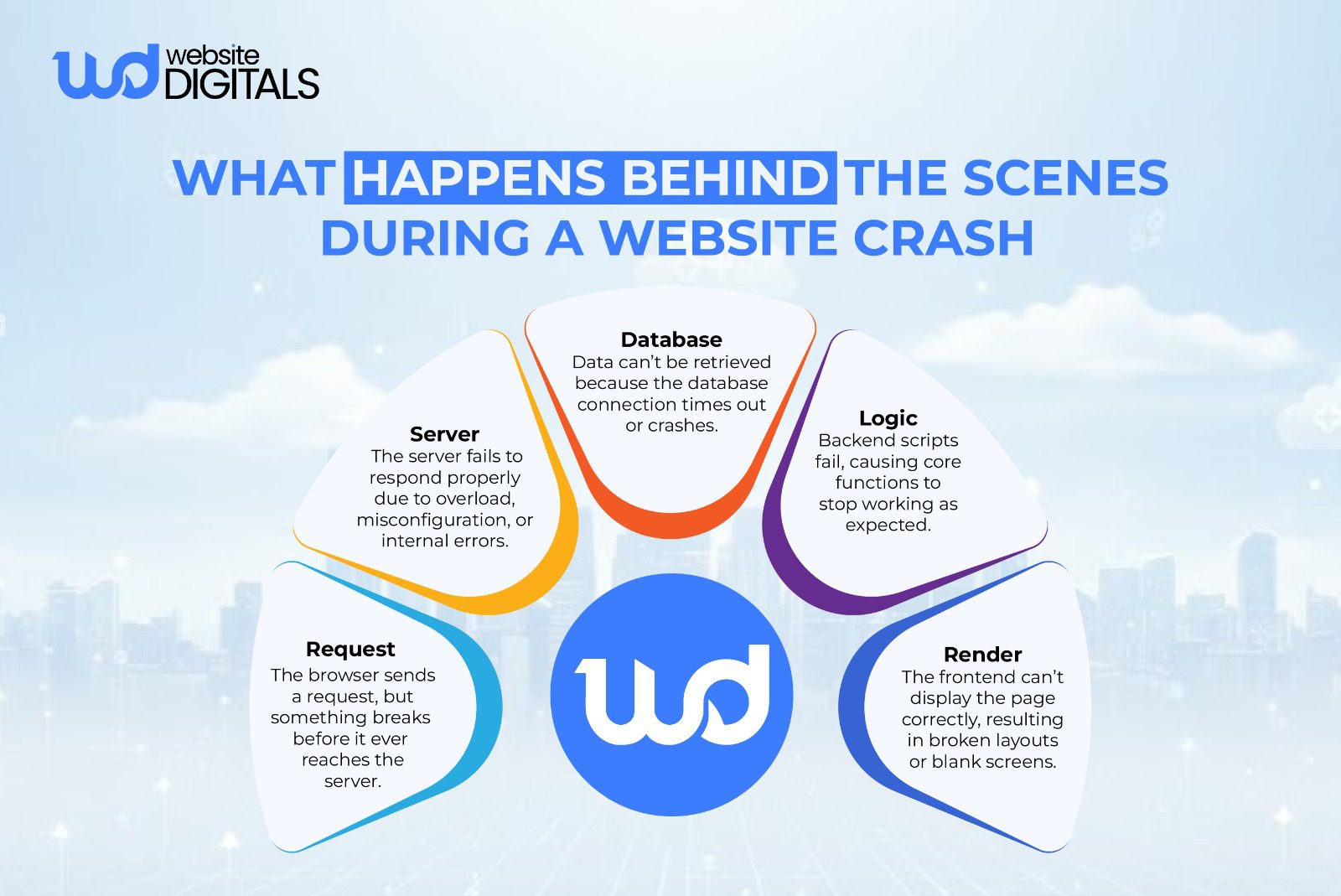
Server errors (like the dreaded 500 Internal Server Error) suggest that the web server encountered an unexpected condition.
This could be due to a traffic spike exceeding your resources or a physical issue at the data center.
Frequent website troubleshooting often reveals that low-quality hosting is the root cause of persistent slow website speed.
-
Expired SSL Certificates Or Domain Problems
If users see a “Your connection is not private” warning, you likely have HTTPS errors stemming from an expired SSL certificate.
This kills user trust instantly. Similarly, DNS issues can occur if your domain registration has lapsed or if your DNS settings were pointed to the wrong address, leading to total website downtime.
-
Security Breaches And Malware Injections
Security vulnerabilities are a reality for any public-facing site.
If your site is suddenly redirecting to strange pages or loading incredibly slowly, you may be dealing with malware.
Beyond just website issues, a breach puts your customer data at risk and requires an immediate, professional emergency website fix.
What to Do Immediately When Your Site Goes Down
When you realize your website is not loading, the first few minutes are critical.
You need to verify the scope of the problem. Is it just you, or is it everyone?
Use a tool like “Down for Everyone or Just Me” to confirm. Once confirmed, follow this website issues checklist to begin the recovery process.
Step-by-Step Emergency Response Checklist
-
Enable Maintenance Mode
If your site is partially functional but looking messy, put it into maintenance mode.
This tells search engines that the site is temporarily down for work, which helps prevent technical SEO issues and keeps your index coverage from being negatively affected by “broken” pages.
-
Check Hosting & Server Logs
Your hosting dashboard contains a wealth of information. Look for the “Error Log” section.
This will tell you if you have backend errors like PHP memory exhaustion or if specific crawl errors are preventing Google from seeing your pages.
-
Roll Back Recent Changes
Did you just install a new tool or try to integrate payment gateway in website functionality?
If so, roll back recent changes immediately. This is the most common way to fix website issues without needing to write a single line of code.
Pro Tip: Add a “Rollback Policy”
|
Many site failures escalate because there’s no clear rollback rule. A defined rollback policy ensures changes can be safely reversed within minutes. |
-
Restore a Clean Backup
Every business should have a daily backup routine. If you cannot find the source of the problem, restore a clean backup.
This reverts the site to how it looked 24 hours ago.
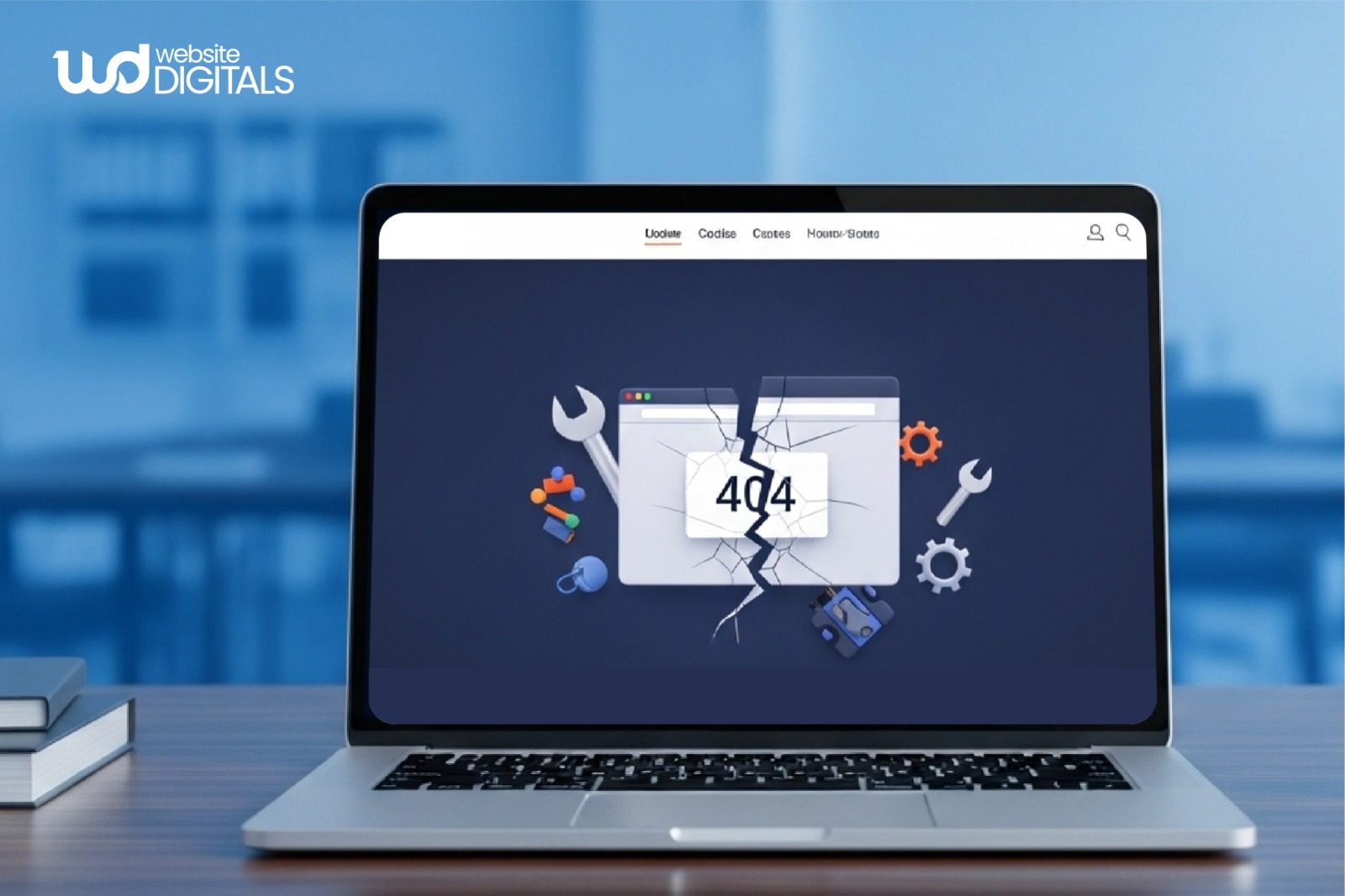
It is the most reliable way to resolve 404 errors and other widespread failures quickly.
-
Secure the Site After a Breach
If you find evidence of a hack, simply restoring a backup isn’t enough; the hackers likely left a “backdoor.”
You must secure the site after a breach by updating all software, scanning for malware, and addressing website security issues at the server level.
Troubleshooting Technical Performance
Sometimes your site isn’t “down,” but it isn’t working “right.” This usually manifests as page speed issues or mobile usability problems.
-
Handling Frontend and UX Glitches
UX issues are often subtle.
- A button that doesn’t click or a form that won’t submit usually points to JavaScript errors.
You can use the “Inspect” tool in your browser (F12) to perform website debugging.
Look at the “Console” tab; red text will often show you exactly which script is failing.
- If your site looks great on a desktop but “breaks” on a phone, you are dealing with mobile responsiveness issues.
This usually requires HTML validation and CSS adjustments to ensure your containers and images scale correctly. In a mobile-first world, these aren’t just minor bugs—they are critical website problems that drive customers away.
Broken links are the silent killers of user experience.
They lead to high bounce rates and hurt your search rankings. Periodically use a link scanner to fix broken links and resolve 404 errors.
This is a staple of website maintenance services that keeps your site healthy and navigable.
When to Stop Troubleshooting and Call an Expert
There is a fine line between “handy business owner” and “spending ten hours to save a hundred dollars.”
Some website issues are too complex for a quick DIY fix.
-
Persistent Website Errors You Can’t Resolve Internally
If you have cleared your cache, deactivated plugins, and talked to your host, but the site still won’t load, you are likely facing backend errors or deep database connection error issues.
At this point, continued tinkering might actually make the problem worse or lead to permanent data loss.
-
Critical Website Functions Start Failing
If you’re unsure how to integrate payment gateway in website systems properly and the checkout process starts failing, you’re dealing with sensitive financial data; this is not the time for trial and error.
Likewise, when interactive website features such as custom calculators or member portals stop working, you need experienced web development support to ensure the underlying logic and integrations are functioning correctly.
-
Security Breaches or Data Loss Risks Appear
If your site has been blacklisted by Google or shows signs of a malware infection, you need an emergency website fix.
Professionals have specialized tools to “scrub” your files and find hidden vulnerabilities that a standard scan might miss.
How Professional Emergency Fixes Save Time and Money
Investing in professional website troubleshooting might seem like an added expense, but it is almost always more cost-effective than the alternative.
- Faster Root-Cause Identification: A specialist can often identify common website errors in minutes that might take a non-developer days to find.
- Proper Rollback Without Data Loss: Professionals ensure that when they fix website issues, your recent customer orders and blog posts remain intact.
- Security Hardening After Recovery: Recovery is only half the battle. A pro will address security vulnerabilities to ensure the same issue doesn’t happen again next week.
- Clear Documentation: You will receive a breakdown of what went wrong, which is essential for your website records and future planning.
The website issue fixing cost is a small price to pay compared to the thousands of dollars in lost revenue that occur when your site remains offline for days.
Real World Example:
|
GitHub’s 2018 outage shows why structured recovery plans matter. During routine maintenance, GitHub faced an unexpected database failure that caused hours of degraded service, including repository access issues. Rather than rushing quick fixes, the team followed a controlled rollback and recovery process, restoring database replicas and verifying data integrity before fully reopening systems. GitHub also published a transparent post-incident analysis explaining what went wrong and how future failures would be prevented. This disciplined response helped preserve user trust and demonstrated how preparation and clear recovery protocols can significantly reduce the impact of critical website outages. |
Signs Your Website Needs a Technical Audit
|
Indicator |
What You Notice |
What It Usually Means |
Why It Matters |
|
Performance |
Pages load slowly or time out |
Server strain, unoptimized assets, or backend inefficiencies |
Slow sites hurt conversions and rankings |
|
SEO |
Traffic drops or pages stop indexing |
Crawl errors, broken links, or technical SEO issues |
Search visibility declines silently |
|
Security |
Warnings, redirects, or unusual behavior |
Malware, outdated software, or vulnerabilities |
User trust and data are at risk |
|
Usability |
Site breaks on mobile or browsers |
CSS, JavaScript, or responsiveness issues |
Poor UX increases bounce rates |
|
Reliability |
Frequent errors or downtime |
Hosting limits or unstable configurations |
Repeated failures damage brand credibility |
Wrapping It Up – Protect Your Website Before It Breaks Again
The most effective way to fix website issues is to prevent them through proactive maintenance.
Regular updates, performance monitoring, mobile checks, and security reviews help keep your website stable, fast, and reliable, without last-minute emergencies.
Your website needs ongoing care, not occasional fixes. With the right maintenance strategy, you minimize downtime, protect user trust, and keep your business accessible at all times.
For reliable website maintenance and expert support, our team at Website Digitals is here to help. Get in touch at info@websitedigitals.com or contact us at (646)-222-3598 to set up a maintenance plan that keeps your site running smoothly.
Note:
|
If you are currently facing a technical hurdle that is beyond your comfort level, don’t risk your data. Bringing in an expert ensures your site is restored correctly and stays secure against future threats. |
FAQs
1 How does Website Digitals help fix website issues?
Website Digitals provides emergency fixes, technical audits, and website maintenance services to resolve issues quickly and prevent repeat failures.
2 Do you offer ongoing website maintenance services?
Yes. Our maintenance plans include updates, monitoring, backups, and security checks to keep websites stable and secure.
3 Why is my website not working properly?
Common causes include plugin conflicts, server errors, outdated software, or security vulnerabilities.
4 How to fix common website issues safely?
Start with backups, roll back recent changes, check server logs, and avoid random fixes that risk data loss.
5 What causes website errors most often?
Plugin conflicts, hosting limitations, expired SSL certificates, and misconfigured updates.
6 How to troubleshoot website problems effectively?
Identify whether the issue is frontend, backend, or server-related before applying fixes.
7 What should be included in a website issues checklist?
Hosting status, error logs, recent updates, backups, security scans, and performance checks.
8 When do I need web development support?
When errors persist, critical features fail, or sensitive systems like payments are affected.
9 What qualifies as an emergency website fix?
Checkout failures, complete downtime, security breaches, or data access issues.
10 What is the typical website issue fixing cost?
Costs vary by complexity, but proactive maintenance is far cheaper than repeated emergency fixes.






