How Azure Portal Development Can Streamline Your Business Operations
Most cloud challenges don’t come from the technology itself; they come from how it’s managed day to day.
When teams juggle disconnected tools and inconsistent access controls, productivity slows and risk quietly builds.
This is where Azure Portal development shifts the conversation.
It’s not about adding another interface, but about creating a single, structured control point that brings clarity to cloud operations. And that clarity matters more than many realize.
Gartner estimates that 99% of cloud security failures are caused by customer misconfiguration, not the cloud provider itself.
The real risk isn’t the cloud, it’s the lack of visibility and governance around it.
Without consistent oversight, even well-designed environments become difficult to secure and scale.
In this blog, you’ll explore how Azure portal development helps centralize control, improve visibility, strengthen security, and support scalable cloud operations.
Key Takeaways
|
Common Operational Challenges Solved With Azure Portal Development
As cloud environments grow, visibility often declines.
Resources are spread across teams, subscriptions, and regions, making it harder to understand what’s running and why it matters.
Custom Azure portal development helps restore clarity by bringing cloud data into a single, structured view.
-
Centralized Cloud Resource Visibility
Azure environments are often managed in silos, with each team using its own tools.
A custom portal consolidates resources, subscriptions, and environments into one interface, making it easier to track ownership, usage, and potential issues.
-
Actionable Reporting for IT and Leadership
Different stakeholders need different insights. Azure portal development allows reporting to be tailored, detailed operational metrics for IT teams, and high-level summaries for leadership.
-
Faster, Data-Driven Decisions
Centralized visibility reduces time spent gathering and validating data, allowing teams to respond more quickly and confidently.
Real World Scenario:
|
A growing SaaS company on Azure struggled with scattered resources across multiple subscriptions, making cost tracking and troubleshooting time-consuming. By implementing Azure portal development, the team created a centralized internal portal that unified resource visibility, usage data, and access roles. IT leaders could quickly identify unused infrastructure, trace ownership, and resolve issues faster, shifting cloud management from reactive firefighting to a controlled, routine process. |
How Azure Portal Development Improves Operational Visibility
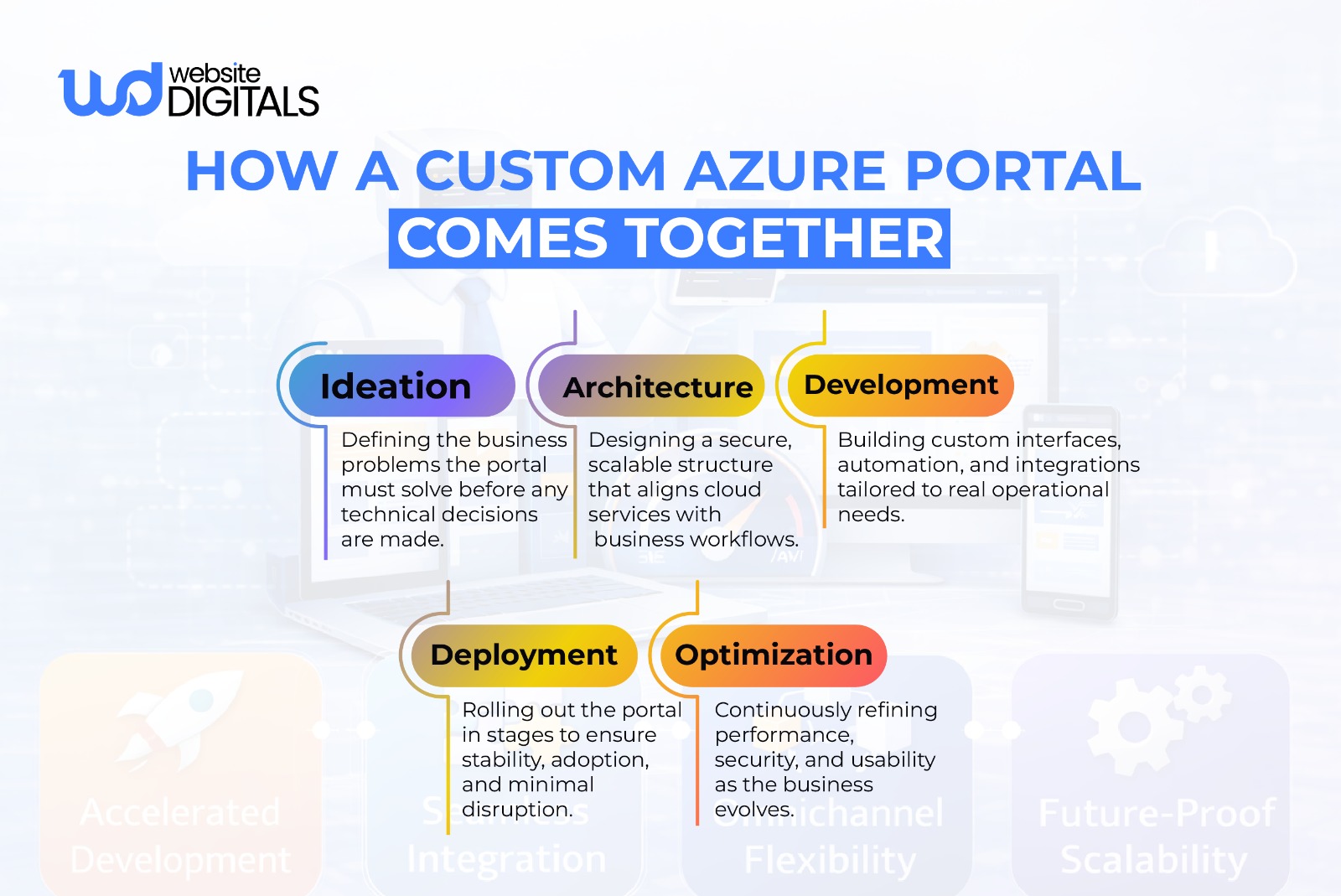
You can’t manage what you can’t see. Many cloud teams rely on dashboards filled with technical metrics that don’t clearly explain what’s happening at a business level.
Customizing your Azure portal experience helps turn scattered data into clear, operational insight.
-
Centralized Cloud Resource Visibility
A custom Azure portal brings cloud resources into one clear view, showing not just what’s running, but how it impacts overall service health.
This is especially important in microservices environments, where small issues can ripple across systems if they go unnoticed.
Tip:
|
Focus dashboards on service health and ownership, not just infrastructure status. |
-
Actionable Reporting for IT and Leadership
Different teams need different levels of detail.
Custom portals translate raw cloud data into reports that matter, cost trends, delivery progress, and compliance status, so everyone works from the same, trusted information.
Note:
|
Executives don’t need metrics; they need context. Portals should reflect that difference. |
-
Faster, Data-Driven Decisions
When issues arise, speed matters.
Instead of digging through logs, custom portals can surface the source of problems quickly using built-in diagnostics and Azure SDK–based tools, helping teams resolve issues before users are affected.
Tip:
|
Early visibility often prevents small issues from becoming incidents. |
How Azure Portal Development Enhances Cloud Security and Governance
Security should never be an afterthought or a “plugin.” It must be baked into the very interface your employees use every day.
-
Role-Based Access Aligned to Business Roles
Using role-based access control (RBAC) allows you to define permissions based on what a person actually does in the company, rather than just giving them “Admin” rights.
For example:
A billing clerk might need to see cost reports, but should never have the ability to delete a database. A custom portal makes managing these roles intuitive, ensuring that security doesn’t get in the way of productivity.
-
Centralized Identity and Access Management
By leveraging identity and access management through Entra ID, you can implement features like Multi-Factor Authentication (MFA) and Conditional Access across all your custom-built tools.
This creates a unified security perimeter.
Whether an employee is logging into the main Azure portal or a custom-built internal tool, their identity is verified using the same robust enterprise standards.
-
Automated Governance and Compliance
For organizations in regulated industries like finance or healthcare, cloud governance is a legal requirement. Custom portals can include automated “guardrails.”
For instance:
|
You can program the portal to prevent any user from creating a resource in a geographic region that violates data sovereignty laws. This proactive approach to compliance and governance saves hundreds of hours during audit season. |
How Azure Portal Development Improves Efficiency and Cost Control
Cloud waste is a multi-billion-dollar problem.
Often, resources are left running when they aren’t needed, or “oversized” instances are purchased for simple tasks.
-
Lower Cloud Management Overhead
When your workflows are streamlined and your visibility is clear, you need fewer people to manage more resources.
This doesn’t mean reducing headcount; it means your highly-skilled engineers can stop doing manual “janitorial” work and start focusing on innovation.
This reduction in overhead is a primary driver for seeking a web portal development outsourcing company to build these initial efficiencies.
-
Improved Cost and Resource Efficiency
By building custom cost-tracking dashboards, you can assign “owners” to every dollar spent in the cloud.
When a department head can see exactly how their subscription management choices impact their budget in real-time, they are much more likely to shut down unused resources.
This cultural shift toward “FinOps” is supported by the data provided through your custom portal.
-
Consistent and Reliable Operations
The use of CI/CD pipelines and DevOps automation ensures that updates to your portal and your underlying infrastructure are tested and deployed without downtime.
This reliability builds trust with your internal users and external clients, proving that your digital foundation is solid.
How Azure Portal Features Translate Into Business Value
|
Portal Feature |
What It Enables |
Why It Matters to the Business |
|
Unified Dashboards |
Centralized view of resources, services, and environments |
Reduces blind spots and speeds up decision-making |
|
Role-Based Access Controls |
Permissions tied to job roles, not individuals |
Minimizes security risk without slowing teams |
|
Workflow Automation |
One-click provisioning and approvals |
Cuts manual effort and reduces human error |
|
Cost Visibility Modules |
Real-time tracking of usage and ownership |
Improves budget accountability and cost control |
|
Governance Guardrails |
Built-in rules for regions, policies, and compliance |
Prevents violations before they happen |
3 Signs Your Business Needs Azure Portal Development
When manual effort increases and cloud complexity grows, uncertainty around long-term maintenance and web portal development costs often signals the need for a more structured approach.
Over time, small inefficiencies compound, making it harder to manage operations at scale.
These signs usually show up in a few clear ways:
-
Limits of Standard Cloud Management Tools
If your IT team is constantly complaining that they “can’t see what’s happening” or if they are spending more than 20% of their time on manual user management, you have outgrown the default tools.
The standard portal is designed to be a general-purpose tool for millions of users; it isn’t optimized for your specific business logic.
-
High-Value Custom Portal Use Cases
If you need to provide a secure interface for your own customers to view their data, you need client portal development.
Attempting to use the raw Azure interface for this is confusing for clients and a security risk for you.
A custom-built portal allows you to brand the experience and strictly limit what the client can see and do.
-
Preparing for Scalable Cloud Growth
If you plan to double your cloud footprint in the next year, you cannot double your IT staff at the same rate.
You need the leverage that comes with custom web development solutions. Investing in the right architecture now prevents a “spaghetti” of unmanaged resources later.
Conclusion: Streamlining Operations With Azure Portal Development
The cloud now sits at the center of business operations, but without structure, it quickly becomes difficult to manage.
Azure portal development helps organizations bring order to complexity by automating routine tasks, strengthening security, and improving visibility across cloud environments.
Whether the focus is internal cloud control or delivering a reliable client portal, the objective is the same: making cloud operations simpler, safer, and more predictable.
If you’re considering portal development as part of your cloud strategy, the experts at Website Digitals can help you plan and build solutions aligned with your business goals.
Reach out at info@websitedigitals.com or at (646)-222-3598 to start a conversation about how a custom Azure portal can support your next phase of growth.
FAQs
Q1: How does Website Digitals approach Azure portal development projects?
Website Digitals focuses on aligning portal architecture with business workflows, security requirements, and long-term scalability rather than just technical customization.
Q2: Can Website Digitals build both internal and client-facing Azure portals?
Yes, Website Digitals designs secure internal management portals as well as branded client portals with controlled access and tailored user experiences.
Q3: What is Azure Portal development?
Azure portal development involves customizing or extending the Azure Portal to match business workflows, governance needs, and operational goals.
Q4: How does Azure Portal work?
Azure Portal acts as a centralized interface for managing cloud resources, allowing users to monitor, configure, and control Azure services in one place.
Q5: Can you explain Azure portal architecture?
Azure portal architecture is built on Azure Resource Manager, APIs, and identity services that enable secure, role-based access to cloud resources.
Q6: What does an Azure portal customization guide typically include?
An Azure portal customization guide outlines dashboards, RBAC models, automation rules, integrations, and governance controls tailored to business needs.
Q7: What are Azure portal development best practices?
Best practices include least-privilege access, automation-first workflows, clear ownership, centralized visibility, and scalable architecture planning.