Why Using a Cheap Website Builder Costs More in the Long Run

A cheap website builder often feels like a smart shortcut, until the real costs surface.
Entrepreneurs and small businesses frequently discover hidden fees, slow performance, SEO roadblocks, and platforms that don’t scale with growth.
According to Google research, 53% of users abandon a website if it takes longer than three seconds to load. That lost traffic directly translates into lost leads.
As the old saying goes,
That principle applies directly to websites built on low-cost platforms.
In this blog, we’ll break down why low-cost website builders end up costing more over time, and what smarter website decisions look like for growing businesses.
Key Takeaways
|
How “Good Enough for Now” Becomes a Long-Term Decision
Most businesses choose a beginner-friendly website builder because they need to go live quickly.
This “good enough” mindset is practical for a week-one prototype, but your website is your hardest-working employee.
When you rely on website design software that prioritizes ease of use over technical depth, you are building your house on rented land with a foundation made of sand.
As your business matures, you’ll find that the DIY website that took two days to build cannot handle the weight of your growing brand.
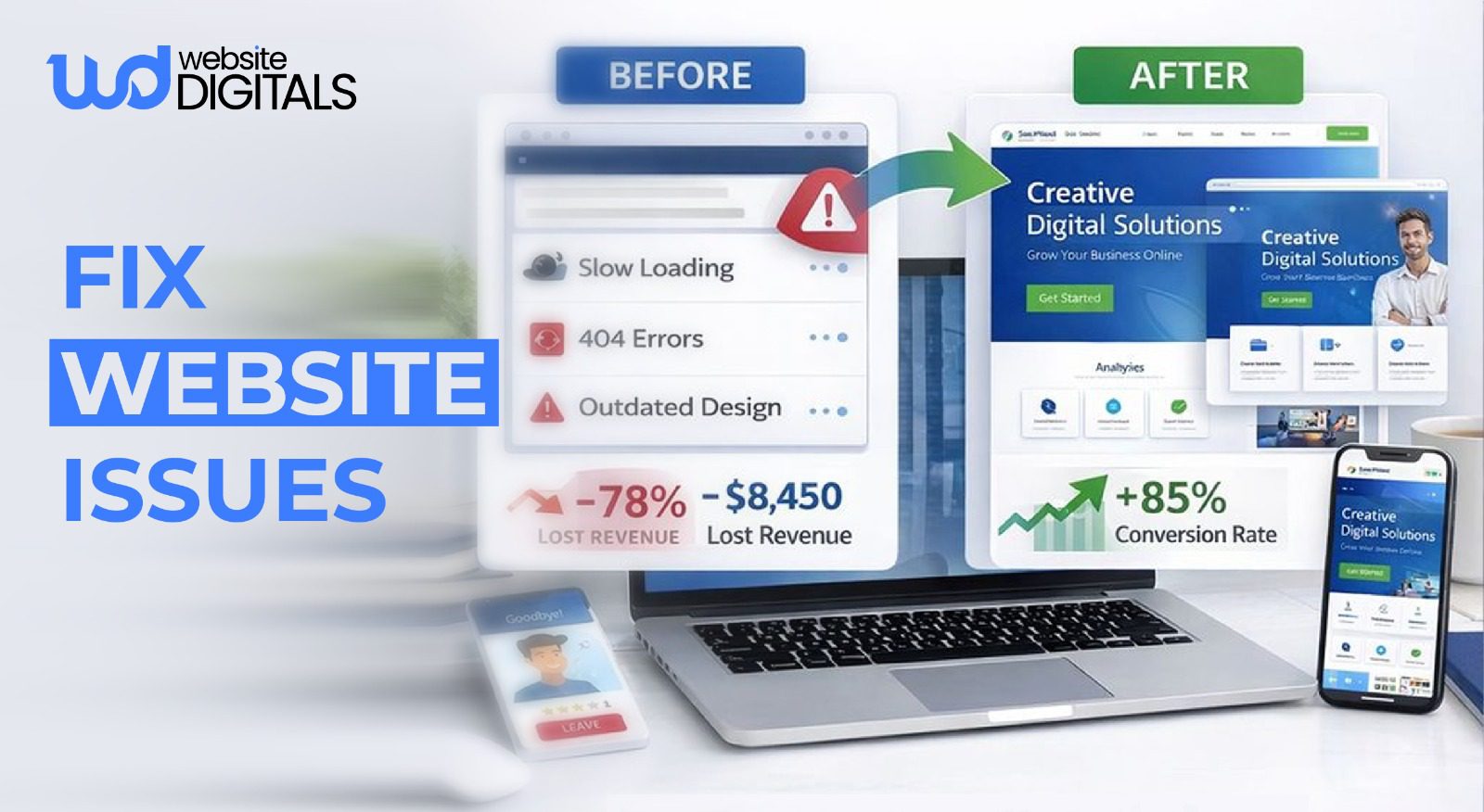
Eventually, you’ll need to fix website issues that aren’t actually “bugs” but are inherent limitations of the platform you chose.
The Hidden Financial Costs That Appear After Launch
When you look at the pricing tiers of a typical all-in-one website solution, the lowest tier looks great.
But that price usually covers the bare minimum.
-
Paying Extra for Features Every Business Website Needs
Standard features like a professional domain name, an SSL certificate, or removing platform-branded ads often require a jump to a higher tier.
If you want to accept appointments or sell products, the ecommerce features usually come with a significant monthly markup.
You might start at $10 a month, but by the time you add the tools necessary to actually run a business, you’re often paying four or five times that amount.
-
How Add-Ons and Upgrades Increase Monthly Expenses
Cheap platforms survive on “micro-transactions.”
Need a specific type of contact form? That’s a monthly app fee.
Want to know how to integrate payment gateway in website platforms?
You might find that the website builder only supports their own high-fee processor unless you pay for a “Pro” plan.
Over two or three years, these recurring costs often exceed what you would have paid a cms development company for a custom, high-performance build that you actually own.
Pro Tip: Always Calculate 3-Year Website Cost, Not Monthly Pricing
|
Most builders appear cheap monthly but become expensive when you factor in upgrades, apps, transaction fees, and rebuilds. |
Real-World Scenario
|
A US-based consulting startup launched its site on a cheap website builder to save time and money. Within six months, traffic grew, but conversions stalled due to slow page speed, limited SEO control, and rigid layouts. As paid add-ons accumulated, monthly costs surpassed what a custom build would have required. When the business finally migrated, most of the site had to be rebuilt to restore performance, SEO flexibility, and scalability, turning an early saving into a costly setback. |
Website Performance Issues That Hurt User Experience
User experience isn’t just about pretty colors; it’s about how the site feels and functions.
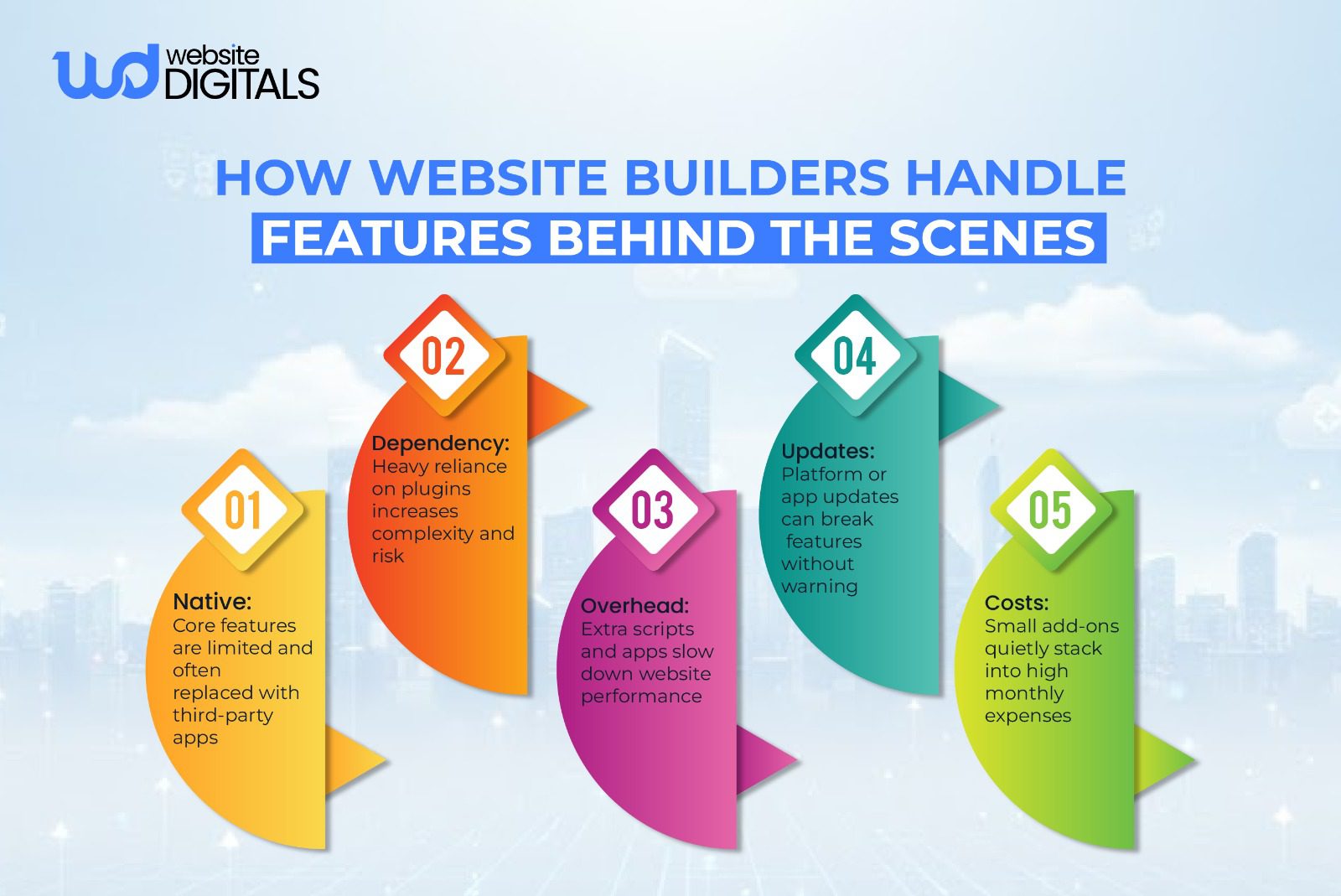
A cheap website builder often uses “one-size-fits-all” code that makes the site heavy and clunky.
-
Slow Page Load Times
Search engines and users both value speed. DIY website creation tools often load excessive scripts in the background that you don’t even need.
This “code bloat” results in poor website speed, leading to high bounce rates. If a page takes more than three seconds to load, half of your potential customers are already gone.
-
Poor Mobile Performance and Responsiveness
While most platforms claim to offer mobile-responsive design, there is a big difference between “stacking elements” and a truly optimized mobile experience.
On a cheap platform, you have very little control over how assets are served to mobile devices.
-
Render-Blocking Scripts and Heavy Resources
Generic website templates are designed to look good in a preview, but they often achieve those looks through inefficient means.
They might load three different font libraries or heavy CSS files just to display one “drag and drop” element.
This creates “render-blocking” issues where the user stares at a blank screen while the browser struggles to sort through the mess.
-
Unstable Layouts and Visual Shifts (CLS Issues)
Have you ever tried to click a button on a site only for the layout to jump, causing you to click the wrong thing?
This is known as Cumulative Layout Shift (CLS).
Many low-end builders suffer from this because they don’t allow you to define the exact dimensions of images or containers, leading to a “shaky” user experience that feels unprofessional.
-
Server and Backend Performance Bottlenecks
When you use a budget business website platform, you are usually on a shared server with thousands of other sites.
If one of those other sites gets a traffic spike, your site slows down. You have no control over the hosting environment, meaning you can’t optimize server-side caching or use modern technologies like LiteSpeed to improve performance.
Design and Branding Problems That Affect Credibility
Your website is often the first point of contact for a lead.
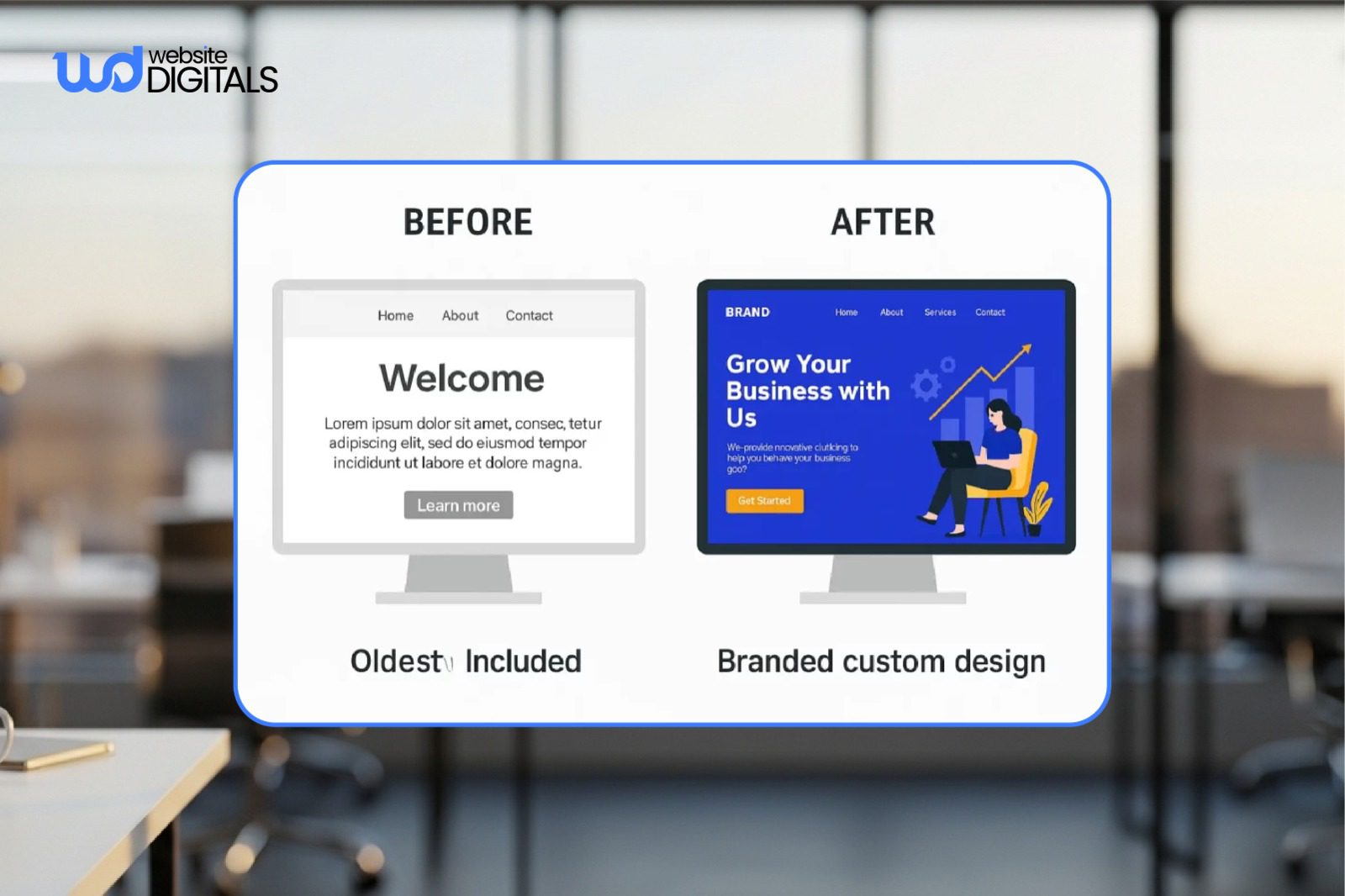
If it looks exactly like five other competitors using the same drag-and-drop editor template, you lose the “uniqueness” factor.
Professional website development involves more than just placing text on a page; it’s about creating a visual hierarchy that guides a user toward a conversion.
When you are limited to the grid of a template, your brand’s personality is essentially forced into a box.
|
Feature |
Cheap Website Builder |
Professional Web Development |
|
Ownership |
Rented (Vendor Lock-in) |
Full Ownership |
|
Speed |
Often Slow (Bloated Code) |
Optimized (Clean Code) |
|
Customization |
Limited to Templates |
Infinite Possibilities |
|
Long-term Cost |
High (Recurring fees/Add-ons) |
Lower (One-time investment) |
|
SEO Control |
Surface Level |
Technical & Deep |
Making a Smarter Website Investment Decision
By investing in a custom CMS from the start, you ensure that your site is fast, secure, and ready to grow with you.
A professional build gives you:
- Direct Customer Support: No more waiting for a generic chatbot to answer your urgent questions.
- Scalability: The ability to add any feature at any time without platform restrictions.
- High-End Performance: Passing all Google Core Web Vitals to ensure the best possible rankings.
Conclusion: Why Cheap Website Builders Are Rarely the Cheapest Option
A cheap website builder may save money upfront, but hidden costs, poor performance, SEO limits, and rebuilds quickly outweigh the savings.
A scalable, well-built website isn’t an expense; it’s the foundation for long-term growth.
If your current site is holding you back, our experts at Website Digitals help businesses move from limiting platforms to custom, high-performance web and CMS solutions.
Reach out at info@websitedigitals.com or call (646)-222-3598 to discuss your next upgrade or migration.
FAQs
- How does Website Digitals ensure high performance without using cheap website builders?
Website Digitals builds custom, performance-optimized websites instead of relying on cheap website builders that often limit speed, scalability, and long-term growth.
- Is Website Digitals a better alternative to using the cheapest website builder?
Yes. While the cheapest website builder may reduce upfront costs, Website Digitals focuses on ROI, conversions, SEO, and long-term reliability, areas where low-cost builders often fall short.
- What is the cheapest website builder available today?
The cheapest website builder is typically a basic plan from platforms like Wix, Weebly, or WordPress.com, with prices starting around $3–$6 per month.
- Are cheap website builders worth it for small businesses?
Cheap website builders can be worth it for simple personal sites or short-term projects, but they often lack flexibility, performance optimization, and advanced SEO features.
- What is the difference between free and cheap website builders?
The difference between free and cheap website builders is that free plans include branding, limited features, and no custom domains, while cheap plans remove ads and unlock basic customization.
- How much does a cheap website builder cost on average?
A cheap website builder usually costs between $3 and $15 per month, depending on storage, features, ecommerce support, and scalability.