How Does Shopify Integrate With Squarespace
Every sale should feel like a win, not a stressful scramble to make sure your products aren’t oversold on one platform when they’re already out of stock on another.
If you’re managing both Squarespace and Shopify, you probably know this pain all too well.
Updating inventory manually is simply unsustainable as your business grows, and syncing everything, products, stock levels, and prices, can quickly lead to operational chaos.
So, when you ask, “Does Shopify integrate with Squarespace?” you’re looking for a way to simplify your workflow while keeping your beautiful site and using Shopify’s top-notch e-commerce tools.
In this blog, we’ll walk you through how to bridge that gap, combining smart ecommerce architecture with professional web design services that keep your site polished and conversion-ready.
Key Takeaways
|
Can Shopify and Squarespace Be Integrated Directly?
No, Shopify and Squarespace cannot be integrated directly in a way that syncs products, inventory, and orders across both platforms.
However, they can work together through embedded ecommerce components.
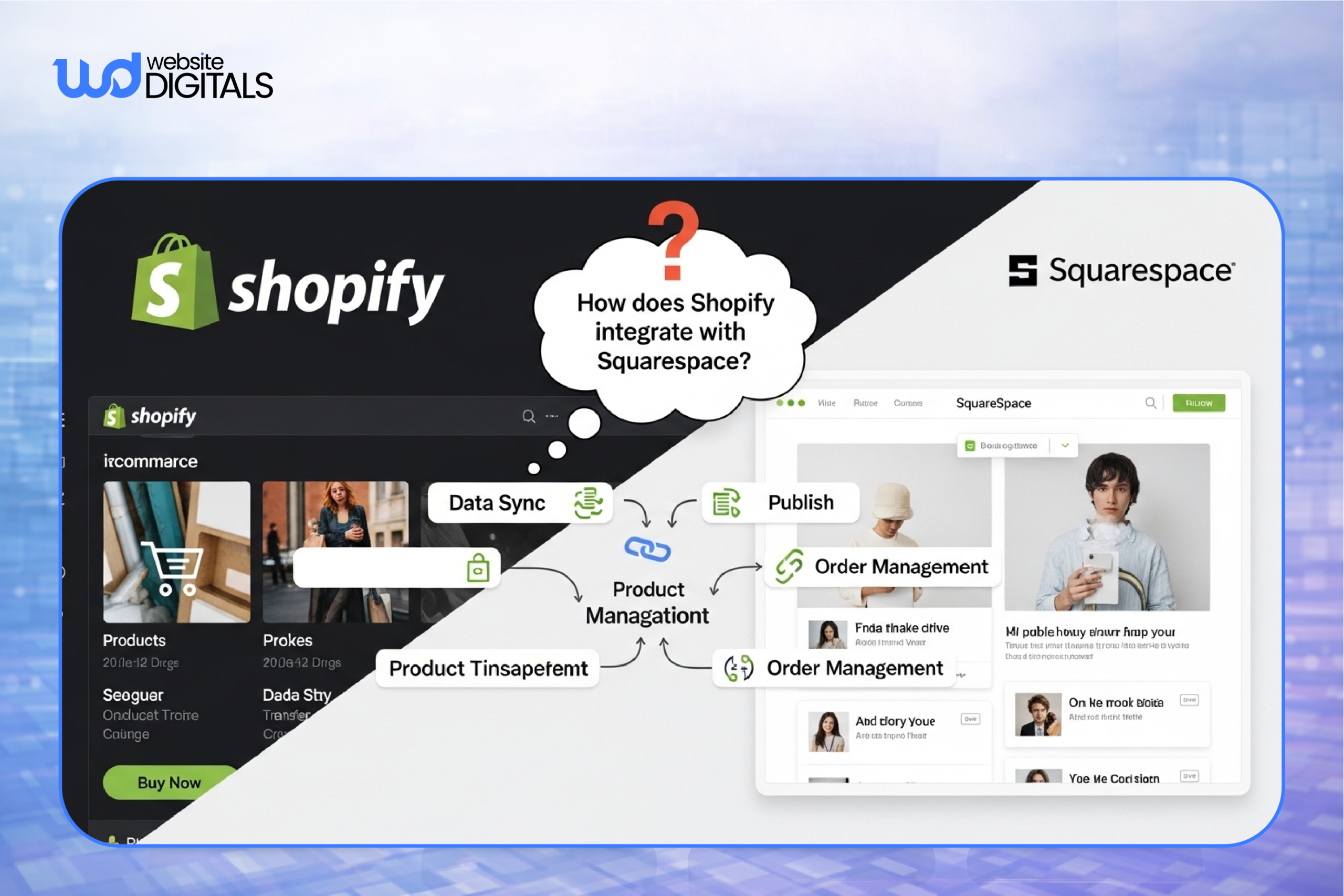
In this setup, Squarespace handles the front-end content and design, while Shopify runs the ecommerce backend.
Squarespace Commerce vs Shopify Commerce: Feature-by-Feature Comparison
|
Feature |
Squarespace Commerce |
Shopify Commerce |
|
Product Management |
Basic product listings with limited variants |
Advanced catalogs, variants, and bulk product management |
|
Checkout Control |
Limited checkout customization |
Highly optimized, conversion-focused checkout |
|
Payment Flexibility |
Fewer payment gateway options |
Wide range of gateways, currencies, and regional support |
|
Automation |
Minimal order and fulfillment automation |
Advanced workflows for fulfillment, refunds, and tracking |
|
Scalability |
Best suited for small or simple stores |
Built for high-volume and multi-region ecommerce |
How Shopify Integrates With Squarespace (Practical Methods)
-
Shopify Buy Button (Most Common and Recommended)
The Shopify Buy Button is the easiest way to connect Shopify with Squarespace, embedding ecommerce functionality while Shopify handles the backend.
Step 1: Create the product in Shopify
Set up the product in your Shopify admin with pricing, variants, and inventory.
Step 2: Generate and embed the Buy Button code
Generate the JavaScript embed code and add it to a Squarespace page using a code block or Code Injection.
Once live:
- Products display on Squarespace pages
- A cart opens as an on-page overlay
- Checkout runs through Shopify’s hosted checkout
- Payments, shipping, and orders are processed in Shopify
Tip:
|
This method works best for businesses selling a focused product range while keeping blogs, landing pages, or portfolios on Squarespace. |
-
Shopify Starter Plan (Formerly Shopify Lite)
The Shopify Starter plan is a lightweight option for using Shopify as the ecommerce backend on a Squarespace site, without running a full Shopify storefront.
It’s built for businesses that want Shopify’s checkout and payment gateway, but don’t need themes, storefront layouts, or catalog pages hosted on Shopify. Instead, it supports selling through embedded Buy Buttons.
In practice, this setup works as follows:
- Products and pricing are managed in Shopify
- Sales happen through embedded Buy Buttons on Squarespace
- Shopify handles checkout and payments
- Orders and inventory remain inside Shopify
Things to consider:
|
While cost-effective, this setup still relies on embeds and does not provide true product or inventory syncing with Squarespace. |
-
Headless Ecommerce with Shopify (Advanced Option)
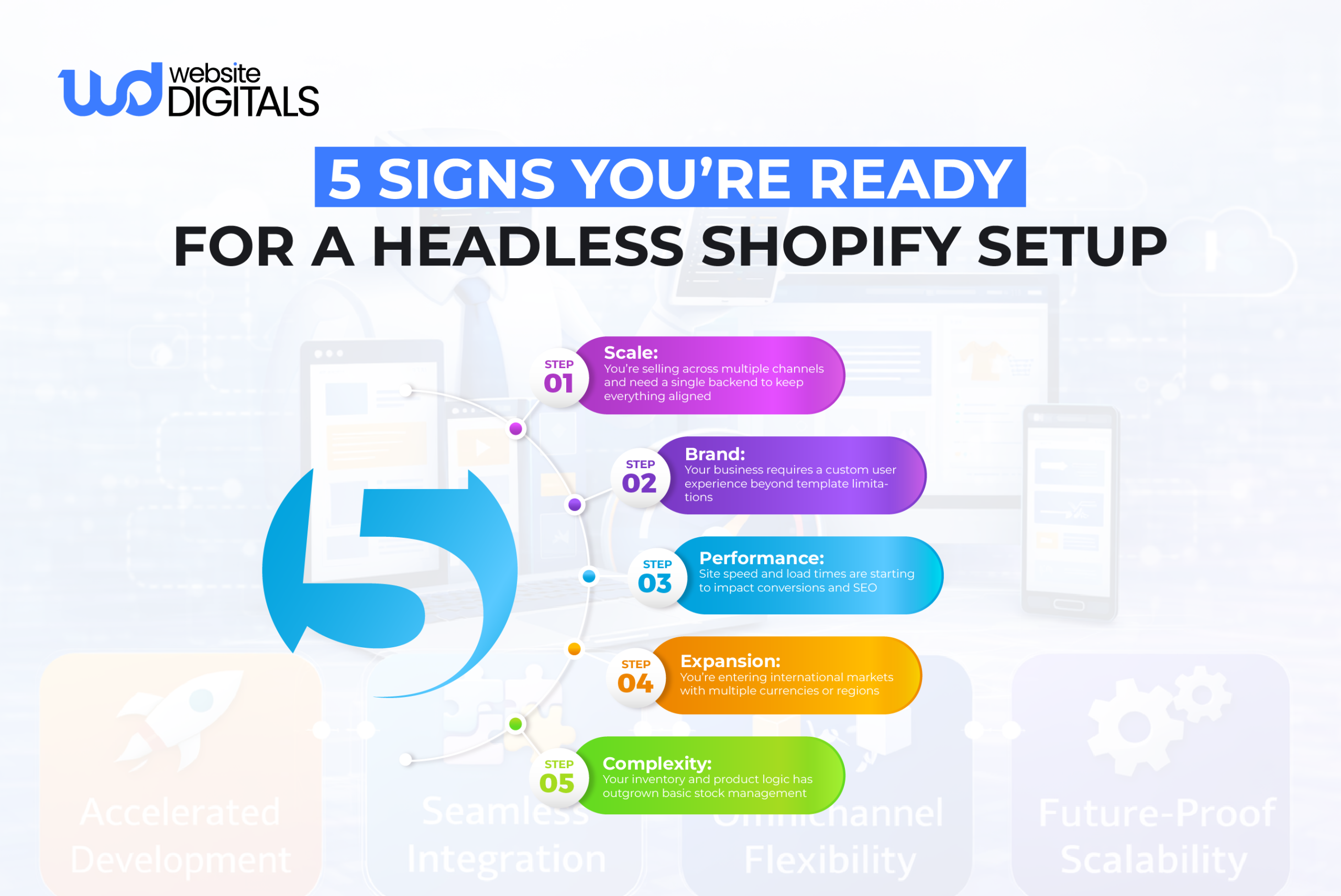
Headless E-commerce Shopify setups are best suited for larger or fast-scaling businesses that need advanced customization, performance control, and flexible frontend experiences.
Step 1: Use Shopify as the ecommerce backend for products, checkout, and orders.
Step 2: Use Squarespace as the front-end CMS for content and layout.
Step 3: Connect product data dynamically using the Shopify API.
Step 4: Render products on Squarespace using custom JavaScript or Code Injection.
With this setup:
- Shopify handles checkout and inventory
- Squarespace controls presentation
- Custom layouts and performance optimizations are possible
Note:
|
This architecture often appeals to businesses that have already gone through a Wix vs Shopify comparison and realized Shopify performs best as a dedicated commerce backend, while a separate CMS handles content, layout, and branding. Teams choosing this route typically rely on custom Shopify development solutions to maintain performance and data accuracy. |
Real World Case Study:
|
Staples modernized its ecommerce by using Shopify purely as a backend engine, powering products, checkout, and order processing, without rebuilding its existing website. By integrating Shopify through APIs, Staples kept full control over design, performance, and internal workflows while gaining enterprise-grade commerce capabilities. It’s a clear example that Shopify doesn’t need to replace your site to scale your ecommerce, it can simply run quietly in the background and do the heavy lifting. |
Wrapping It Up
If you’ve been wondering does Shopify integrate with Squarespace, the answer is yes, but only with the right approach.
From simple Buy Button setups to advanced headless ecommerce builds, Shopify can power your online sales while Squarespace keeps your site looking polished and on-brand.
What matters most is choosing a setup that fits how you sell today and how you plan to grow.
If you want a Shopify integration that’s clean, scalable, and built to last, our Shopify specialists at Website Digitals are here to help.
Reach out to us at info@websitedigitals.com or get in touch at (646)-222-3598 to talk through your Shopify development needs.
FAQs
1 How can Website Digitals help me integrate Shopify with Squarespace?
Website Digitals offers seamless integration solutions to connect Shopify’s powerful e-commerce tools with Squarespace’s design-centric platform. We simplify inventory syncing and streamline your online store operations for a hassle-free experience.
2 Can Website Digitals assist with Shopify and Squarespace compatibility?
Yes! Website Digitals specializes in ensuring Shopify and Squarespace work together smoothly, enhancing your website’s functionality while maintaining design consistency and efficient inventory management.
3 Does Shopify integrate with Squarespace?
Yes, Shopify can integrate with Squarespace through the use of third-party apps or custom code. This allows you to add Shopify’s e-commerce features to your Squarespace site, making it easy to manage products, payments, and inventory.
4 Can you connect Shopify to Squarespace?
Absolutely. While Squarespace doesn’t have a native Shopify integration, you can connect them by using Shopify’s Buy Button or third-party apps, which allows you to embed Shopify’s e-commerce features on your Squarespace site.
5 What is the Shopify Squarespace compatibility like?
Shopify and Squarespace aren’t natively compatible, but with the right tools, such as the Shopify Buy Button or integrations via apps, they can work well together, allowing you to run a fully functional e-commerce site on Squarespace.
6 Can you explain Shopify Squarespace integration?
Shopify Squarespace integration typically involves adding Shopify’s e-commerce tools, like product listings and payment processing, to your Squarespace site. This can be done using the Shopify Buy Button or other third-party integration tools that sync inventory and sales data.
7 How does the Shopify Buy Button work with Squarespace?
The Shopify Buy Button allows you to embed a mini Shopify store on your Squarespace website. It provides a checkout experience directly on your Squarespace site, while Shopify handles the back-end e-commerce functions such as payment processing and inventory management.