How Does Shopify Integrate With Xero
What if you could reclaim 10+ hours every week currently lost to manual accounting?
Industry research shows 52% of accounts payable teams spend over 10 hours weekly processing invoices, while 60% still manually enter data into accounting systems.
For Shopify store owners balancing inventory, customer support, and marketing, this level of financial busywork quickly becomes unsustainable.
When Shopify and Xero don’t sync, sales, fees, and taxes must be tracked separately, forcing you to run two businesses at once: one selling products and another fixing the books.
So the key question is: Does Shopify integrate with Xero to eliminate this double work?
In this blog, we’ll break down how the integration works, what gets automated, and how it delivers real-time financial visibility for scaling confidently.
Key Takeaways
|
What Shopify and Xero Are Built to Do (And Why They Work Better Together)
Shopify functions as your ecommerce platform, handling everything from facing customers to all the others things. It processes orders, manages payments, calculates taxes, and handles refunds. Shopify is built to help you sell products efficiently, not to manage your accounting.
Xero, on the other hand, is cloud accounting software designed for bookkeeping, invoice creation, financial reporting, and tax compliance. It tracks your money and generates accurate reports, but it has no visibility into your Shopify store unless that data is shared with it.
Note:
|
When these systems run separately, reporting gaps appear. Your sales data lives in Shopify, while your financial records sit in Xero. Bridging that gap manually means exporting reports, entering data into spreadsheets, and fixing errors after the fact. |
This is why Shopify and Xero work better together. When sales, payments, fees, and taxes flow automatically from Shopify into Xero, your financial records stay accurate without manual effort, giving you a clear view of your business without extra admin work.
How Shopify Integrates With Xero
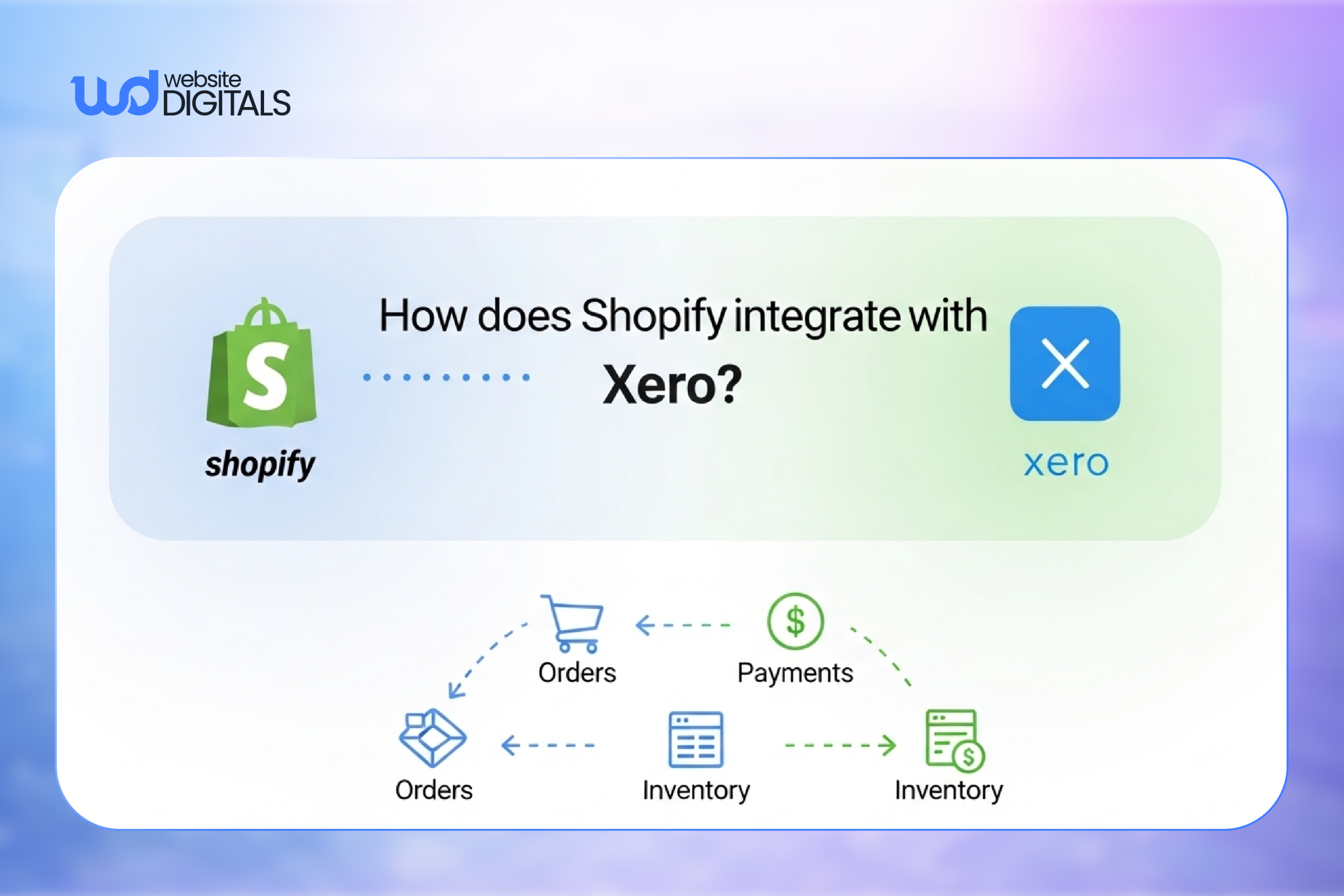
Integration means your sales transactions flow automatically from Shopify into Xero without manual intervention.
Instead of exporting CSV files and uploading them weekly, a third-party integration tool acts as a bridge between both platforms using API connections.
Here’s what moves from Shopify to Xero:
- Sales transactions from each order
- Payment and payout details from your payment gateway
- Processing fees and adjustments
- Tax calculations for accurate reporting
Most integration tools offer either real-time sync or daily summaries.
While real-time sounds appealing, daily summaries often work better for ecommerce accounting.
Instead of creating hundreds of individual entries, you get one clean summary per day showing total sales, refunds, fees, and taxes.
This keeps your Xero account organized and makes financial reporting easier to read.
Key Benefits of Integrating Shopify With Xero for Small Businesses
Automated Accounting
Shopify orders, payments, refunds, and adjustments sync automatically into Xero. Manual data entry is removed, reducing bookkeeping errors and saving time.
Note:
|
Automation works best when transactions are synced as daily summaries, not individual orders. |
Accurate Profit and Loss Reports
Sales data flows directly from Shopify to Xero, ensuring profit and loss reports reflect real revenue. Duplicate entries and missing payments are avoided.
Tip:
|
Always review your first synced report to confirm account mapping is correct. |
Simplified Tax Reporting
VAT, GST, or sales tax is calculated using actual Shopify transactions. This keeps tax records accurate and reduces correction work during filing.
Bonus Point:
|
Proper tax mapping helps prevent compliance issues as your store scales. |
Automatic Payment Reconciliation
Shopify payouts match bank deposits automatically in Xero, with fees recorded correctly. Cash flow becomes easier to track and reconcile.
Note:
|
This is especially useful for stores using multiple payment gateways. |
What Financial Tasks Get Automated After Integration
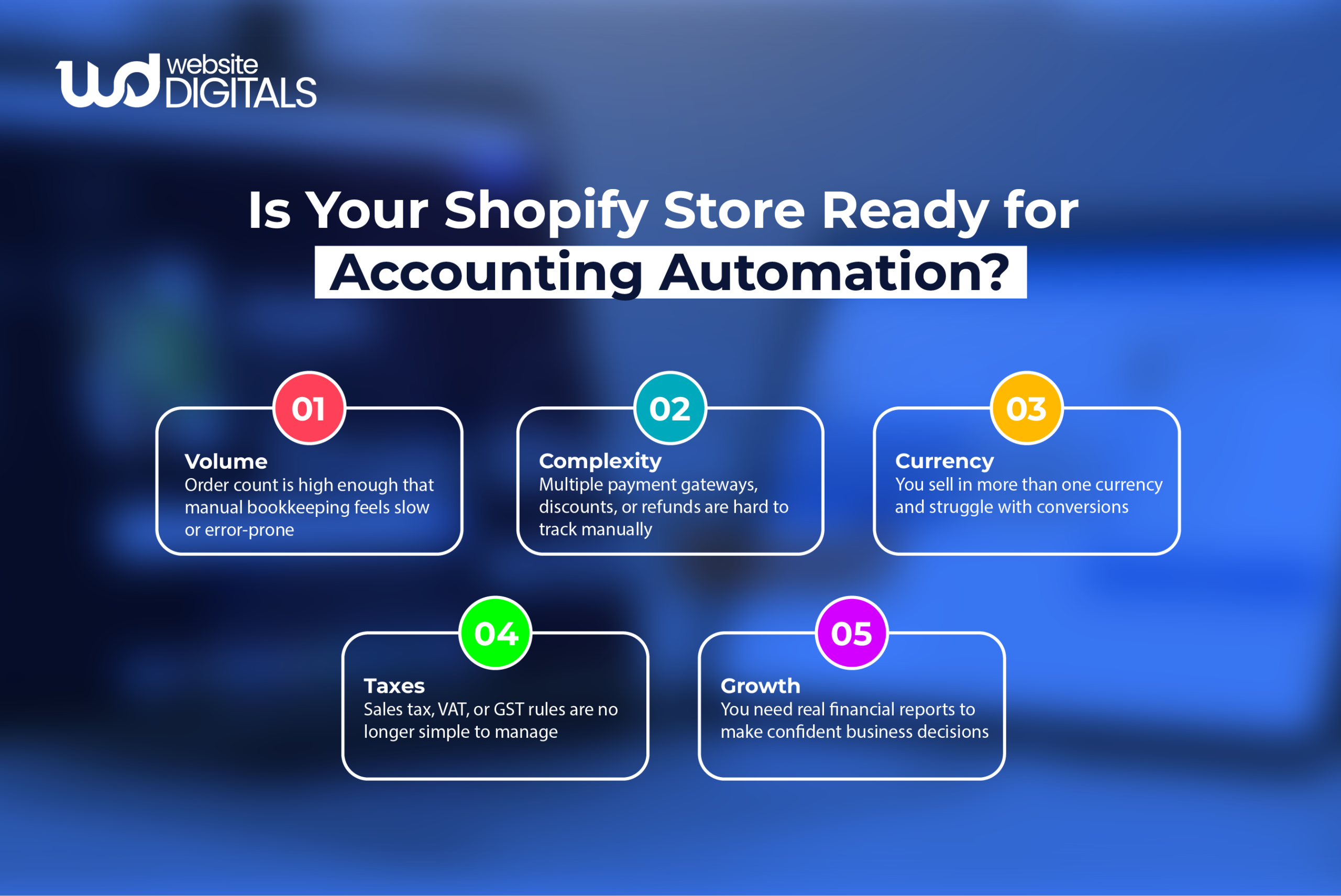
Once Shopify is connected with Xero, several manual accounting tasks are handled automatically:
- Daily sales summaries sync to Xero with clean, consolidated order data
- Refunds and chargebacks are recorded automatically, keeping books accurate
- Payment gateway fees post to the correct expense accounts
- Tax calculations (VAT, GST, or sales tax) flow through correctly into reports
- Revenue and payout data stay aligned for easier reconciliation
Note:
|
Automating these tasks reduces errors caused by manual data entry and keeps financial records consistent as sales volume grows. |
Real World Case Study
|
Dog Kennels Direct, a UK-based ecommerce retailer, struggled with manual Shopify sales uploads into Xero as order volume increased. Bookkeeping took hours each week, and errors were common. After implementing an automated Shopify–Xero integration, daily orders synced into Xero automatically, removing manual entry and improving reconciliation accuracy. The team gained clear financial visibility and could focus on fulfillment and growth, supported by tailored Shopify configuration and custom web development services designed for scale. |
Common Shopify–Xero Integration Methods (And When to Use Each)
-
No Native Shopify–Xero Integration
Shopify does not integrate with Xero natively. A third-party connector is required to sync sales, payments, fees, and tax data between the two systems.
-
Basic Connector Tools
Basic connectors are suitable for stores with:
- Single-currency sales
- Simple tax rules
- Moderate transaction volume
These tools automate core ecommerce bookkeeping without advanced configuration.
-
Advanced Accounting Connectors
More robust connectors are needed when your store handles:
- High transaction volume using daily sales summaries
- Multi-currency sales with exchange rate handling
- Complex tax requirements across regions
- Multichannel accounting beyond Shopify
These tools provide better control over reporting, reconciliation, and compliance.
Choosing the Right Integration Method
The best Shopify–Xero integration depends on how your business operates.
Transaction volume, currencies, tax complexity, and sales channels matter more than price, especially for stores using headless e-commerce Shopify setups that require flexible data handling.
Tip:
|
Always match the connector’s capabilities to your reporting and compliance needs before setup. |
How Poor Shopify Setup Creates Accounting and Reconciliation Issues
|
Issue |
Business Risk |
How Integration Helps |
|
Incorrect tax settings |
Over- or under-reported taxes |
Syncs accurate tax data into Xero automatically |
|
Unmapped payment fees |
Inflated profit figures |
Records gateway fees in the correct expense accounts |
|
Multiple payment gateways |
Reconciliation delays |
Consolidates payouts into clean summaries |
|
Manual order exports |
Data entry errors |
Automates order and revenue syncing |
|
App conflicts |
Inconsistent financial data |
Maintains a single source of truth in Xero |
Step-by-Step: How to Connect Shopify With Xero
Step 1: Check Access and Permissions
Before you begin, confirm that you have admin access to your Shopify store and the correct user permissions in Xero.
These permissions are required to authorize data sharing between the two platforms. Without full access, the integration may fail or sync incomplete data.
Step 2: Choose the Right Integration Tool
Select a Shopify–Xero connector that fits how your business operates. Consider factors such as:
- Transaction volume
- Currency requirements
- Tax complexity
Some tools are built for simple stores, while others handle higher volumes and advanced reporting.
Choosing the right tool early prevents reconciliation issues later.
Authorize Shopify and Xero
Once you’ve chosen a connector, authorize both platforms to allow data sharing.
This enables the tool to read order and payment data from Shopify and create records in Xero.
Approval usually takes a few clicks in each system.
Map Accounts and Taxes
Assign Shopify data to the correct Xero accounts:
- Sales → income accounts
- Fees → expense accounts
- Taxes → liability accounts
Note:
|
Incorrect mapping can affect historical data and require manual corrections later. |
Test the Data Sync
Run the integration in test mode for a few days. Review how sales, payouts, fees, and taxes appear in Xero before activating live syncing.
Verify Live Data After Activation
After activation, review the first few days of synced data. Confirm order totals, payout reconciliation, and tax calculations match your expectations.
Tip:
|
Early checks help avoid long-term accounting errors. |
Wrapping It Up!
If you’re tired of reconciling numbers by hand, connecting Shopify with Xero is a smart move.
So, does Shopify integrate with Xero?
Yes, with the right setup, your sales, payouts, fees, and taxes sync automatically, giving you clean books and clear profit numbers without spreadsheets or guesswork.
To get it done right, strong Shopify development makes all the difference. Working with a custom Shopify development company like Website Digitals ensures your store is built to integrate cleanly with Xero from day one.
If you’re ready for a setup that supports growth instead of slowing you down, reach out at info@websitedigitals.com or call us at (646)-222-3598 to get started.
FAQs
1 How does Website Digitals help with Shopify–Xero integration?
Website Digitals helps businesses set up Shopify stores with clean Xero integration, ensuring accurate accounting, proper tax mapping, and scalable store performance.
2 When should you choose Website Digitals for Shopify development?
Choose Website Digitals when you need custom Shopify development that supports accounting automation, growth-ready architecture, and seamless system integration.
3 Does Shopify integrate with Xero?
Shopify does not integrate with Xero natively, but it connects through third-party tools that automatically sync sales, payments, fees, and tax data.
4 How does Shopify Xero integration work?
Shopify Xero integration works by using a connector that pulls order and payout data from Shopify and records it in Xero for accounting and reporting.
5 Can you explain Shopify Xero integration in simple terms?
Shopify Xero integration explained simply means your store’s sales data flows into Xero automatically, removing the need for manual bookkeeping.
6 Is Shopify accounting with Xero suitable for small businesses?
Yes, Shopify accounting with Xero works well for small businesses by automating bookkeeping, improving financial reporting, and simplifying tax tracking.
7 Why do Shopify sellers use Xero for accounting?
Xero for Shopify sellers provides clear profit tracking, easier reconciliation, and reliable tax reporting without spreadsheets or manual data entry.
8 Can Shopify bookkeeping be handled using Xero alone?
Shopify bookkeeping using Xero is effective when paired with the right integration tool that ensures accurate syncing of sales, payouts, and expenses.