How Does Squarespace Integrate With Square

If you’re manually updating inventory after every in-store sale, something is broken.
Managing payments across your website and physical checkout shouldn’t feel like double work, yet many business owners still struggle with this exact issue.
That’s why the question does Squarespace integrate with Square comes up so often. Reports show that 56% of retailers now sell both online and offline, but many still rely on disconnected systems.
Without the right setup, growth creates more admin work instead of efficiency.
In this guide, we explain how Squarespace and Square work together, and what that really means for your daily operations.
Key Takeaways
|
Can Squarespace and Square Actually Work Together?
Yes, Squarespace and Square can work together for in-person sales in the United States.
Squarespace integrates with Square through its Point of Sale (POS) system, allowing you to accept face-to-face payments using Square hardware like a Square Reader.
Square processes payments made in your physical store, while Squarespace automatically syncs inventory, keeping stock levels consistent between online and in-store sales.
However, Square is not used for online checkout on Squarespace.
Online payments are processed through Stripe or PayPal, with Square serving only as the POS system for in-person transactions.
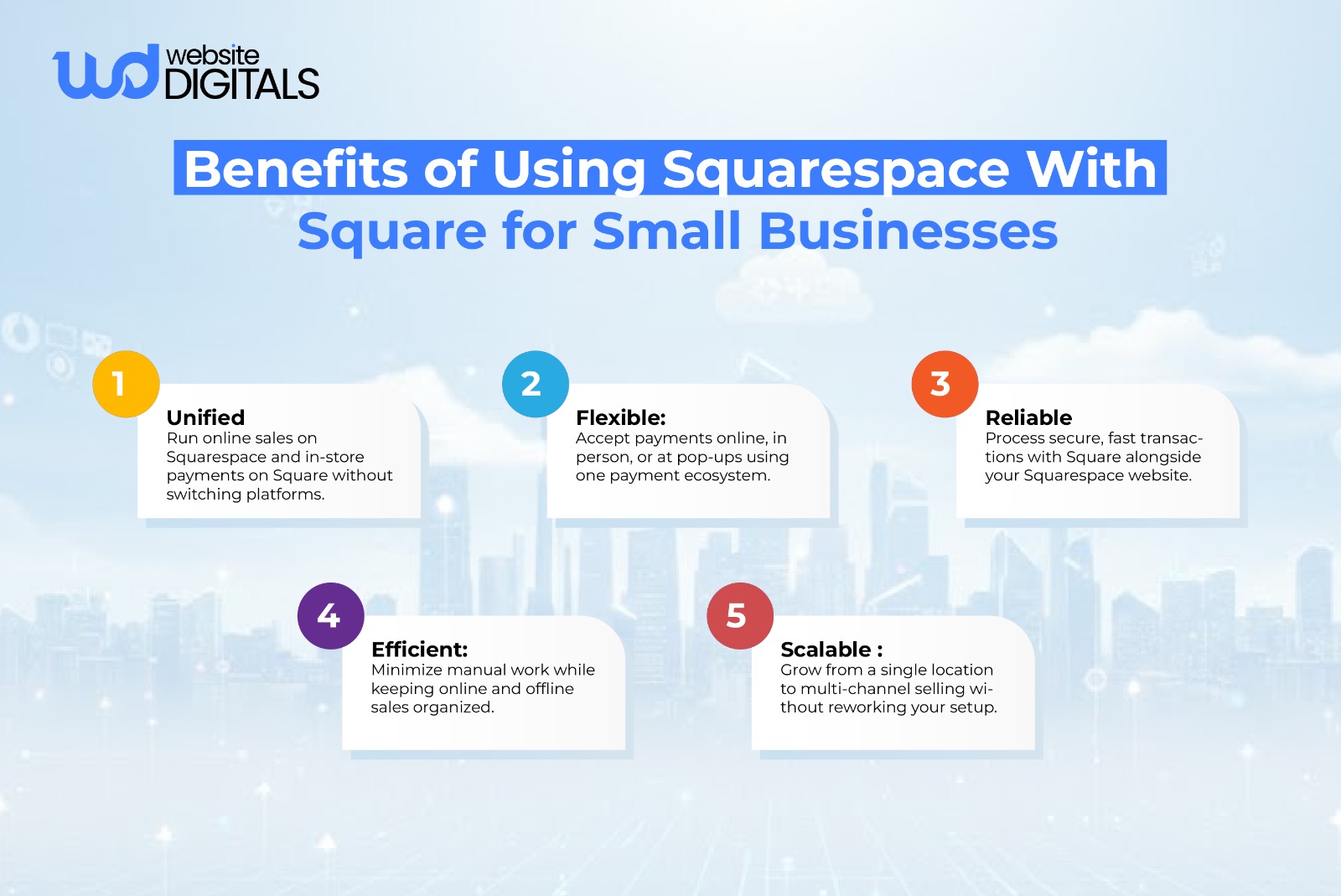
In simple terms, this setup helps businesses sell both online and offline without losing track of inventory or sales, an important consideration when deciding how to use Squarespace to build a website for real-world commerce.
Note:
|
The native Squarespace–Square POS integration is available only in the United States. Outside the U.S., Squarespace and Square can still be used separately, but inventory and sales data will not sync automatically. |
How Squarespace Integrates With Square (Step-by-Step Overview)
Setting up this ecommerce integration is straightforward, but it requires a few specific steps to ensure your checkout system works correctly.
To get the most out of your online store payments, follow this detailed guide:
Step 1: Verify Your Plan and Location
Before you begin, ensure you are on a Squarespace Commerce plan (Basic or Advanced).
Additionally, note that the official Square integration is currently only supported for merchants operating within the United States.
Step 2: Connect Your Square Account to Squarespace
- Log in to your Squarespace account and open the Commerce panel.
- Navigate to Settings and then select Payments.
- Click on Connect Square. You will be redirected to Square’s login page to authorize the API integration.
- Enter your credentials and grant the necessary permissions for Squarespace to access your Square Dashboard data.
Step 3: Configure the Squarespace Mobile App
The integration works through the Squarespace App (available on iOS and Android), not a desktop browser.
- Download and open the latest version of the Squarespace App.
- Tap the Commerce icon and select Point of Sale.
- Follow the prompts to ensure your site is synced for in-person selling.
Step 4: Pair Your Square POS Hardware
- Ensure your mobile device’s Bluetooth is turned on.
- In the Squarespace App, go to the Point of Sale settings and tap Connect a Reader.
- Use a supported Square Reader for contactless and chip, or a magstripe reader.
Note:
|
Square Register and Square Terminal are not currently supported for this specific integration.) |
Step 5: Sync Your Inventory and Start Selling
Once connected, your inventory management becomes automated.
- When you open the POS screen in the app, your Squarespace products will appear.
- Select the items for sale, and the checkout system will process the payment through Square.
- Squarespace will immediately deduct the sold items from your website’s stock, preventing overselling.
If you find the technical side of this setup daunting, partnering with a Squarespace development company can help you bridge the gap between your physical and digital storefronts without the headache of troubleshooting connection issues yourself.
Pro Tip: Use Squarespace Analytics to Validate POS Performance
|
Once Square POS is active, use Squarespace Analytics to track which products sell best across online and in-person channels. Comparing conversion paths helps identify high-performing items and informs merchandising decisions without relying solely on the Square Dashboard. |

What Data Is (and Isn’t) Synced Between Squarespace and Square
The magic of this partnership lies in the inventory sync.
When you make a sale through the Square app, your Squarespace store knows immediately.
This prevents the “out of stock” nightmare where a customer buys the last item online while you’re simultaneously selling it in person.
What Syncs:
- Inventory Levels: Automatic updates to stock counts across all channels.
- Order Processing: In-person sales appear in your Squarespace “Orders” panel alongside web orders.
- Customer Profiles: Basic data to help you build a loyal shopper base.
What Doesn’t Sync:
- Square Dashboard Discounts: Discounts created in Square don’t automatically port over to Squarespace; you must set them up in your ecommerce platform separately.
- Gift Cards: Currently, Square gift cards cannot be redeemed through the Squarespace online payments portal.
- Product Descriptions: While inventory numbers sync, you’ll still manage your rich product details and images within Squarespace.
For complex businesses with deep catalogs, you might require custom web development services to create a more tailored synchronization between your Square Dashboard and your website.
Things to Consider:
|
While Squarespace and Square both offer reporting dashboards, businesses should plan how sales data flows into accounting tools. In many cases, online and in-person transactions are exported separately, which may require reconciliation in bookkeeping software. Planning this workflow early avoids confusion during tax season or financial audits. |
Common Integration Challenges (And How to Avoid Them)
While the official integration guide makes it look easy, there are a few limitations to keep in mind regarding US payment compliance and hardware compatibility.
-
Location Restrictions:
Currently, the Square POS integration is only available to merchants in the United States.
-
Hardware Compatibility:
Squarespace supports Square Readers but does not integrate with Square Register or Square Stand.
-
SEO Considerations:
Some users worry, “Is Squarespace good for SEO?”
Yes, as long as your site is properly optimized.
Squarespace is built with clean, native features, so using its built-in commerce and POS integrations avoids the clutter that often comes with third-party plugins.
When images and scripts are optimized, site speed stays strong, and SEO performance remains intact.
Note:
|
If you are hitting a wall with these limitations, searching through developer resources or the support center is a good first step, but often, a professional merchant services audit is what’s needed to scale properly. |
When to Use Native Integration vs Custom Setup
|
Factor |
Native Squarespace + Square Integration |
Custom Setup |
|
Business Size |
Best for small to mid-sized businesses |
Ideal for growing or complex operations |
|
Sales Channels |
Simple online + single in-person location |
Multiple locations or advanced workflows |
|
Inventory Needs |
Basic inventory syncing |
Advanced inventory rules or automation |
|
Reporting |
Standard Squarespace and Square reports |
Unified, customized reporting dashboards |
|
Scalability |
Works well at the early stages |
Built for long-term scalability |
Wrapping It Up!
To answer the question clearly, does Squarespace integrate with Square?
Yes. Squarespace integrates with Square for in-person sales, allowing businesses to connect a professionally designed website with reliable point-of-sale payments.
This setup helps keep inventory aligned and delivers a consistent experience for customers shopping online or in-store.
Setting up and managing this integration correctly is key to maintaining site performance and smooth operations.
If you need help with Squarespace development or payment setup, our experts at Website Digitals can assist you end-to-end.
Reach out at info@websitedigitals.com or contact us at (646)-222-3598 to get started.
FAQs
1 How can Website Digitals help with Squarespace and Square integration?
Website Digitals helps businesses correctly set up Squarespace with Square POS, ensuring inventory syncing, payment flow, and site performance work smoothly.
2 Do Website Digitals experts optimize Squarespace stores beyond payments?
Yes. Website Digitals also optimizes site speed, checkout flow, SEO, and overall Squarespace performance for long-term growth.
3 Does Squarespace integrate with Square?
Yes, Squarespace integrates with Square for in-person payments through its Point of Sale (POS) system.
4 How does Squarespace Square integration work?
Squarespace connects to Square POS, so in-store payments update inventory in your Squarespace Commerce store automatically.
5 What payment processors does Squarespace support?
Squarespace supports Stripe and PayPal for online payments, while Square is used only for in-person transactions.
6 What are the main Squarespace Square limitations?
The integration is limited to in-person sales, available only in the U.S., and does not support Square for online checkout.