How to Use Content Management System to Optimize Your Business Website
You launch campaigns, make small changes, and yet your website still feels manual, fragmented, or slow to respond.
That’s your CMS signalling that it’s not working for you.
When you explore how to use content management system, you’re not just learning a tool; you’re unlocking a system that powers your growth.
According to Storyblok’s CMS Report, many businesses that adopt a headless CMS report faster content delivery and improved productivity.
And as Bill Gates said,
“Content is king.”
If your implementation strategy is vague or patchy, you’re leaving the “king” with no throne. Let’s change that.
We’ll show you how to set up, manage, integrate, and scale your CMS so you gain control and confidence and just RESULTS.
Key Takeaways:
|
What Is a CMS?
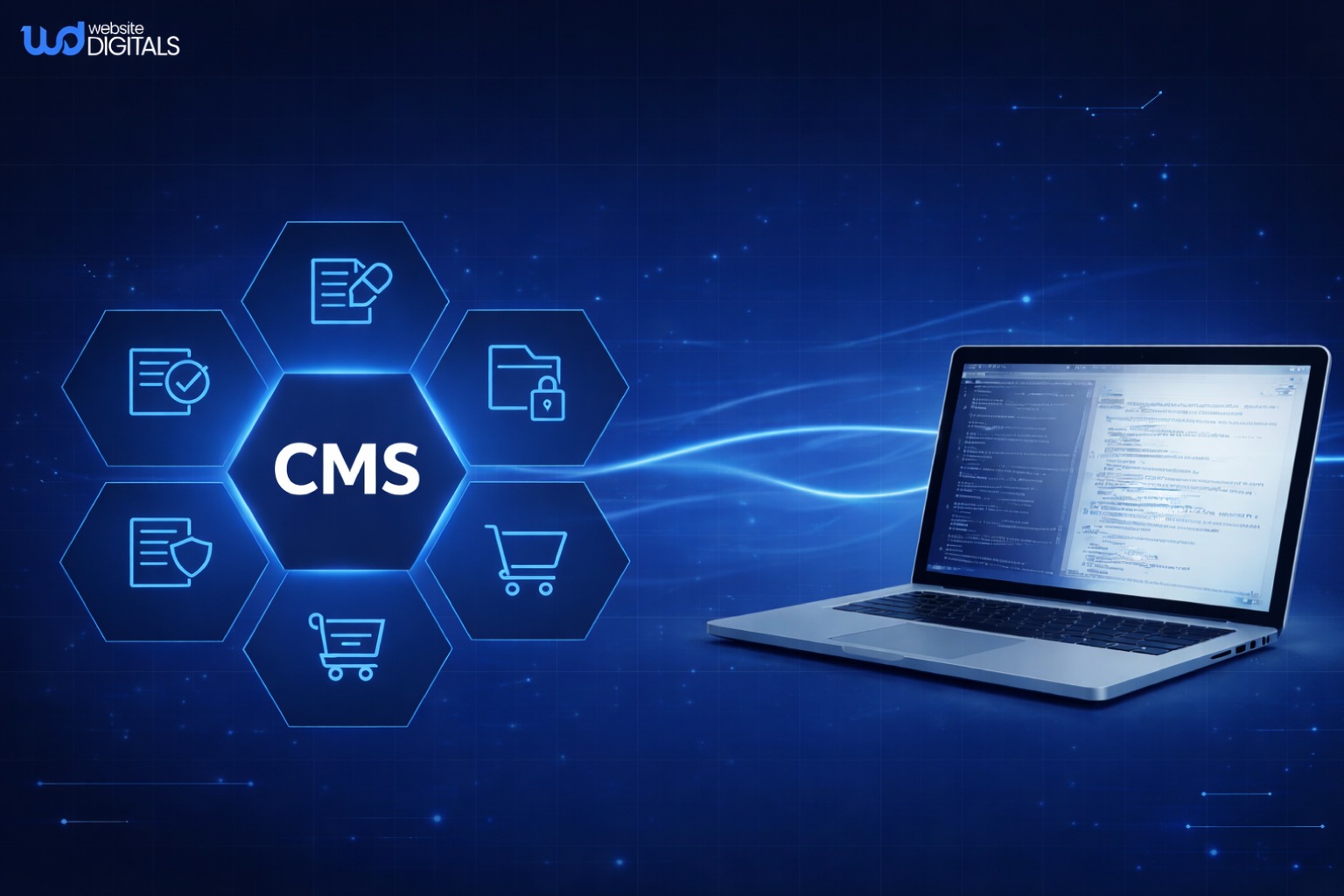
A CMS is a platform that allows you to build and maintain a website through an intuitive interface.
It integrates a CMS Dashboard, a content workflow automation process, and tools for publishing and updating pages efficiently.
Key Components
- Content creation interface for building pages and posts
- Content storage database for structured data management
- Content delivery system for publishing across multiple channels
Benefits of Using a CMS for Business Websites
A well-implemented Content Management System (CMS) offers far more than convenience; it becomes a foundation for digital growth, enabling your business to scale operations, improve collaboration, and maintain consistent quality across all content.
-
Time and Efficiency
Routine tasks like editing, publishing, and updating content are simplified through automation and intuitive tools.
This efficiency allows marketing teams and business owners to focus on strategy, design, and performance optimization instead of manual site management.
-
Scalability
Whether you choose a cloud-based CMS platform or a SaaS CMS, your website can easily adapt as your business expands.
Scalable infrastructure ensures that increasing content, traffic, or integrations won’t disrupt performance or usability.
-
Ease of Collaboration
Integrated features such as user roles and permissions and a streamlined collaboration workflow let multiple contributors work simultaneously without conflicts.
This promotes accountability, improves content quality, and keeps your publishing schedule consistent.
-
Customization and Flexibility
Using template and theme management combined with plugins and extensions, businesses can design unique layouts, add new functionality, and enhance user experience without writing complex code.
This flexibility ensures your website reflects your brand identity while remaining easy to maintain.
Popular CMS Platforms for Business Websites
|
CMS Platform |
Key Features |
Ideal For |
Core Benefits |
|
WordPress |
User-friendly interface, vast plugins and extensions, customizable template and theme management |
Small to medium businesses, bloggers |
Flexible, SEO-friendly, easy to scale |
|
Drupal |
Advanced security, modular design, strong user roles and permissions |
Enterprises, government, large organizations |
Highly secure and customizable |
|
Joomla |
Balanced usability and power, multilingual support |
Corporate websites, non-profits |
Great flexibility with a moderate learning curve |
|
Shopify |
Built-in e-commerce CMS integration, payment gateway, and product management |
Online stores and retailers |
All-in-one e-commerce solution |
|
Wix |
Drag-and-drop builder, integrated hosting |
Small businesses and individuals |
Quick setup, beginner-friendly |
|
Squarespace |
Designer templates, built-in SEO tools, and mobile optimization |
Creative professionals, portfolios, small brands |
Visually polished and easy to maintain |
How to Use Content Management System Effectively
To get the most out of your CMS, understand its architecture and key functions.
-
Setting Up Your CMS Dashboard
Start by configuring site basics such as your domain, timezone, and metadata.
The CMS implementation phase should include defining user roles and permissions to secure your content environment.
-
Managing Templates and Design
Through template and theme management, you can maintain consistent branding.
When customizing, consider on-premises deployment if you need full control or open source CMS options for flexibility.
-
Workflow and Publishing
A good CMS streamlines your content workflow automation, from drafting to publishing.
Using version control, you can manage revisions and track updates across your team.
-
Integrations and Scalability
Integrate your system with tools like CRMs or marketing automation integration solutions to centralize operations.
Ensure multi-channel content delivery so your content reaches users across devices and platforms.
-
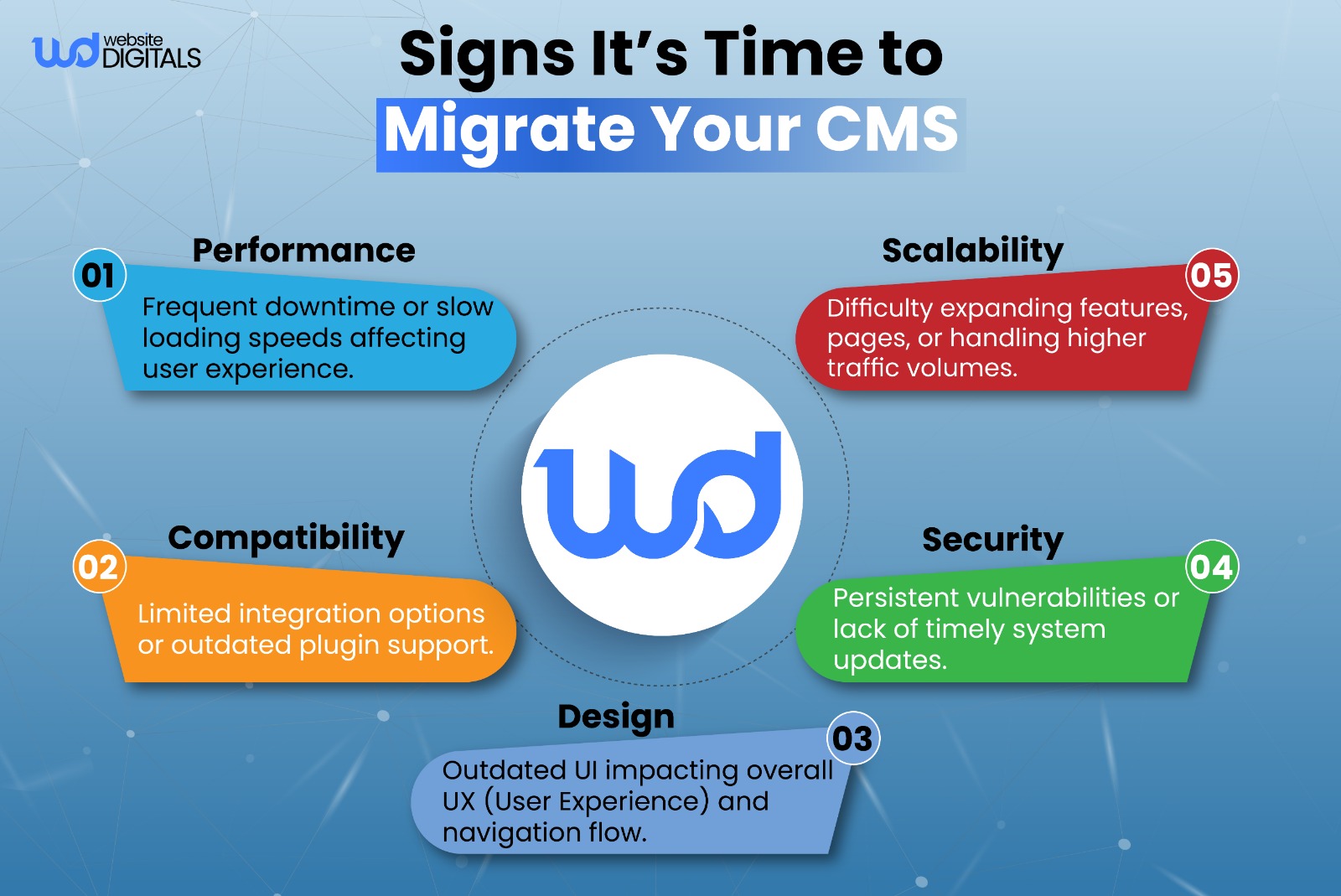
CMS Migration
CMS migration means moving your content and design to a new Content Management System (CMS) that better fits your goals.
Whether shifting from an on-premises deployment to a cloud-based CMS platform or SaaS CMS, focus on keeping your structure, redirects, and SEO intact.
Note:
|
Once the move is complete, reconnect tools like marketing automation integration to ensure everything runs smoothly. |
Real World Case Study:
|
The New York Times redefined its digital strategy by listening to readers and prioritizing subscriptions over ads. Using a flexible Content Management System (CMS), it streamlined publishing and personalization, proving that understanding users and optimizing your CMS drives lasting digital success. |
Optimizing Website Structure with CMS
|
Structural Element |
Description |
SEO Benefit |
|
Logical Navigation |
Clear and accessible menu |
Improved user experience and crawlability |
|
Content Categories and Tags |
Organized content hierarchy |
Enhanced content discoverability |
|
Breadcrumbs |
Navigational aid for users |
Better crawling and indexing |
|
Internal Linking |
Guiding users and distributing link equity |
Improved user engagement and SEO |
|
Mobile-First Structure |
Responsive design for all devices |
Better user experience and search rankings |
Conclusion
Understanding how to use a Content Management System effectively can transform the way your business manages its online presence.
The right CMS helps you streamline content updates, enhance user experience, and keep your website optimized for performance and growth.
Whether you’re improving an existing business site or building an e-commerce platform, a CMS gives you the flexibility and control to scale with confidence.
Ready to take the next step in your CMS development journey? Our experts at Website Digitals can help you plan, build, and optimize a CMS tailored to your business goals. Reach out to us at websitedigitals@gmail.com or call (646)-222-3598 to get started today.
FAQ
Why choose Website Digitals for CMS development?
At Website Digitals, we specialize in custom CMS development that aligns with your business goals. Our team ensures fast, secure, and scalable website solutions tailored to your brand’s needs.
How does a Content Management System work?
A Content Management System (CMS) works by combining a user-friendly dashboard with a database that stores and delivers your website’s content. It allows users to create, edit, and publish pages without needing to code manually.
What is the best way to use a CMS for my website?
The best way to use a CMS is to organize your content logically, maintain a consistent design through templates, and use built-in SEO tools to improve visibility. Regular updates and backups help keep your website secure and efficient.
How to use WordPress as a Content Management System?
To use WordPress as a CMS, install a suitable theme, add essential plugins for SEO and security, and create structured pages using its editor. It’s ideal for both blogs and business websites due to its flexibility and ease of use.
What features should I use when using a CMS?
Focus on features like version control, content scheduling, user roles, and plugin integration. These tools simplify publishing and ensure smooth collaboration across your team.
How to use a headless CMS vs a traditional CMS?
A headless CMS separates the backend (content storage) from the frontend (website display), allowing more design freedom and faster delivery. A traditional CMS handles both parts in one system, making it easier for non-technical users.
How to use CMS for content publishing without a developer?
Most CMS platforms provide drag-and-drop editors, pre-designed templates, and intuitive dashboards. This lets non-developers publish or update content easily without coding knowledge.
How much does it cost to use a CMS?
CMS costs vary by platform. Open-source options like WordPress are free but may require paid themes or hosting, while enterprise or SaaS CMS platforms charge monthly or annual fees depending on features and usage.
Which CMS should I use for an e-commerce site in the US?
For e-commerce, Shopify, WooCommerce (on WordPress), and Magento are top choices in the US. They offer secure payment integration, inventory management, and scalability for growing online stores.