What is CMS development – A Complete Beginner’s Guide
Your website may look great today, but what happens when content grows, traffic spikes, or your business needs evolve?
Many organizations struggle not because of design, but because they don’t fully understand what is CMS development and how it impacts long-term scalability and performance.
A CMS is more than a content tool; it’s the foundation that controls how your website is built, managed, and expanded.
According to McKinsey, digital-first companies are 23% more likely to outperform competitors, proving that the right CMS strategy directly affects growth.
In this blog, we’ll break down CMS development in simple terms, explore how it works, the different types of CMS platforms, and how to choose the right solution for your business.
Key Takeaways
|
What Is a Content Management System (CMS)
A Content Management System (CMS) is a software platform that enables users to create, manage, edit, and publish website content without requiring advanced technical skills.
It allows multiple contributors to collaborate while maintaining control over content structure, permissions, and workflows.
When discussing what is CMS development, it refers to the process of designing and building both the backend, including server-side logic, databases, and content storage, and the frontend, which controls how content is displayed to users.
The objective of CMS development is to deliver an intuitive admin dashboard that makes publishing and managing content as simple as sending an email.
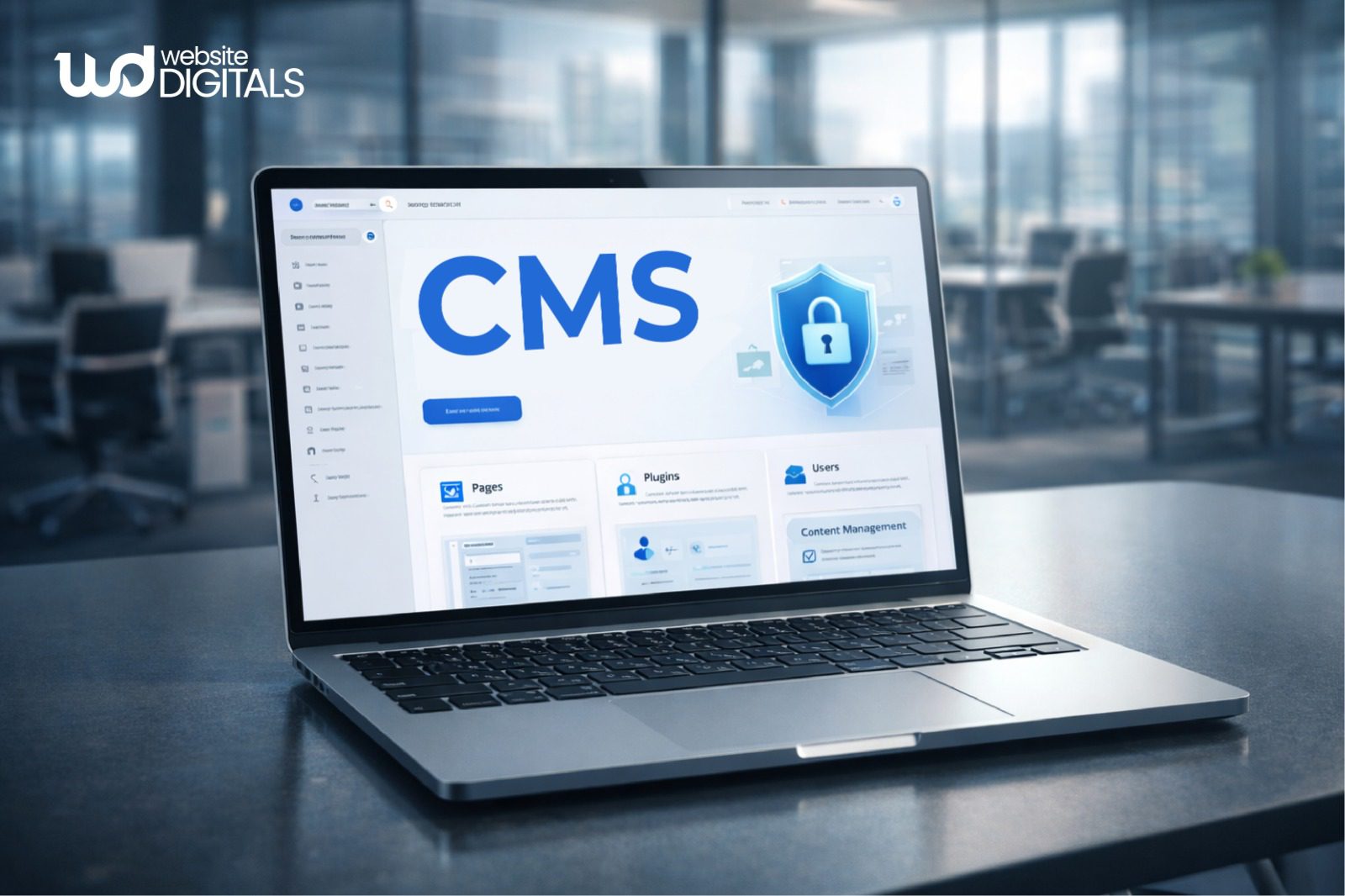
Key Components of a CMS Architecture
Understanding the CMS architecture helps you realize why some systems feel “clunky” while others feel effortless.
-
Admin Panel and Content Editor Overview
The admin dashboard is where the magic happens.
It should be intuitive, allowing for easy content publishing and the management of user roles and permissions.
This ensures that a junior writer can draft a post, but only an editor can set it live.
-
Themes, Templates, and Presentation Layers
These are the page templates and themes and templates that define the look of your site.
In a professional setup, the design is kept separate from the content, meaning you can update the look of your site without losing your data.
-
Plugins, Modules, and Functional Extensions
Standard systems often need extra features.
Through plugins and extensions, developers add specialized tools like SEO trackers, contact forms, or lead capture tools.
-
Database and Server-Side Infrastructure
Every piece of text and every image is stored in a database.
Most systems use MySQL or PostgreSQL for storage.
The server handles the requests, often utilizing PHP or JavaScript to pull the right information when a visitor clicks a link.
Types of Content Management Systems
Not all systems are built the same way.
The right choice depends on your specific goals and technical requirements.
-
Open-Source CMS Platforms
These are platforms where the source code is available to everyone.
They are highly flexible and have massive communities supporting them.
They rely heavily on version control to keep track of changes and improvements.
-
Proprietary CMS Platforms
These are “closed” systems owned by a specific company.
You pay for the license and the support, which often comes with higher security but less flexibility for outside developers to make changes.
-
Headless Content Management Systems
A newer approach is headless architecture. In this setup, the “head” (the frontend) is detached from the “body” (the backend).
Developers use a REST API or GraphQL to send content to any device, a website, a mobile app, or even a smartwatch.
If you are building a modern store, you might look into Headless Ecommerce Open Source solutions to keep your frontend fast and decoupled.
Real World Case Study:
|
Google Cloud × commercetools showcases how modern CMS development works at scale. Their API-first, headless architecture supports omnichannel commerce through microservices, flexible integrations, and SDKs for PHP, JavaScript, and Java, enabling fast, scalable, and customizable storefront experiences. |
Real World Case Study:
|
Spotify manages content across marketing pages, artist profiles, and regional campaigns for millions of users worldwide, something a traditional CMS would struggle to handle. By adopting a headless CMS approach, Spotify decoupled content from presentation, allowing teams to deliver consistent, localized experiences across web, mobile, and in-app platforms through APIs. This architecture enables faster content updates, seamless regional customization, and high performance at scale, demonstrating how modern CMS development supports global brands that require flexibility, speed, and omnichannel delivery without compromising user experience. |
-
Custom-Built CMS Solutions
For companies with very specific needs, generic platforms won’t cut it.
This is where custom cms development services come in.
A developer builds a web application from scratch using a web framework like Laravel or React, ensuring every single button and workflow is designed for your specific business logic.
Bonus Tip:
|
Businesses publishing content daily, blogs, ecommerce stores, or portals, need a CMS optimized for fast publishing, structured workflows, and caching. Low-update websites may not require enterprise-grade systems, but high-velocity content environments benefit significantly from custom or headless CMS setups. |
What Is Included in CMS Development
When you hire a team for CMS development, the work goes far beyond just installing software.
- CMS Setup and Configuration Essentials: Choosing the right cloud hosting and setting up the server environment.
- Custom Design and Theme Development: Creating a unique look that reflects your brand identity.
- Plugin and Feature Customization: Building custom tools that the standard platform doesn’t offer.
- Content Structure and Taxonomy Planning: Organizing how content is tagged and categorized so it’s easy to find.
- CMS Security, Updates, and Maintenance: Implementing firewalls and ensuring the system is always running the latest, most secure version.
For larger organizations, this might also involve Web Portal Development Services to create private areas for clients or employees to access specific data.
The Role of CMS Development in Website Performance and Usability
|
CMS Development Aspect |
Impact on Website Performance |
Impact on Usability |
|
Optimized content structure |
Improves page load speed and reduces server load |
Makes content easier to find and manage |
|
Clean theme and template development |
Ensures faster rendering and consistent layouts |
Delivers a smooth and predictable user experience |
|
Efficient plugin and feature management |
Prevents performance slowdowns from unnecessary code |
Keeps the interface simple and user-friendly |
|
Mobile-responsive CMS setup |
Enhances performance across devices |
Improves accessibility on mobile and tablets |
|
CMS caching and performance optimization |
Reduces load times and improves stability |
Creates faster, more responsive interactions |
Pro Tip:
|
Many performance issues stem from inefficient CMS architecture, excessive plugins, and unoptimized database queries, not just hosting alone. Clean templates, structured APIs, and proper caching strategies often deliver greater performance gains than server upgrades. |
Benefits of CMS Development for Small Business Owners
Investing in a proper setup offers more than just a “nice website.” It provides a foundation for growth.
-
Simplified Website Content Management
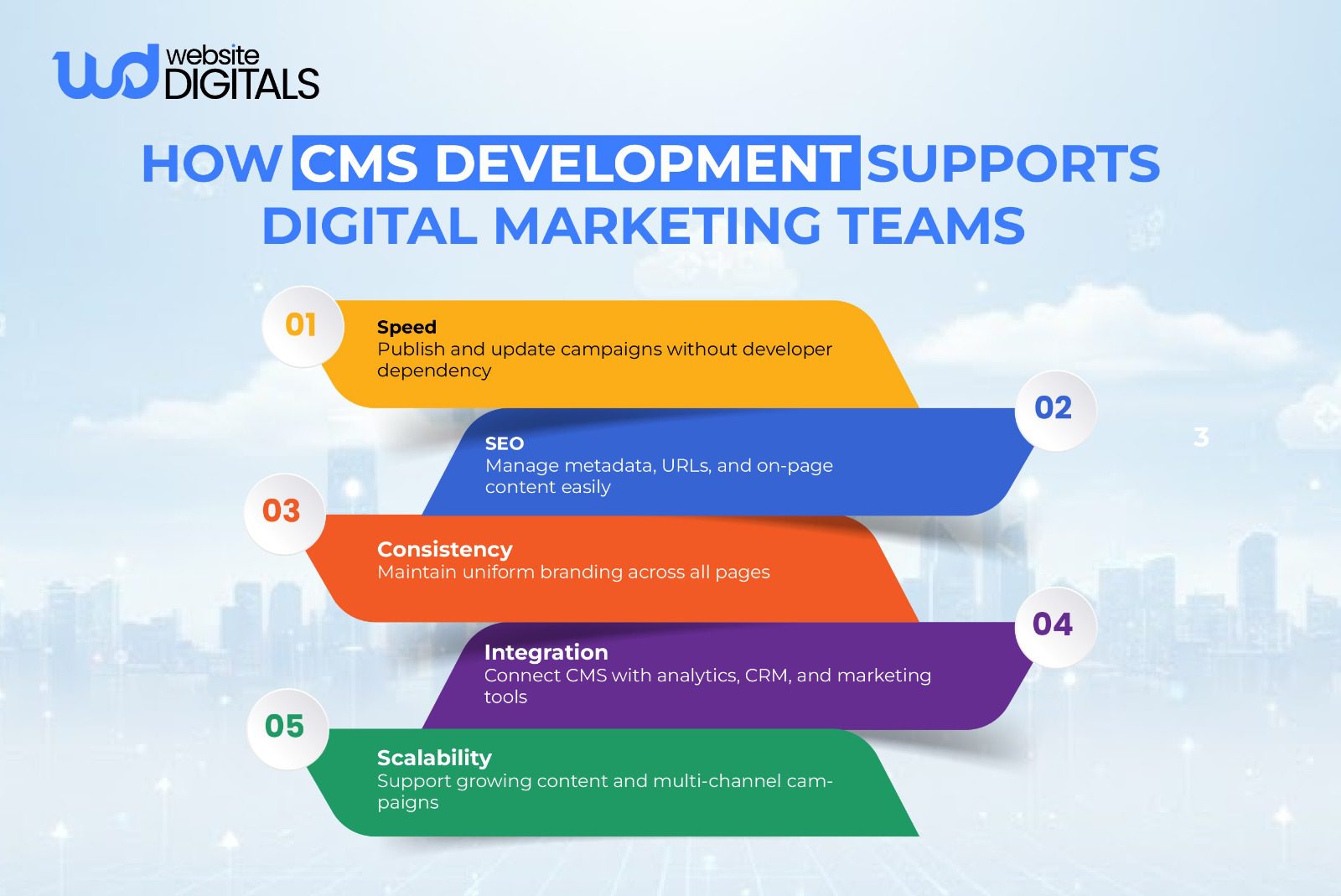
You don’t need to be a coder to update your site. With clear content workflows, your team can manage the website content management independently.
-
Less Reliance On Developers
While you will always need technical support for major shifts, a well-developed CMS means you don’t have to pay a developer for minor text edits or blog uploads.
-
Scalable CMS For Business Growth
As your company grows, your site should too. Scalable CMS solutions allow you to add thousands of pages or products without the system slowing down or breaking.
This is especially vital for those seeking custom ecommerce website development services, where the ability to handle high traffic is non-negotiable.
Common CMS Development Challenges and Limitations
It isn’t always smooth sailing. Poor planning can lead to significant headaches.
- Choosing the Wrong CMS Platform: Using a simple blog platform for a complex enterprise content management project.
- Over-Customization and Plugin Dependency: Adding too many third-party tools can make the site slow and vulnerable to hacks.
- Security and Maintenance Challenges: If you don’t keep the system updated, it becomes an easy target for cyberattacks.
- Scaling Issues With Poorly Planned CMS Setups: A site that works for 100 visitors might crash with 10,000 if the database management wasn’t handled correctly.
How CMS Development Helps Avoid Long-Term Website Management Issues
The best way to handle technical debt is to avoid creating it in the first place.
-
Planning CMS Architecture For Future Growth
By using modern patterns like MVC architecture or microservices, developers ensure that one part of the site can be updated without breaking the rest.
-
Maintaining Content Consistency Over Time
A professional CMS ensures that every page looks uniform. This keeps your branding professional and trustworthy.
-
Reducing Technical Debt
“Technical debt” happens when you take shortcuts in code that you have to fix later at a higher cost.
Professional custom cms development services focus on clean code and API integration that stands the test of time.
Final Say – Choosing the Right CMS Based on Business and Technical Needs
Understanding what is CMS development is essential for building a scalable, high-performance digital presence.
A well-designed CMS goes beyond content management by supporting SEO, simplifying workflows, and enabling advanced solutions like custom web portals, turning your website into a long-term business asset.
If you’re ready to invest in custom CMS development services tailored to your goals, our experts at Website Digitals can help.
Reach out to us at info@websitedigitals.com or call (646)-222-3598 to start building a CMS that grows with your business.
FAQs
- How does Website Digitals approach custom CMS development services?
Website Digitals builds custom CMS solutions by focusing on scalability, security, and ease of use, ensuring businesses can manage content independently without long-term technical dependency.
- Can Website Digitals help businesses choose the right CMS platform?
Yes, Website Digitals evaluates business goals, content complexity, and growth plans to recommend or build a CMS that aligns with long-term performance and usability needs.
- What is CMS development?
CMS development is the process of building and configuring a content management system that allows users to create, manage, and publish website content without advanced coding skills.
- What is a CMS in web development?
In web development, a CMS is a software platform that separates content from design, enabling easier updates, collaboration, and structured content management.
- Is CMS development suitable for beginners?
Yes, CMS development for beginners focuses on creating user-friendly admin dashboards that allow non-technical users to manage content with minimal training.
- What is the difference between a CMS and a website builder?
CMS vs website builder comes down to flexibility—CMS platforms offer greater customization and scalability, while website builders are limited but easier to use for simple sites.
- What are some CMS development examples?
Common CMS development examples include WordPress for content sites, headless CMS for ecommerce platforms, and custom CMS solutions for web portals and enterprise applications.