How Wix for Restaurants Solves Unique Design Challenges for the Food Industry
Ever felt like your restaurant’s website just doesn’t taste like your brand?
You’ve poured your heart into your food, your décor, and every customer interaction, yet your website still fails to capture the soul of your dining experience.
That’s a challenge many restaurant owners face: finding a flexible website platform that understands the real needs of the food and hospitality industry.
You don’t just need another website builder BUT a restaurant-specific solution that lets you update menus, promote seasonal offers, and manage online orders without calling a developer every time.
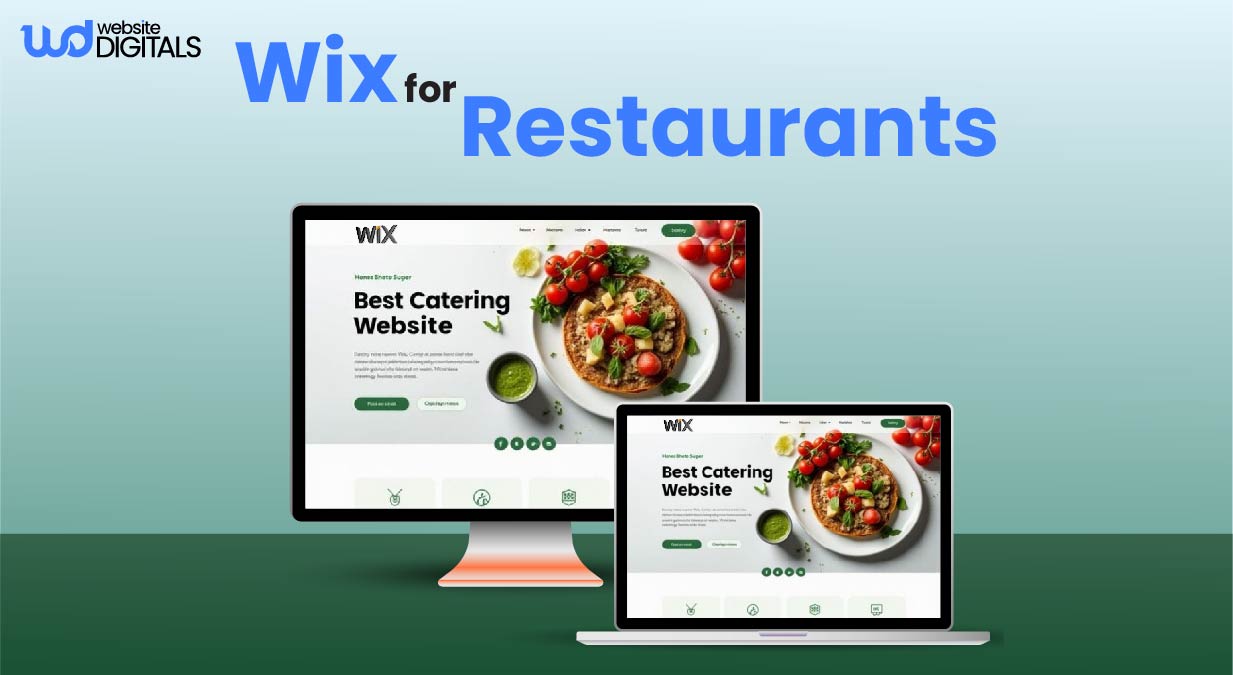
That’s where Wix for Restaurants steps in. It is a purpose-built restaurant website builder designed for chefs, restaurateurs, and food entrepreneurs who value creativity, control, and simplicity.
In this post, you’ll discover why restaurant websites need a different recipe for digital success and how Wix for Restaurants solves the toughest design and functionality challenges faced by food businesses.
Key Takeaways
- Restaurant websites need more than good looks; they require speed, usability, and storytelling that bring your brand to life.
- Wix for Restaurants includes built-in tools for menu management, online ordering, and table reservations, all tailored to the food industry.
- You’ll learn how to overcome design and functionality challenges using Wix’s flexible, user-friendly platform.
- See real-world success stories of restaurants that boosted online visibility and bookings through Wix.
- Get actionable SEO and design tips to attract more diners, rank higher on Google, and convert clicks into customers.
Why Restaurant Websites Need a Different Kind of Design
What Makes Restaurant Web Design Unique?
A restaurant website has one clear goal: turn hunger into action. People browsing your site are often hungry, short on time, and using their phones.
That means your website must load quickly, display your food beautifully, and make ordering or booking as effortless as possible.
A well-designed restaurant website doesn’t just look good but removes friction. When users can easily view menus, reserve tables, or order online, you have already won half the battle for their attention.
The Power of Food Imagery
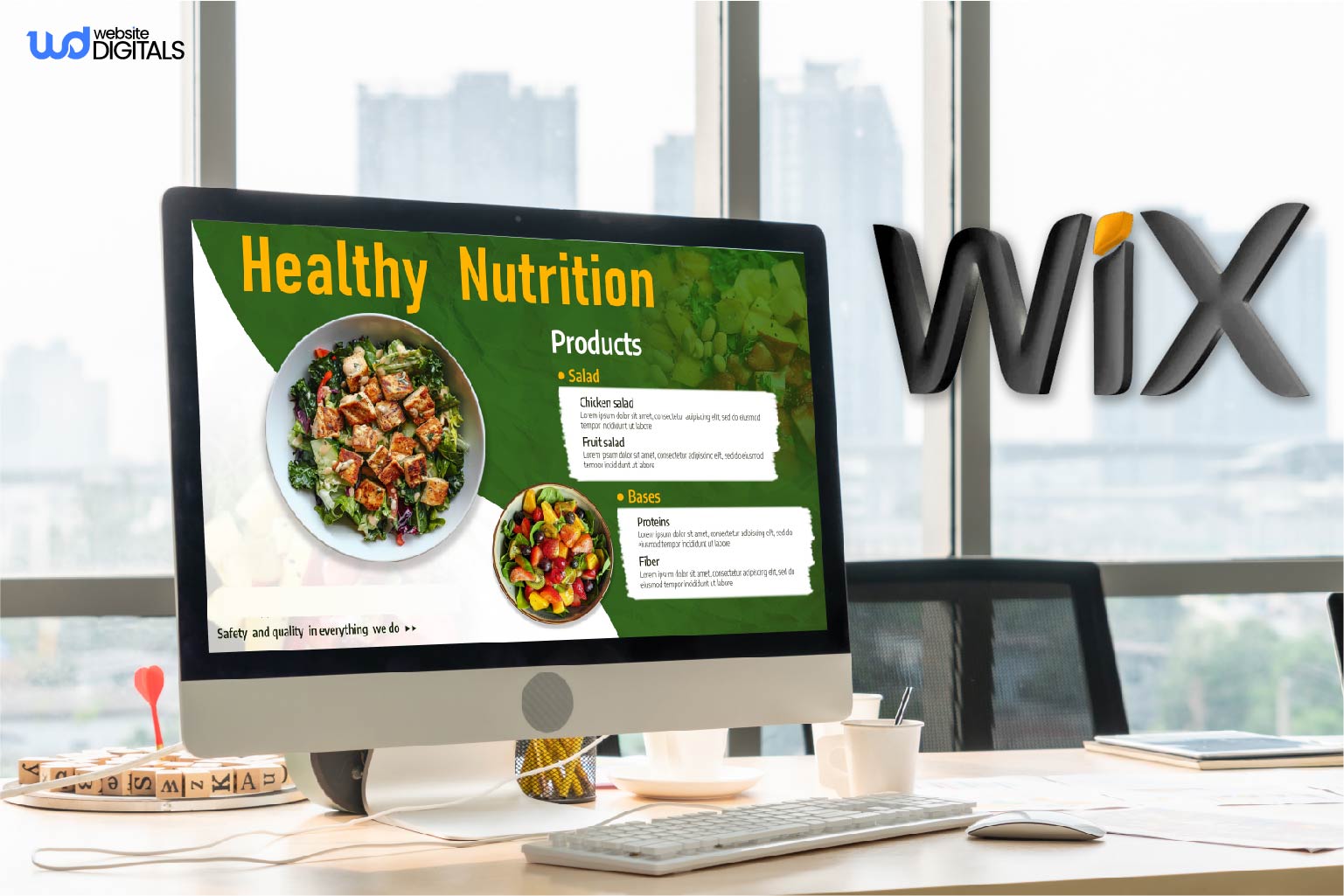
Visual storytelling sells. High-quality, appetizing photos instantly engage visitors and influence decisions.
Great imagery not only triggers cravings but also helps your restaurant stand out in local search results.
Optimized images with descriptive alt text, proper compression, and structured data help Google understand your content, improving visibility in rich search snippets. For inspiration on layout and design, you can explore Wix photography website examples, which show how visually compelling imagery can enhance engagement and storytelling.
Pro Tip: Use schema markup for “Restaurant” and “Menu” categories to help your dishes and business details appear in Google’s rich results. Always test your schema with Google’s Rich Results Test to ensure proper implementation.
Balancing Beauty and Functionality
Yes, food photography matters, but it should also perform. A stunning site that is slow to load or confusing to navigate can drive potential customers away.
With Wix’s mobile-first responsive templates, restaurants can maintain both speed and style without sacrificing user experience.
Focus on restaurant UX: simplify navigation, keep calls to action like “Order Now” or “Reserve a Table” visible, and ensure menus are easy to find and read on mobile devices.
Accessibility features such as clear contrast, readable fonts, and alternative text for images also enhance usability and trust.
The Cost of Poor Design
Outdated menus, broken links, or poorly optimized layouts hurt conversions.
In the food industry, every second counts.
Slow websites frustrate users, damage credibility, and cost sales. Studies consistently show that most users abandon sites that take more than 3 seconds to load.
A professional, responsive, and well-structured website keeps diners engaged, improves restaurant SEO, and drives more online orders and reservations.
Common Restaurant Web Design Challenges
1. Menu Management and Real-Time Updates
Restaurant menus change constantly with new dishes, seasonal specials, and price adjustments. Managing those updates manually can be frustrating and time-consuming.
With Wix Restaurants Menus, you can edit and publish changes instantly using a simple drag-and-drop interface.
Updates sync in real time across your website and mobile devices, so customers always see your most accurate menu. No more uploading or reformatting static PDFs.
|
If you are wondering how to update your restaurant menu online without coding, Wix for Restaurants lets you edit menus instantly through an easy visual editor. |
2. Integrating Online Ordering and Reservations
Managing dine-in bookings, takeout, and delivery orders often feels chaotic when handled across multiple tools.
Wix Restaurants simplifies the process with Wix booking system integration, combining online ordering, POS tools, and table reservations into a single platform. This all-in-one system streamlines operations and minimizes the risk of missed orders.
Wix offers a commission-free online ordering system for restaurants, helping you maximize profits while connecting seamlessly with delivery partners and reservation apps.
For those asking, “How can I connect Wix Restaurants with delivery apps?” you can easily link your ordering system with major delivery platforms through Wix’s integration settings.
3. Maintaining Brand Identity Across Devices
Your brand’s identity should remain consistent on every screen. From logos and colors to fonts and imagery, Wix for Restaurants ensures full creative control.
Its mobile-friendly website templates automatically adjust for any device, maintaining a seamless customer experience whether someone is browsing from a phone, tablet, or desktop.
Pro Tip: Maintain your restaurant branding by using consistent color palettes, typography, and imagery. Ensure strong color contrast, readable font sizes, and descriptive alt text for accessibility and SEO.
Real-World Example: How Kome Waza Modernized Its Online Experience with Wix for Restaurants
In New York City’s fast-paced dining scene, Kome Waza, a modern Japanese-inspired noodle bar, needed a website that reflected its creative brand and kept up with changing menus and customer expectations.
Their old site was hard to update, slow to load, and didn’t fully capture the restaurant’s fresh, dynamic dining experience.
After switching to Wix for Restaurants, Kome Waza transformed its digital presence with a mobile-friendly, visually engaging website that simplified the ordering process and highlighted its menu offerings more effectively. This serves as a perfect Wix online store example of how restaurants can showcase their menu, manage orders, and boost online sales seamlessly.
What Changed
- Seamless Menu Display: With the Wix Restaurants Menus feature, Kome Waza can now showcase customizable bowl options and daily specials without uploading static PDFs.
- Mobile-Friendly Ordering: Customers can easily browse, order, and pay from any device through Wix’s responsive templates, ensuring fast, frustration-free interactions.
- Consistent Brand Identity: The restaurant’s color palette, imagery, and typography now align perfectly online and in-store, creating a unified, memorable experience.
Source: Kome Waza Case Study
How Wix Solves Core Design Challenges
1. Easy Customization for Non-Designers
With Wix’s drag-and-drop website editor, restaurant owners can create professional, visually appealing websites without needing technical or design experience. Wix handles all the web development, so you can adjust layouts, colors, and menus in minutes, giving you full creative control without hiring a developer.
You can adjust layouts, colors, and menus in minutes, giving you full creative control without hiring a developer.
2. Mobile-First Responsive Design
Most food orders today come from mobile devices. Wix’s templates automatically optimize for smaller screens, ensuring fast loading speeds and an intuitive browsing experience.
This mobile-first approach not only enhances user satisfaction but also supports better visibility in search results.
3. Dynamic Menus and Visual Layouts
The Wix Restaurants Menus feature supports multi-language menus, allergen labels, and daily specials.
It also allows you to display high-quality images of each dish, making your menu more engaging and transparent for customers while improving SEO performance.
|
How can I create an interactive restaurant menu without coding? |
4. Seamless Integrations
Wix Restaurants connects with selected POS systems, payment gateways, and delivery partners, allowing smooth coordination between dine-in and online operations.
The built-in Wix Restaurants Orders tool streamlines order management so your team can focus on service, not software.
Note: Keep your homepage clean and uncluttered. Avoid adding too many widgets or plug-ins. Simplicity improves loading speed, enhances user experience, and boosts conversion rates.
Why Restaurants Trust Wix
SEO and Local Visibility
Wix offers built-in local SEO tools, restaurant-specific structured data, and Google Business Profile integration.
These features help your website appear in local search results for queries like “best Italian restaurant near me.” The platform also automatically optimizes meta tags and schema, giving your restaurant better visibility in Google Maps and local searches.
Quick Tip: Add your restaurant’s location, menu, and operating hours to your Google Business Profile to increase visibility across devices and platforms.
Commission-Free Ordering System
Third-party delivery platforms often charge high commissions that eat into profits. Wix Restaurants allows you to process online orders directly through your website without extra fees.
This commission-free ordering system helps you protect your margins while keeping full control of your customer experience.
POS and Analytics Integration
Wix integrates with selected POS systems, including Square, to sync menu data, track orders, and analyze sales performance in real time.
The Wix Dashboard also lets you monitor top-selling dishes, track order trends, and view customer engagement metrics to improve business decisions.
Bonus Tip: Regularly review your analytics to see which dishes attract the most views or sales, and feature those items on your homepage or in special promotions.
Building Authority and Trust
Wix Restaurants is recognized by trusted industry platforms such as WebsiteBuilderExpert and EatApp, and it is used by hundreds of thousands of restaurants worldwide.
The platform includes HTTPS security, PCI-compliant payment processing, and reliable hosting, helping your restaurant maintain a professional and secure online presence.
Key Insight: By choosing Wix, you are investing in a proven restaurant website builder that balances design flexibility with performance, security, and trust, which are key elements that align with Google’s EEAT principles.
|
Feature |
Benefit |
Why It Matters |
|
Local SEO Tools |
Helps you rank for “best restaurant near me.” |
Increases local traffic. |
|
Commission-Free Ordering |
Saves money vs. third-party platforms. |
Protects profit margins. |
|
POS Integration |
Syncs orders and menus automatically. |
Improves efficiency. |
|
Analytics Dashboard |
Tracks performance and trends. |
Data-driven decisions. |
How to Get Started with Wix for Restaurants
Step 1: Choose a Restaurant Template
Go to the Wix Templates Gallery and select Restaurants & Food. Choose a design that reflects your brand’s personality, cuisine, and customer experience.
A strong template foundation makes customization easier later.
Step 2: Customize Menus and Branding
Use the Wix Restaurants Menus feature to add dishes, prices, descriptions, dietary icons, and daily specials.
Apply your color palette, fonts, and logo to maintain brand consistency across all pages and devices.
|
How do I add a restaurant menu without coding? |
Step 3: Enable Orders and Reservations
Install the Wix Restaurants Orders and Wix Reservations apps to manage online orders, table bookings, and delivery requests directly from your dashboard.
This setup helps you handle dine-in and takeout efficiently.
|
How can I take online restaurant orders without paying commissions? |
Step 4: Launch and Promote Your Website
Before launching, test your site’s mobile navigation, set up payment methods, and verify structured data for menus and locations.
Use the Wix SEO Setup Checklist and connect your Google Business Profile for better local search visibility.
Pre-Launch Checklist:
- Connect your custom domain
- Enable online payments and tax settings
- Set your delivery radius and order preparation times
- Add image alt text and compress files for faster loading
- Run a test order or reservation to confirm functionality
|
Step |
What to Do |
Why It Matters |
|
Choose Template |
Select a cuisine-specific design. |
Creates a strong visual foundation. |
|
Customize Menus |
Add dishes, icons, and branding. |
Ensures consistency and engagement. |
|
Enable Orders & Reservations |
Install Wix Orders and Reservations Apps. |
Simplifies customer interaction. |
|
Launch & Promote |
Use Wix SEO Setup and Google Business integration. |
Improves local discoverability. |
Pro Optimization Tips for Restaurant Websites
1. Tell a Story Through Photography
High-quality visuals increase engagement and help with image SEO. Use professional food photography that reflects your brand’s mood and menu.
Always include descriptive alt text such as “Organic avocado toast served at a London café.” Optimized images can improve loading speed and visibility in Google Image results.
Pro Tip: Compress images, use WebP format, and enable lazy loading to maintain site speed without compromising quality.
2. Add Reviews and Social Proof
Showcase your restaurant’s credibility with customer testimonials, TripAdvisor ratings, or “As featured in” media mentions.
This kind of social proof builds trust and signals authority to both customers and search engines.
Bonus Tip: Use review schema markup so your ratings can appear as rich snippets in Google results. Always display verified feedback and follow local advertising and privacy regulations.
3. Offer Loyalty Programs and Coupons
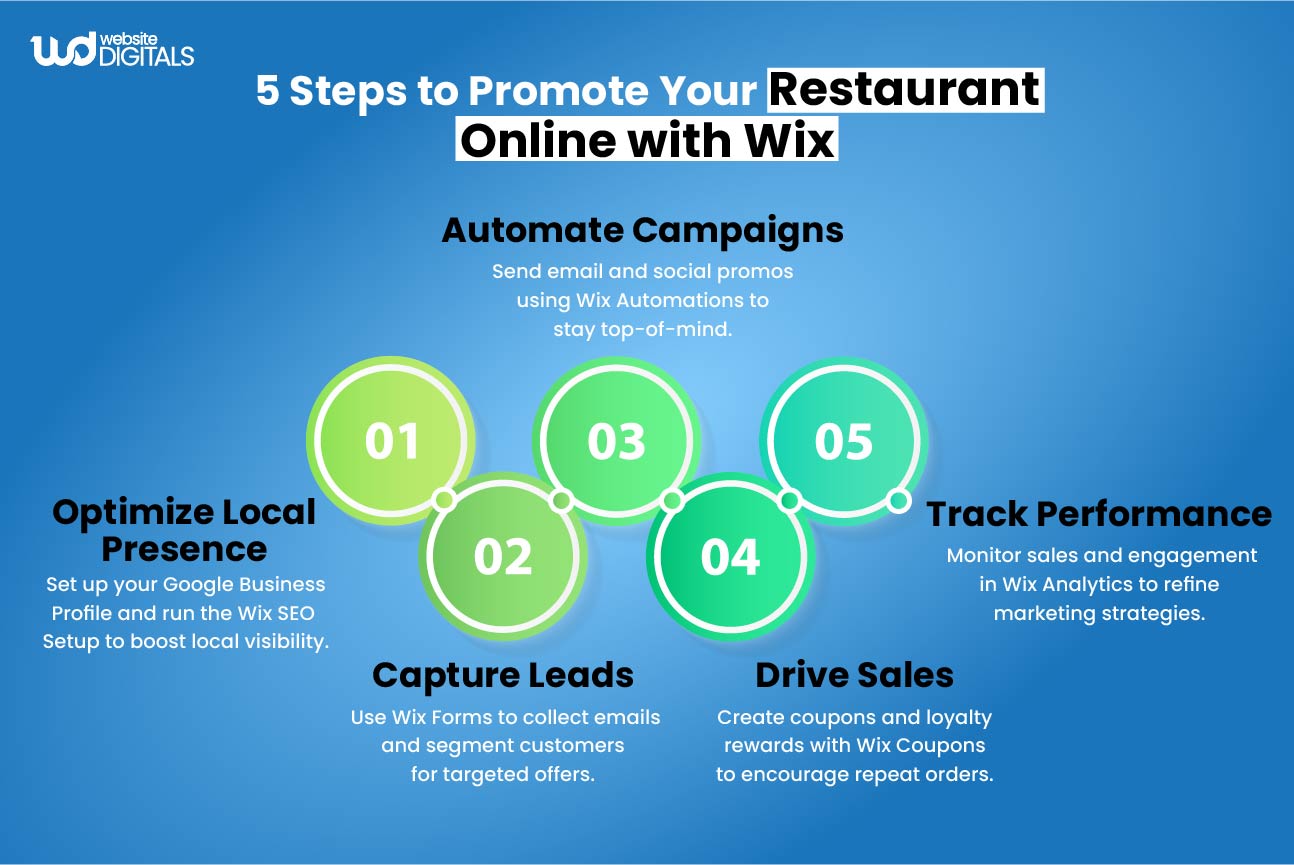
Encourage repeat customers with Wix’s native loyalty and coupon tools. Offer discounts for returning customers, birthdays, or online orders.
Small incentives like these increase customer retention and promote word-of-mouth marketing.
Key Insight: Track loyalty redemptions and repeat order frequency in Wix Analytics to measure campaign success.
4. Apply Local SEO and Schema Tags
Add your restaurant’s name, address, phone number (NAP), cuisine type, and business hours to your structured data.
Include Restaurant, Menu, and LocalBusiness schema types to help Google better understand your content.
Pro Tip: Connect your site to your Google Business Profile to boost visibility in “near me” searches and Google Maps listings.
Conclusion: Transform Your Restaurant’s Online Experience with Wix
Every restaurant has its own story, from the warmth of your dining room to the aroma that greets every guest. Your website should tell that story just as beautifully. That is exactly what Wix for Restaurants helps you do.
Wix does not just give you templates; it gives you creative freedom and control. You can design a visually rich, mobile-friendly site that mirrors your restaurant’s personality, simplifies your menu management, and helps more customers discover you online.
Whether you are running a cozy café, a high-end bistro, or a multi-location brand, Wix empowers you to manage it all, from online orders and reservations to customer loyalty and SEO visibility, in one seamless platform.
The result is a restaurant website that feels authentic, runs smoothly, and converts visitors into regulars.
Real success stories like Kome Waza show that great design and smart functionality can bring measurable growth. Their online experience improved, their orders increased, and their brand presence became as vibrant online as it is in person.
Wix for Restaurants is more than a website builder, it is your digital partner in hospitality. It helps you showcase your menu, strengthen your brand, and serve your customers wherever they are.
Turn your menu, story, and brand into a beautiful digital experience with Website Digitals. Call (646) 222-3598 or email info@websitedigitals.com to get your custom Wix for Restaurants website started today.