Wix vs Google Sites: Choosing the Best Platform for Your Business Website
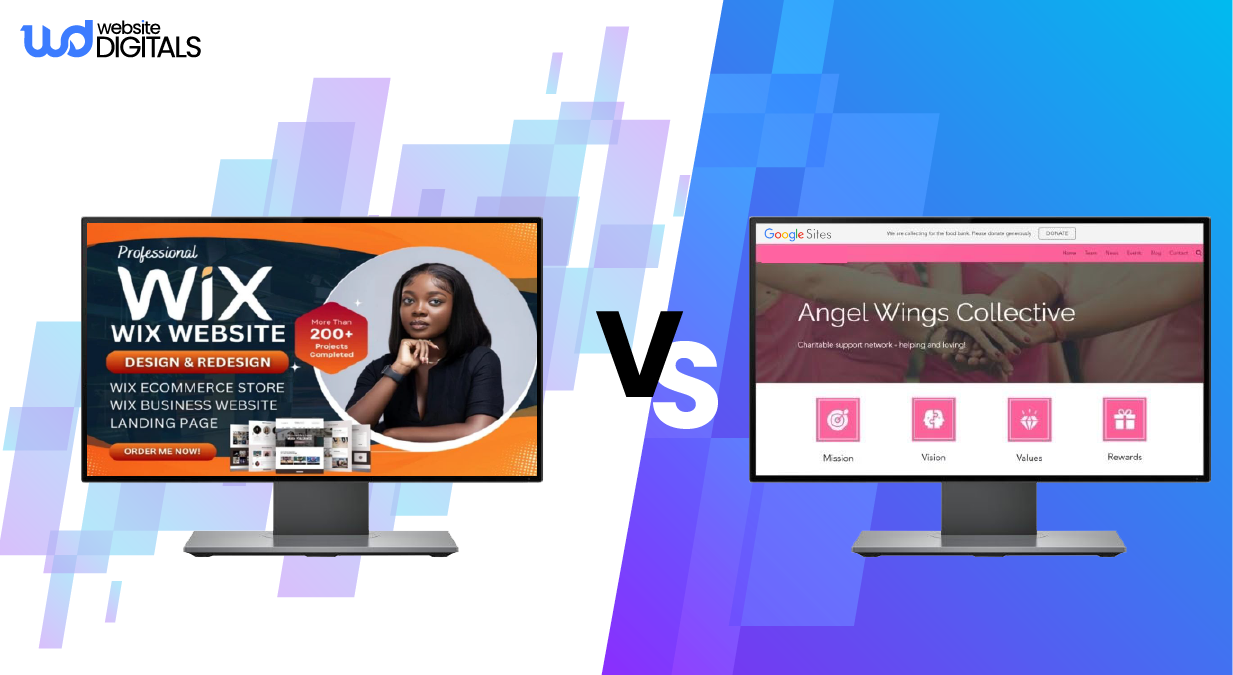
Launching your first business website can feel overwhelming, especially when you’re torn between Wix and Google Sites.
Both platforms promise an easy and no-code experience, but they serve very different needs.
If you’re wondering which builder offers the best balance between simplicity and design flexibility, you’re not alone. Thousands of small business owners face the same decision daily.
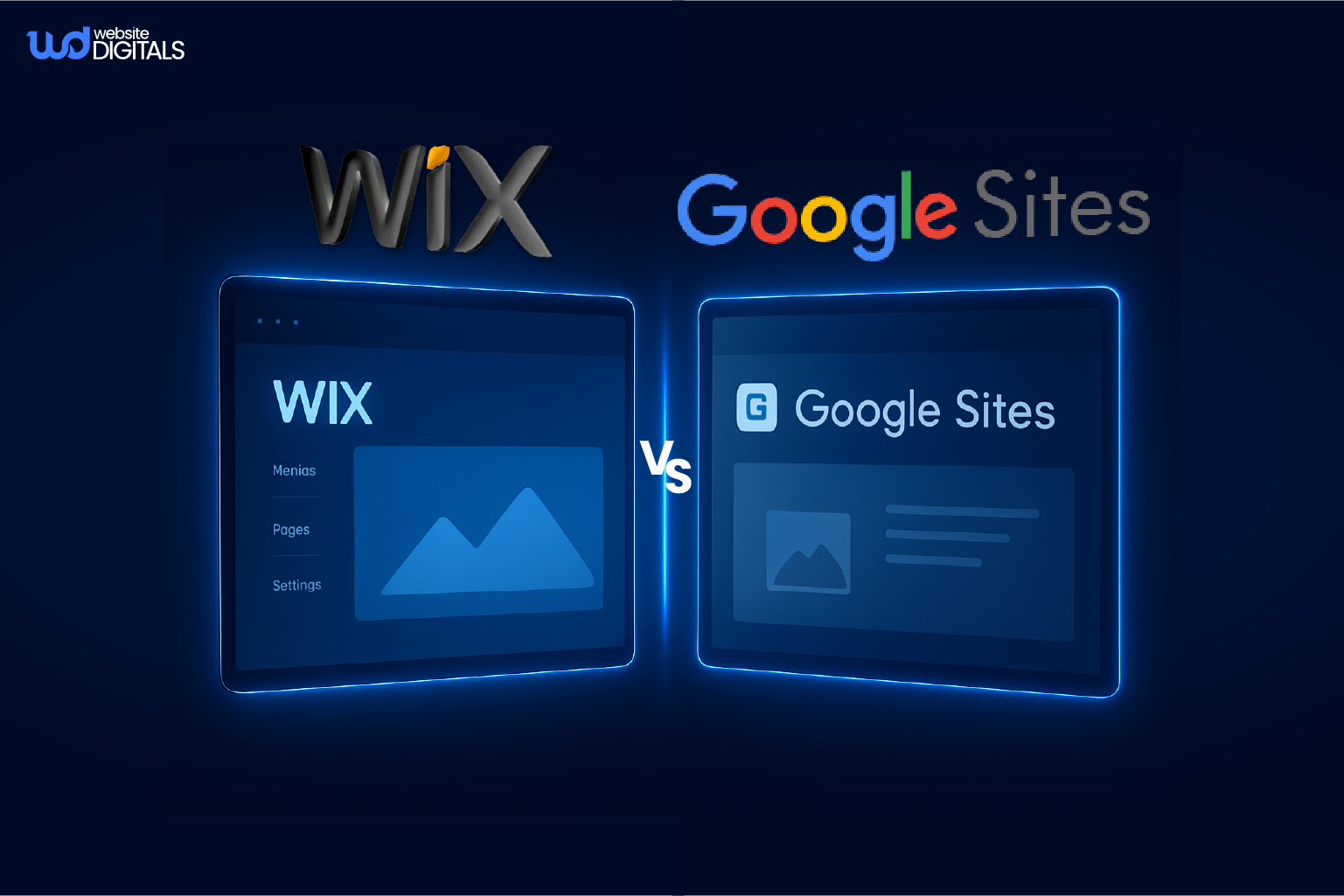
Google Sites delivers effortless setup and a clean interface, while Wix offers full creative control, advanced SEO tools, and professional templates that make your brand stand out.
So, which platform truly helps your business grow online, not just exist on the internet?
In this Wix vs Google Sites comparison, you’ll get real-world insights on website design, customization, SEO performance, and scalability to help you choose the platform that best supports your business goals and long-term growth.
Key Takeaways
- Understand the main differences between Wix and Google Sites for business websites.
- Learn how each platform performs in SEO, customization, and scalability.
- Discover which website builder best suits small business owners and startups.
- Get expert insights to help you choose the right builder for long-term success.
What Makes This Choice So Important?
Your website is more than digital real estate. It’s your brand’s first impression.
If your site looks outdated or feels generic, visitors won’t stay long.
A study reviewed by the CXL Institute found that 46.1% of consumers assess a website’s credibility based on its visual appeal, including elements like layout, color scheme, and typography.
That’s why choosing the right website builder matters. It affects everything from brand trust and SEO performance to lead generation and sales.
In short, your platform choice determines not just how your website looks but how effectively your business can grow.
What Is Wix?
Wix is a cloud-based website builder that allows users to create professional, mobile-friendly websites using drag-and-drop tools. No coding is required.
It’s designed for entrepreneurs, freelancers, and small business owners who want creative freedom with built-in marketing and SEO tools.
Key Features:
- Over 800 customizable templates across industries
- AI-powered website design with Wix ADI
- Built-in SEO optimization and analytics
- E-commerce, booking, and blogging modules
- Access to 250+ third-party app integrations
As software expert Joel Spolsky said,
“Design adds value faster than it adds costs.”
Wix embodies that principle, making professional web design accessible to everyone.
|
What Is Wix Used For? Wix is used to build small business websites, online stores, portfolios, and service-based sites. It’s ideal for users seeking complete design control, marketing integration, and scalability without needing to code. |
What Is Google Sites?
Google Sites is part of the Google Workspace suite and provides a simple, collaborative way to create basic web pages.
Users can embed Docs, Sheets, Slides, and Forms directly into their site, making it ideal for internal teams, schools, and nonprofits.
It’s free, easy to use, and requires no technical experience. However, it lacks customization, advanced SEO tools, and branding features. Custom domain setup requires manual configuration, and design options are limited.
Google Sites works best for internal websites, temporary projects, or educational content, not for businesses aiming to scale or enhance brand visibility.
Many users ask:
- Is Google Sites good for small business websites?
- How does Google Sites compare to Wix for SEO?
Google Sites excels in simplicity, but Wix outperforms in SEO, design flexibility, and scalability, making it the better long-term choice for businesses.
Wix vs Google Sites: A Head-to-Head Comparison
|
Feature |
Wix |
Google Sites |
|
Design & Templates |
800+ professional templates, drag-and-drop editor, full design control |
Basic templates, limited customization |
|
SEO Tools |
Advanced SEO features (Wix SEO Wiz, structured data, custom meta tags, XML sitemaps) |
Basic titles and descriptions, no advanced SEO support |
|
E-commerce |
Full integration (stores, payments, checkout, product management) |
No built-in e-commerce options |
|
Integrations |
250+ apps, including CRM, analytics, and social media tools |
Google Workspace apps only |
|
Mobile Optimization |
Mobile-responsive templates with live previews |
Auto mobile-friendly, limited control |
|
Performance & Hosting |
Built-in CDN, SSL, and backups for fast, secure performance |
Free hosting with SSL, limited optimization |
|
Custom Domain & Branding |
Connect domains, remove ads, and add branded emails |
Free subdomain; manual setup required for custom domains |
|
Blogging |
Full blog management with tags, categories, and RSS |
Static pages only, no blog module |
|
Collaboration |
Team permissions and multi-user editing |
Real-time co-editing within Google Workspace |
|
Pricing |
Free plan, paid from $16/month (USD) |
Free with a Google account |
|
Best For |
Business, eCommerce, and creative projects |
Internal, educational, or simple sites |
Design & Flexibility: Which Gives You More Control?
If you want a website that feels unique and visually on-brand, Wix is the clear winner. It provides complete design freedom, from layouts and color schemes to custom branding elements.
Wix ADI can even auto-generate designs based on your business niche.
Google Sites, while simple, offers fixed templates and limited customization, making it better suited for quick internal pages.
You can explore real Wix photography website examples to see how creative professionals use design flexibility to build stunning, high-performing portfolios.
Pro Tip: Use Wix’s mobile-responsive templates to improve SEO rankings and enhance user experience on all devices.
Ease of Use: Which Is Simpler to Manage?
Both platforms are beginner-friendly, but they serve different user types.
Google Sites is extremely intuitive. You can drag and drop text, images, or forms directly from Google Drive for quick setup.
Wix, however, combines ease of use with creative depth. Its editor allows users to tweak layouts, adjust colors, and add animations seamlessly.
Pro Tip: Wix’s “Undo History” lets you experiment freely without worrying about losing progress.
SEO & Marketing: Who Wins the Visibility Game?
When it comes to SEO, Wix leads significantly. It includes built-in tools that make optimization straightforward and effective:
- Custom meta titles and descriptions
- Wix SEO Wiz for guided optimization
- Integration with Google Search Console and Analytics
- Redirect and sitemap management
Google Sites supports only basic titles and descriptions, offering minimal SEO customization.
|
Is Wix Better for SEO than Google Sites? Yes, Wix is better for SEO. It provides more control over metadata, performance, and indexing compared to Google Sites. |
Things to Consider:
Before deciding, evaluate your long-term goals. Google Sites is ideal for simple collaborative projects where speed matters more than customization. Wix, however, supports branding, marketing, and scaling, making it the smarter choice for business growth.
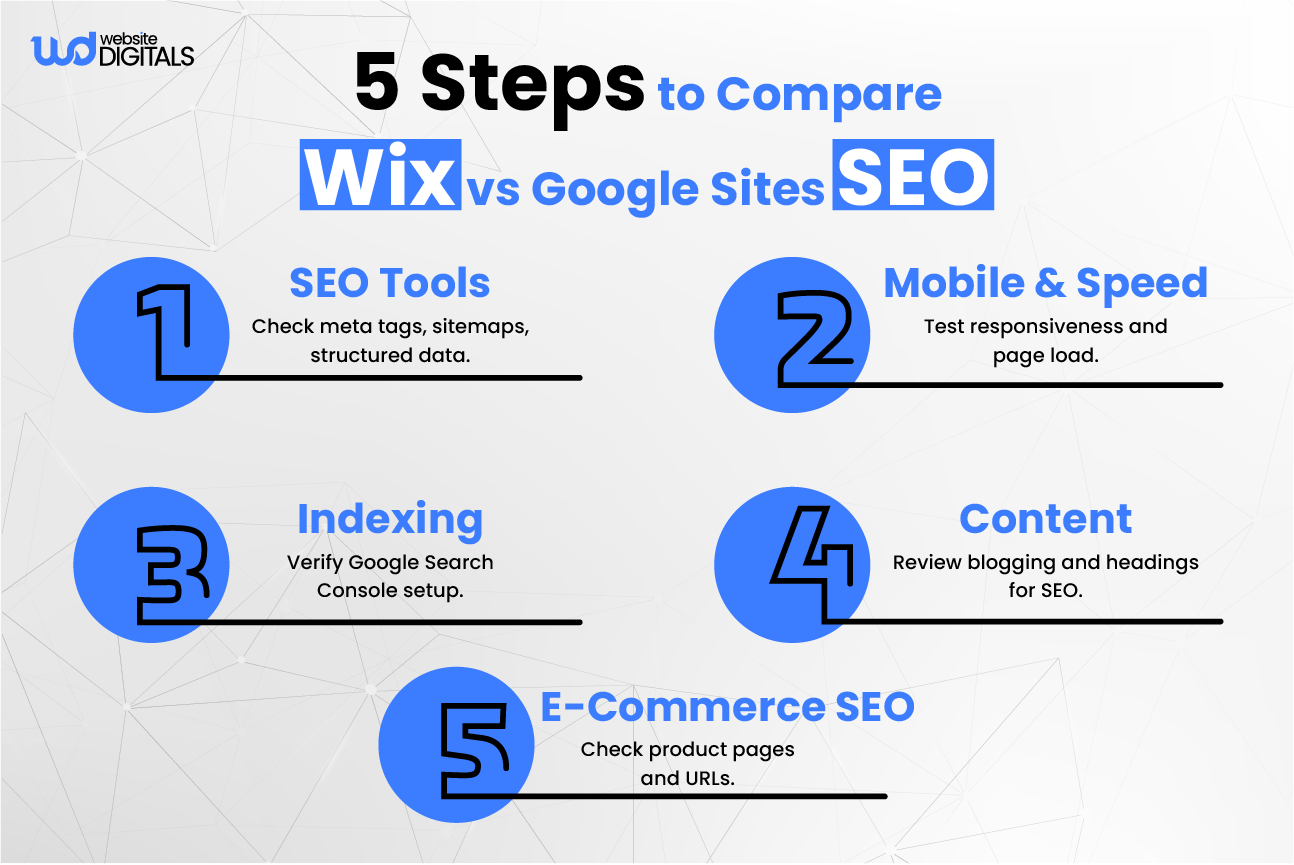
Why Wix Is the Better Choice for Business Websites
If you’re building a professional website that attracts customers and drives sales, Wix provides the right combination of tools, creative freedom, and SEO strength to help your business grow online.
For businesses looking to save time and get expert results, you can also hire a Wix website developer to build and optimize your site efficiently. This ensures your website is not only visually impressive but also fully functional and ready to scale with your business.
Branding & Professional Design
Create a cohesive, branded look using custom fonts, logos, and color palettes. Every layout can be tailored to reflect your brand identity.
Pro Tip: Explore Wix’s Brand Kit and Template Library to maintain a consistent design across your site and marketing materials.
Built-In Tools for Growth
Wix includes everything a business website needs:
- Marketing automation and email campaigns
- Built-in CRM for customer management
- Appointment booking system
- Blogging and SEO tools for content marketing
- Analytics dashboard for insights
Wix isn’t just a design platform but a business growth engine. It includes marketing automation, a CRM for tracking customers, appointment booking tools, and an integrated blog for content marketing, all of which work seamlessly with Wix for restaurants to manage menus, reservations, and customer engagement.
Bonus Tip: Use Wix’s App Market to integrate third-party tools like HubSpot or Mailchimp for advanced automation and sales tracking.
A Real-World Scenario: From DIY Site to a Business Powerhouse
Meet Sarah, owner of Petals & Bloom, a small flower shop. She built her first site on Google Sites because it was free and quick, but soon realized it lacked eCommerce and SEO tools. Her website looked plain, and most customers still ordered by phone.
She switched to Wix, and within a weekend:
- Launched an online store with payment integration
- Optimized images and SEO tags for local search
- Automated order confirmations
- Embedded her Instagram feed for social proof
A month later, traffic doubled, and online orders became her primary sales channel.
The Bottom Line:
Wix helps small businesses go beyond having a website. It builds a system that converts visitors into loyal customers.
Conclusion
When it comes to building a business-ready website that looks professional, performs well in search, and supports growth, Wix stands out.
It offers the perfect blend of design flexibility, SEO strength, and scalability that small business owners and startups need.
While Google Sites works well for simple internal projects or educational pages, Wix is the platform for business owners ready to build a strong and customer-focused online presence.
If you want a website that reflects your brand, attracts customers, and grows with your business, Wix is the platform to build it on.
In the Wix vs Google Sites comparison, it is clear that Wix provides the right mix of tools, design options, and creative control to strengthen your brand and support measurable growth.
Your website should be more than an online presence, as it should represent your brand’s identity, connect with your audience, and deliver real business results. Choosing the right platform builds a strong foundation for trust, customer engagement, and long-term business growth.
Let Website Digitals help you build a professional and high-performing site that stands out and drives results. Start your journey today. Call us at (646) 222-3598 or email info@websitedigitals.com.
FAQs
Which is easier for beginners, Wix or Google Sites?
Google Sites is simpler for absolute beginners, offering a quick drag-and-drop setup with a minimal learning curve. However, Wix remains intuitive while providing much greater creative control, making it ideal for users who want to personalize their designs.
Can I move my site from Google Sites to Wix?
There's no direct migration tool between the two platforms. You can manually rebuild your pages in Wix to take advantage of its design freedom, branding options, and added features like eCommerce tools and SEO customization.
Is Wix worth paying for compared to free Google Sites?
Yes. Wix's premium plans include valuable business features such as custom domain hosting, marketing automation, analytics, and online store support. These tools make Wix a better long-term investment for growing businesses compared to Google Sites limited free setup.
Does Wix have better SEO tools than Google Sites?
Yes. Wix offers advanced SEO features, including editable metadata, 301 redirects, sitemaps, and SEO analytics through Wix SEO Wiz. Google Sites provides only basic title and description options, which limit search optimization.
Which platform is more professional for business websites?
Wix is more suited for professional websites because it supports branding, online payments, and marketing integrations. Google Sites works best for internal, educational, or short-term projects that dont require complex features or scalability.
Can I use my own domain on both platforms?
Yes. Both Wix and Google Sites allow custom domain connections. Wix provides easy in-dashboard setup for paid plans, while Google Sites requires manual DNS configuration through your domain provider.
Is Google Sites secure for business use?
Yes, both platforms are secure. Google Sites uses Google's built-in SSL encryption for protection, while Wix adds extra layers such as automated backups, privacy settings, and secure payment integrations for business websites.