Choosing Between WordPress vs Wix vs Squarespace for Professional Web Development
Are you torn between the best platforms for your professional website?
The abundance of options can be daunting. But let us comfort you that you are not the only one dealing with this exhausting decision.
Creating a professional website demands a platform that aligns with your business needs. It should offer flexibility and a user-friendly interface.
WordPress vs Wix, vs Squarespace are all top contenders for professional web development. But which one aligns with your goals?
This article will dissect these platforms.
We’ll examine their features, benefits, and drawbacks to guide your choice.
Key Takeaways
- Understand the key features of WordPress, Wix, and Squarespace.
- Compare the advantages and disadvantages of each platform.
- Discover which platform is best suited for your professional web development needs.
- Learn how to choose the right platform for your business goals.
- Find out what to consider when selecting a website-building platform.
WordPress vs Wix vs Squarespace: A Comparative Analysis
Grasping the distinctions between WordPress, Wix, and Squarespace is essential for a well-informed choice in the web development industry.
Each platform boasts its own set of strengths and weaknesses, tailored to various needs and preferences.
Development Philosophy and Approach
WordPress stands out for its open-source nature, providing flexibility and customization through thousands of plugins and themes.
In contrast, Wix is a closed platform that focuses on ease of use with its drag-and-drop editor. Squarespace, on the other hand, emphasizes design-forward templates and a streamlined user experience.
The development philosophy of each platform profoundly impacts the user experience. WordPress offers extensive control but demands more technical expertise.
Wix, conversely, prioritizes simplicity and speed, making it accessible to novices. Squarespace strikes a balance between design quality and usability.
Target Audience and Use Cases
WordPress caters to a broad spectrum of users, from bloggers to large businesses.
Wix is best suited for small businesses and individuals seeking a straightforward website building experience.
Squarespace, known for its appeal to creatives and businesses prioritizing aesthetics, stands out in this regard.
Market Position and Popularity
WordPress leads the market with over 43.4% of websites built on its platform. Wix and Squarespace also boast substantial user bases, standing out among the competitors of Wix in the global website-building market.
Wix is celebrated for its user-friendly interface, while Squarespace is renowned for its high-quality templates.
|
Platform |
Development Philosophy |
Target Audience |
Market Position |
|
WordPress |
Open-source, highly customizable |
Versatile, from bloggers to large businesses |
Dominant, over 40% market share |
|
Wix |
Closed platform, drag-and-drop editor |
Small businesses, individuals |
Significant user base, user-friendly |
|
Squarespace |
Design-forward, streamlined experience |
Creatives, businesses valuing aesthetics |
Popular for high-quality templates |
Ease of Use and Learning Curve
When deciding between WordPress, Wix, and Squarespace, it’s essential to consider their ease of use and learning curve.
The user-friendliness of a website builder can greatly affect your ability to manage and create a website. This aspect is critical for a smooth experience.
WordPress Dashboard and Editor Experience
WordPress is celebrated for its flexibility, but it comes with a steeper learning curve. The dashboard is highly customizable, with a vast array of plugins and themes.
Yet, this can overwhelm beginners.
Key Features: Customizable dashboard, extensive plugin library, theme editor.
Wix ADI and Editor X Interfaces
Wix presents two main interfaces: ADI (Artificial Design Intelligence) for quick, automated website creation, and Editor X for more control both key differentiators often highlighted in Wix vs GoDaddy comparisons, where ease of use plays a decisive role.
Wix is generally considered user-friendly, thanks to its drag-and-drop editor that simplifies the design process.
Key Features: Drag-and-drop editor, ADI for automated design, Editor X for advanced users.
Squarespace’s Template-Based System
Squarespace is famous for its clean and design-forward templates.
It boasts an intuitive interface that makes customization easy. Yet, its flexibility is somewhat limited compared to WordPress.
Key Features: High-quality templates, intuitive interface, and limited but elegant customization options.
Time Investment for Mastery
The time needed to master each platform differs. WordPress may require more time due to its complexity and the need to understand plugins and themes.
Wix and Squarespace are generally quicker to start with, but mastering their advanced features takes time.
Design Flexibility and Customization Options
Building a professional website requires a balance between design flexibility and ease of use. The customization options available significantly impact how well your website represents your brand.
WordPress Theme Ecosystem and Block Editor
- It boasts a vast theme ecosystem, with thousands of free and premium themes for various industries and design preferences.
- The Block Editor, introduced in WordPress 5.0, has enhanced design flexibility.
- It allows users to create complex layouts using blocks, which can be customized individually for precise control over design elements.
Key Benefits: Highly customizable, extensive theme library, and flexible layout options.
Wix Design Freedom and Template Library
- Wix provides a user-friendly design experience with its drag-and-drop editor and vast template library.
- Its ADI (Artificial Design Intelligence) helps users create websites quickly.
- While Wix offers design freedom, some users might find the customization options limited compared to more open-ended platforms.
Key Benefits: Easy to use, extensive template library, and rapid website creation.
Squarespace’s Design-Forward Templates
- It is celebrated for its clean and design-forward templates that are highly responsive and visually appealing.
- Though the template selection is not as vast as some platforms, Squarespace’s templates are carefully curated for a professional look.
- Customization is achieved through the Style Editor, allowing for detailed adjustments to the design.
Custom Code Integration Capabilities
Squarespace also allows for custom code integration, enabling advanced users to further customize their sites beyond the built-in options.
Key Benefits: High-quality templates, detailed style editing, and custom code capabilities.
E-commerce Capabilities for Business Websites
For businesses aiming to strengthen their online footprint, grasping the e-commerce capabilities of WordPress, Wix, and Squarespace is essential.
Each platform presents distinct e-commerce solutions, catering to various business needs.
WooCommerce and WordPress E-commerce Solutions
- WordPress, when combined with WooCommerce, a robust e-commerce plugin, offers a highly adaptable and expandable online store solution.
- WooCommerce boasts a plethora of features, including inventory management, shipping integrations, and payment gateways.
Key Features of WooCommerce:
- Flexible product management
- Multiple payment gateway support
- Extensive shipping options
Wix Online Store Features and Limitations
Wix provides an integrated e-commerce solution with its online store feature, featuring a user-friendly interface for managing products and orders.
While less customizable than WooCommerce, Wix’s all-in-one approach simplifies setting up an online store.
Limitations of Wix Online Store:
- Limited scalability for large inventories
- Fewer payment gateway options compared to WooCommerce
Squarespace Commerce Tools and Transaction Fees
It offers a clean and modern e-commerce experience with its Commerce tools, focusing on design and ease of use.
It charges transaction fees on sales unless you use its proprietary payment gateway, Squarespace Payments.
Payment Gateway Options
All three platforms support various payment gateways, but specifics vary:
|
Platform |
Payment Gateways |
Transaction Fees |
|
WordPress/WooCommerce |
PayPal, Stripe, Authorize.net, and more |
Depends on the gateway; typically 2.9% + $0.30 per transaction |
|
Wix |
PayPal, Stripe, Square |
2.9% + $0.30 per transaction; additional fees for certain gateways |
|
Squarespace |
Stripe, PayPal, Square |
2.9% + $0.30 per transaction; 0% if using Squarespace Payments |
SEO Performance and Marketing Tools
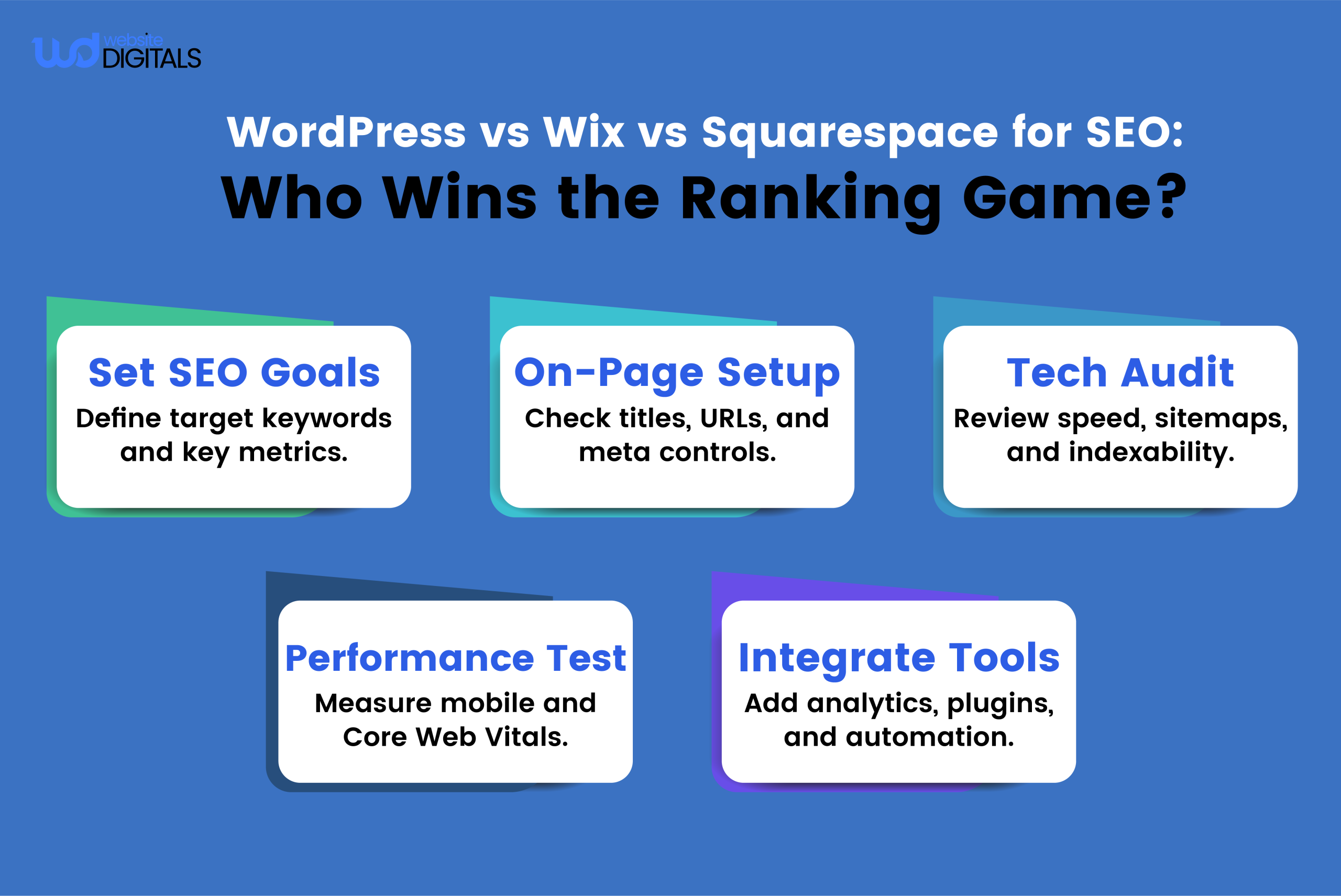
Search Engine Optimization (SEO) is key to your website’s visibility. Different platforms offer varying SEO support levels.
When comparing WordPress, Wix, and Squarespace, it’s vital to understand their SEO capabilities and marketing tools.
WordPress SEO Plugins and Strategy
WordPress excels with its wide range of SEO plugins. Notably, Yoast SEO and All in One SEO Pack offer tools for optimizing content, meta tags, and structure.
These plugins enable you to implement advanced SEO strategies, including keyword research and technical SEO audits.
Wix SEO Wiz and Built-in Tools
Wix provides a user-friendly SEO solution with its SEO Wiz tool. It guides you through optimization with step-by-step recommendations.
While not as robust as WordPress plugins, Wix’s built-in SEO tools are enough for most small to medium-sized websites.
Squarespace SEO Features and Limitations
It offers a solid SEO foundation with clean code and responsive designs. Yet, its SEO capabilities are limited compared to WordPress, with fewer customization options for advanced users.
Squarespace’s SEO settings allow for basic optimizations, such as editing page titles and meta descriptions.
Analytics and Reporting Capabilities
All three platforms integrate with Google Analytics, allowing you to track your website’s performance and visitor behavior. Here’s a comparison of their analytics capabilities:
|
Platform |
Google Analytics Integration |
Built-in Analytics |
E-commerce Tracking |
|
WordPress |
Yes, via plugins like MonsterInsights |
Basic, can be enhanced with plugins |
Yes, with WooCommerce |
|
Wix |
Yes |
Yes, Wix Analytics |
Yes, Wix eCommerce |
|
Squarespace |
Yes |
Yes, Squarespace Analytics |
Yes, Squarespace Commerce |
Pricing Structure and Total Cost of Ownership
The total cost of owning a website on WordPress, Wix, or Squarespace includes more than just the initial setup.
It’s vital to understand these costs to budget effectively and make a well-informed choice for your professional web development company needs.
WordPress Costs: Hosting, Domains, Themes, and Plugins
- WordPress is free to use, thanks to its open-source nature. Yet, you’ll incur costs for hosting, domain registration, themes, and plugins.
- Hosting prices vary from $3 to $25 monthly, depending on the type of hosting. Domain registration costs range from $10 to $35 annually.
- Premium themes can cost between $30 and $100 or more, and plugins can be free or up to several hundred dollars.
Here’s a breakdown of estimated costs for a basic WordPress site:
- Hosting: $3-$25 per month
- Domain: $10-$35 per year
- Theme: $30-$100 (one-time cost)
- Plugins: $0-$100+ (depending on the plugins you choose)
Wix Subscription Plans and Hidden Costs
Wix operates on a subscription model, with plans from $14 to $39 monthly (billed annually). These plans include hosting, a domain name for the first year, and various features.
While Wix’s pricing seems clear, there are hidden costs like premium apps and services that can increase your expenses.
For businesses that need custom functionality, it can be smart to hire Wix JavaScript developer services to optimize integrations and manage subscription-related code customizations efficiently.
Additional costs on Wix include:
- Premium apps: $10-$50 per month
- E-commerce features: additional fees for advanced e-commerce functionality
- Custom domain after the first year: $14.95 per year
Squarespace Pricing Tiers and Value Analysis
It also operates on a subscription model, with plans from $14 to $40 monthly (billed annually).
These plans include hosting, a free custom domain for the first year, and various features.
Known for its high-quality design templates and user-friendly interface, Squarespace’s cost can be justified for many users.
Long-term Financial Considerations
- When assessing the total cost of ownership, consider your long-term financial commitments.
- WordPress might require more upfront costs for themes and plugins, but it offers flexibility for cost savings over time.
In contrast, Wix and Squarespace’s subscription models result in predictable, recurring expenses.
To make an informed decision, consider the following:
- Your budget for the initial setup
- Ongoing monthly or annual costs
- Potential costs for additional features or services
- The scalability of the platform as your website grows
Performance, Speed, and Scalability for Growing Businesses
A fast and scalable website is vital for businesses aiming to expand their online footprint. As your business grows, your site must efficiently manage increased traffic.
We’ll look at how WordPress, Wix, and Squarespace fare in terms of speed and scalability.
Optimizing Performance
- WordPress excels in performance optimization techniques, with tools like WP Rocket and W3 Total Cache boosting site speed.
- Wix, by contrast, manages optimization internally, providing a smooth experience but less control for advanced users.
- Squarespace shines with its high-performance capabilities, thanks to its optimized templates and infrastructure.
Site Speed and Mobile Responsiveness
Wix sites are generally swift, thanks to Wix’s optimization efforts. Yet, the drag-and-drop editor can lead to slower site speeds due to bloated code.
Squarespace, on the other hand, excels in speed and mobile responsiveness, thanks to its optimized templates.
Performance Benchmarks and Scalability
Squarespace’s performance benchmarks are impressive, hitting high marks for e-commerce sites. Yet, scalability becomes a critical issue as your site expands.
Handling High Traffic Volumes
For businesses expecting high traffic, WordPress offers the most scalable solutions, best paired with robust hosting like managed WordPress hosting.
Wix and Squarespace also manage traffic well but face scalability limits, mainly for very high volumes.
|
Platform |
Performance Optimization |
Scalability |
Site Speed |
|
WordPress |
Highly customizable with plugins |
Highly scalable with the right hosting |
Fast with proper optimization |
|
Wix |
Handled internally by Wix |
Scalable but with limitations |
Generally fast |
|
Squarespace |
Optimized templates and infrastructure |
Scalable for most use cases |
Fast and mobile responsive |
Note: When deciding between WordPress, Wix, and Squarespace, consider your business’s growth trajectory and website scalability needs.
Technical Support and Community Resources
Understanding the technical support and community resources of your chosen platform is key when creating a professional website.
These elements can greatly affect your ability to solve problems, improve performance, and meet your online objectives.
WordPress Community and Documentation
- WordPress has a large, active community and extensive documentation on its official website.
- Its community-driven nature offers support through forums, meetups, and contributor teams.
- The platform’s documentation spans from beginner guides to advanced developer resources.
Wix Customer Support Options
- Wix provides a detailed customer support system, including a knowledge base, phone support, and live chat.
- Designed to quickly resolve issues, Wix’s support ensures minimal website downtime.
- The platform also has a community forum for users to share experiences and advice.
Squarespace Help Center and Support Channels
- Squarespace’s Help Center offers detailed guides on using the platform, troubleshooting, and optimizing website performance.
- It also provides 24/7 email support, ensuring users receive help whenever needed.
Developer Resources and APIs
- For developers, WordPress, Wix, and Squarespace all offer valuable resources.
- WordPress has extensive APIs and developer documentation for creating custom plugins and themes.
- Wix’s Wix Code allows for dynamic, data-driven websites.
- Squarespace’s Developer Platform includes APIs and tools for extending site functionality.
When comparing WordPress vs Wix vs Squarespace, each platform excels in technical support and community resources.
Security Features and Maintenance Requirements
The choice between WordPress, Wix, and Squarespace should be based on their security features and maintenance needs.
Each platform has unique security features to safeguard your site from threats. It’s vital to grasp these features for a secure online presence.
WordPress Security Best Practices
WordPress, being open-source, demands strict security adherence. This includes:
- Regular updates of themes, plugins, and the core software
- Use of security plugins like Wordfence or Sucuri
- Strong password policies and user role management
Wix Security Infrastructure and Backups
Wix offers a managed security setup, including automatic backups and strong defense against web threats.
Squarespace Security Measures and Compliance
Squarespace provides a secure environment with SSL encryption and regular security updates. It also ensures compliance with data protection regulations.
Data Protection and Privacy Considerations
- Ensuring data protection and privacy compliance is critical, regardless of the platform.
- It involves understanding each platform’s data handling practices and ensuring they meet legal obligations.
Choose the Right Platform for Your Specific Needs!
When deciding between WordPress vs Wix vs Squarespace, consider your specific requirements. This includes ease of use, design flexibility, e-commerce capabilities, and SEO performance.
If you’re a business owner or developer seeking high customization and scalability, WordPress might be the ideal choice.
For users looking for a straightforward, drag-and-drop solution, Wix could be the way to go.
If you prioritize sleek, modern designs and are willing to work within a more controlled environment, Squarespace is worth considering.
Ultimately, the choice depends on your project’s unique needs and your comfort level with web development. But, Website Digitals is here to assist you in every way possible. So give us a call at (646)-222-3598, or you can email us at info@websitedigitals.com
FAQs
Which platform is best for e-commerce websites?
WordPress with WooCommerce is a top choice for e-commerce due to its flexibility and vast plugin ecosystem. Wix and Squarespace also cater to e-commerce needs, but with less customization and higher transaction fees.
How do WordPress, Wix, and Squarespace compare in terms of SEO?
WordPress excels in SEO customization with tools like Yoast SEO, while Wix and Squarespace have built-in SEO tools. WordPress offers more control over SEO but requires a higher level of technical knowledge.
What are the costs associated with using WordPress, Wix, and Squarespace?
WordPress costs include hosting, domain registration, themes, and plugins. In contrast, Wix and Squarespace offer subscription-based plans with varying features and costs. WordPress can be more cost-effective in the long run, but requires a larger upfront investment.
Can I migrate my website from one platform to another?
Yes, migrating your website is possible, but it can be complex and time-consuming. WordPress's open-source nature makes it more flexible for migration.
Which platform is best for beginners?
Wix and Squarespace are more user-friendly for beginners, featuring drag-and-drop interfaces and streamlined setup processes. WordPress requires more technical knowledge but offers extensive community resources and documentation.
How do WordPress, Wix, and Squarespace handle security and maintenance?
WordPress requires manual security updates and maintenance, while Wix and Squarespace handle these tasks automatically. WordPress offers more control over security but demands more technical expertise.